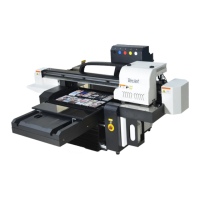
TJ UV Printer User Manual
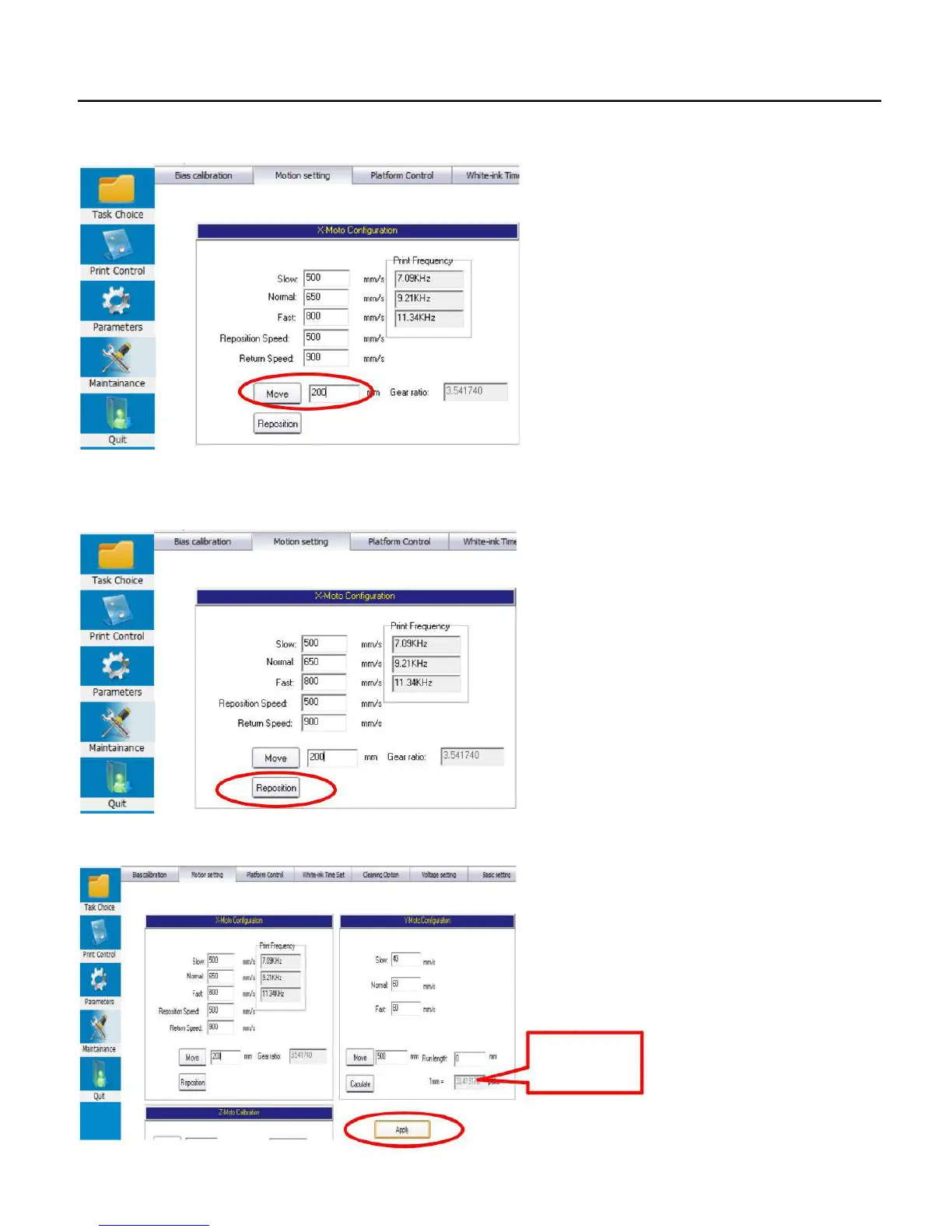
3. Go to Maintainance/Motion setting/X-motor configuration/Move/200mm ( the number can not bigger than 500mm, as the TJ
max. X printing width is 600mm. )
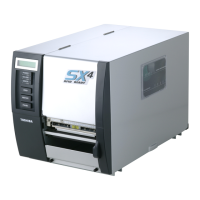
4., Then carriage will start move from home position to left for a certain distance then stop, press the REPOSITION button when
carriage stop move. The the Gear Ratio number will be changed automatically.
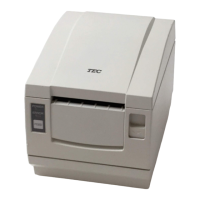
5. Then click apply to save the setting:
X carriage
gear ratio
44


 To Next Page