TJ UV Printer User Manual
3.2. Install the print head to the machine.
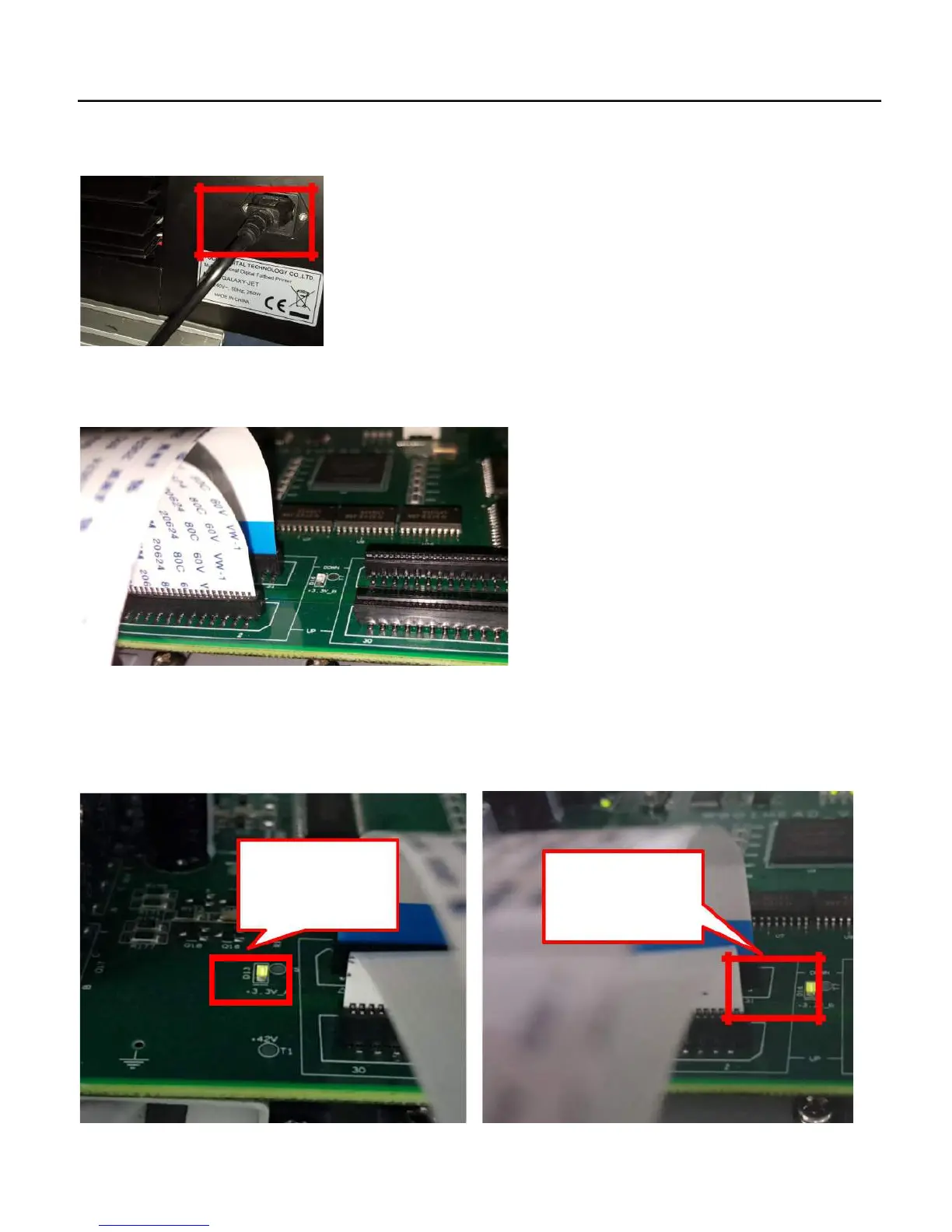
1. Power off the machine, be sure the flatbed is free without anything leave on the flatbed.
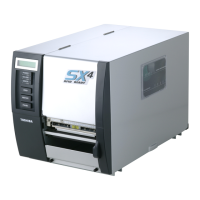
2. Connect the print head cable to the left two port of the carriage as show as the following picture. Please pay attention to the
correct connection side!
3. Power on the machine
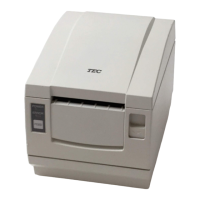
4. Check the carriage board, be suer the D13 and D16 print head power LED light is on (With print head cable connected). If
these two light is off, please check the cable conenction and connect again)


 To Next Page