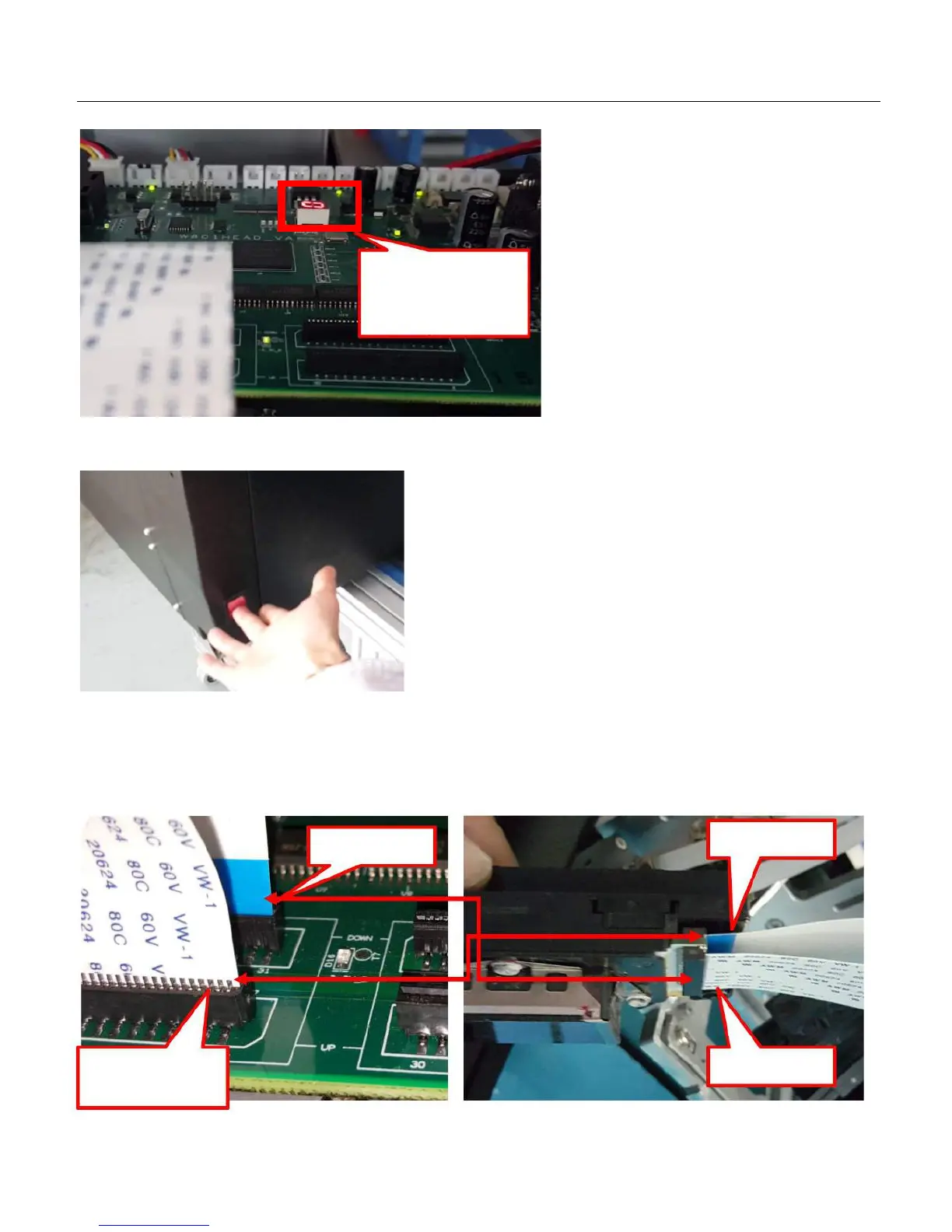
Carriage board
working correct status
digit light
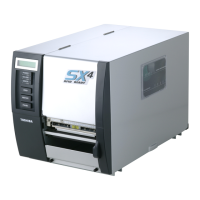
6. Power off the machine! Must power off!, or it will short the print head!
7. After power off the machine, then Connect the print head cable to the print head. Please pay attention to the DOWN, UP mark
on the carriage board, the DOWN cable must connect with the down side of the print head. And UP cable must connect with the
UP side of the print head. Also pay attention to the pin side of each cable. Connect the print head with carriage by two cables as
following:


 To Next Page