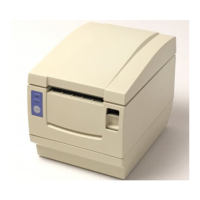
TJ UV Printer User Manual
√
×
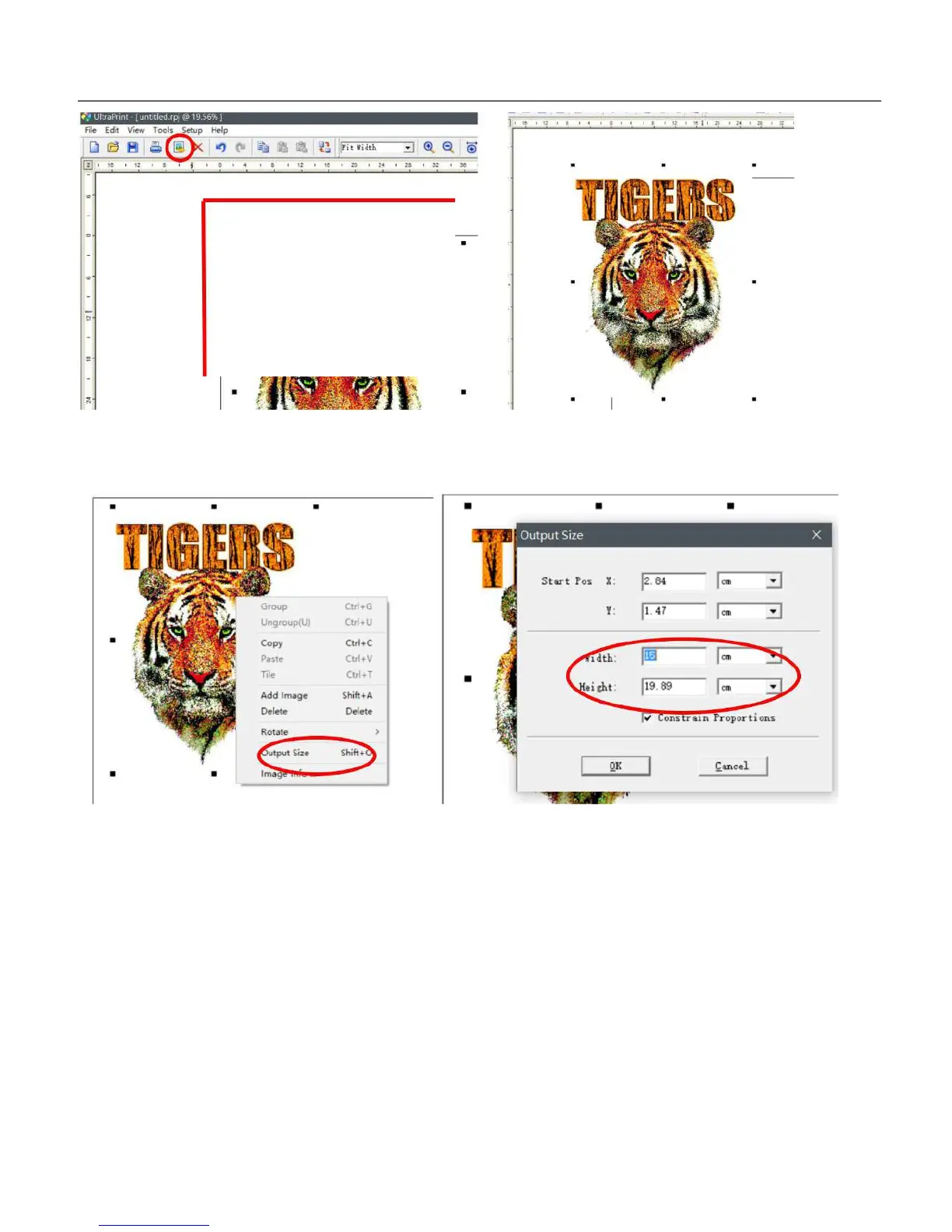
C: Right click the image, to choose the output size/Width/Height, Be sure that the width is small than 40cm, and Height is
small than 80cm, as the TJ max. printing size is 40*80cm, the machine will get faulty if print over this size.
D: Go to setup/option/White ink(SPOT)/Advaned/density curve(Choose the resolution that you want print), other just keep
default. Then click Apply and OK to save the setting.
62


 To Next Page