30
Call: 1-631-648-7481 or Visit: support.technocnc.com
Titan Series WinCNC Manual
WinCNC
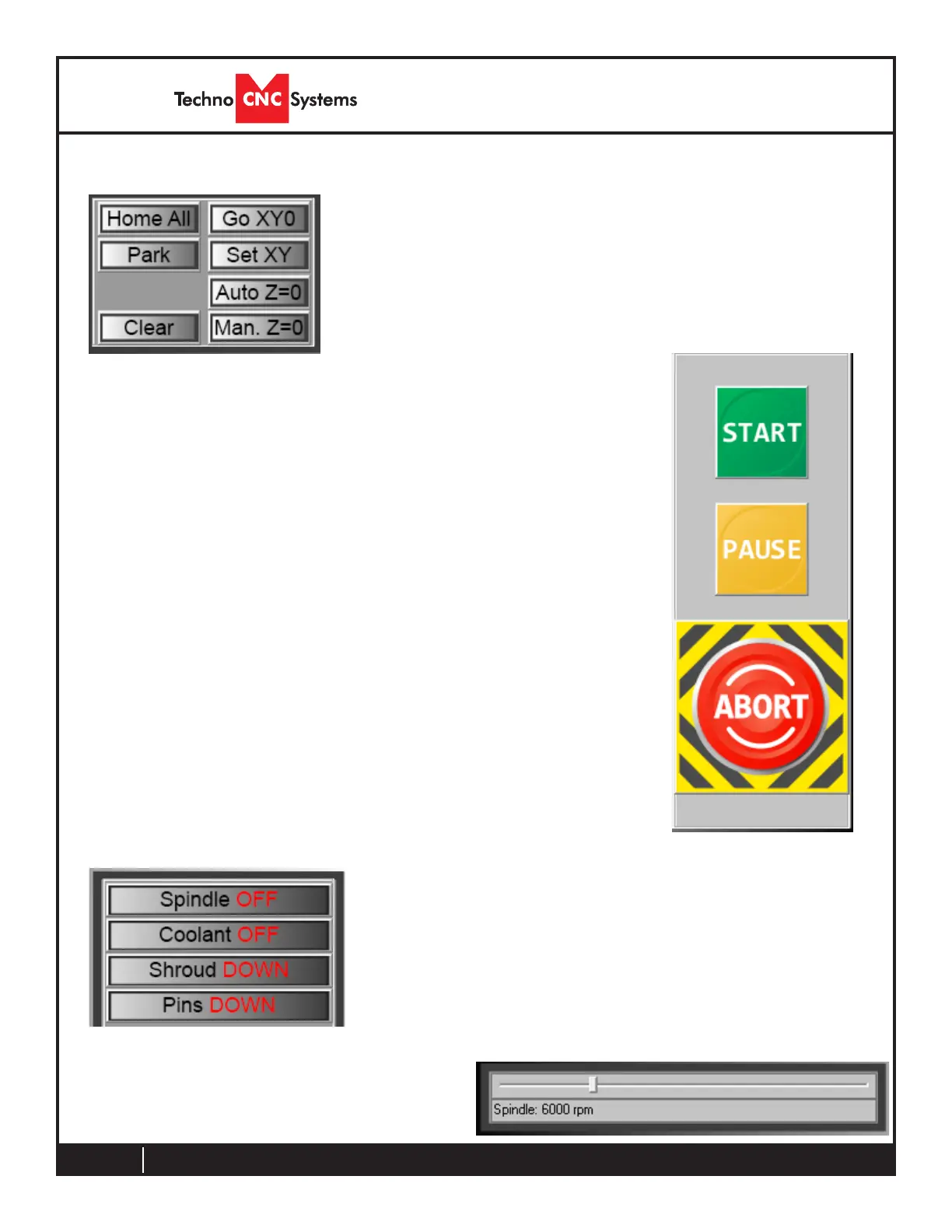
This frame contains the fundamental operations for the
CNC machine. These buttons are discussed in detail
throughout the manual.
Main Function Windows
3.5- Functions
Thisframecontainsthe“Start”,“Pause”and“Abort”controls.
Start-ExecutestheloadedtheG-codele
Pause-PausesacurrentlyrunningG-codele.Press“Pause”
again to continue
Abort - Stops/Cancels any machine movement. This includes
runningg-codeles,toolchanges,toolmeasuring
cycles
Operator Panel
This frame contains the Output Override Controls. The buttons
show the current status of the output. Click the button to change
the status. For example, Off to On or Down to Up.
These are overrides, so they can only be performed when the
machine is NOT moving.
When turning the spindle on and off, the spindle MUST have a tool
loaded in the chuck and the RPM can be controlled by the slider
bar at the bottom of the screen.
Output Control



 To Next Page