42
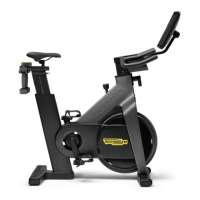
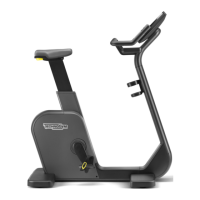
Crossover, Synchro, Vario, Bike, Recline, Climb, Step, Top - Advanced LED display
Programming personal proles
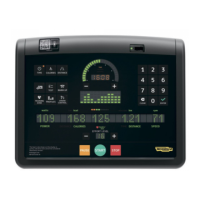
To program personal proles, when in standby press number keys 3 6 9 simultaneously; then enter the password 2412 with the number keys and conrm with
ENTER.
o3
Type in the number of the prole to be saved with the number keys, then press ENTER to conrm. If the number entered corresponds to a previously stored
prole, this prole will shown in the led display; if you proceed at this point, the previously stored prole will be overwritten.
On equipment with constant power:
oowo
Or on equipment with constant speed:
oo
Press number key 1 to program a constant power or constant speed prole, or number key 2 to program a constant heart rate prole.
too
Press the key for the selected GOAL.
Now there is the programming of the individual steps: for each step you have to enter dierent parameters, depending on the type of prole selected and on
the equipment.


 To Next Page