49
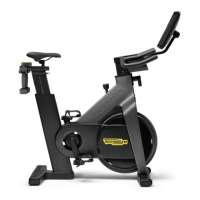
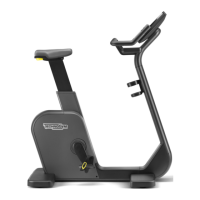
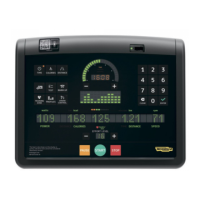
Crossover, Synchro, Vario, Bike, Recline, Climb, Step, Top - Advanced LED display
Conguration menu
To customise the software conguration, when in standby press number keys 3 6 9 simultaneously; then enter the password 2406 with the number keys and
conrm with ENTER.
If the password entered is not correct, the software will go back to standby directly.
The conguration menu messages are in two parts:
- the rst part, which is xed, gives the name of the parameter;
- the second part shows the individual parameter options one by one (on pressing the corresponding keys).
Press the
eort level key to go to the next message; to go back to the previous message press the eort level key.
To scroll the options of the individual parameter press the or the goal keys.
To select one of the options and proceed, press ENTER when the chosen option is displayed.
Press the CLEAR key to go back to standby. Whenever CLEAR is pressed, in whatever message, all the changes made up to that time will be saved. You cannot
exit without saving. If you make a mistake, you can reset the initial Technogym values with default cong. (see below).
The following parameters can be edited, in the order given below:
Selects the language for the messages.


 To Next Page