50
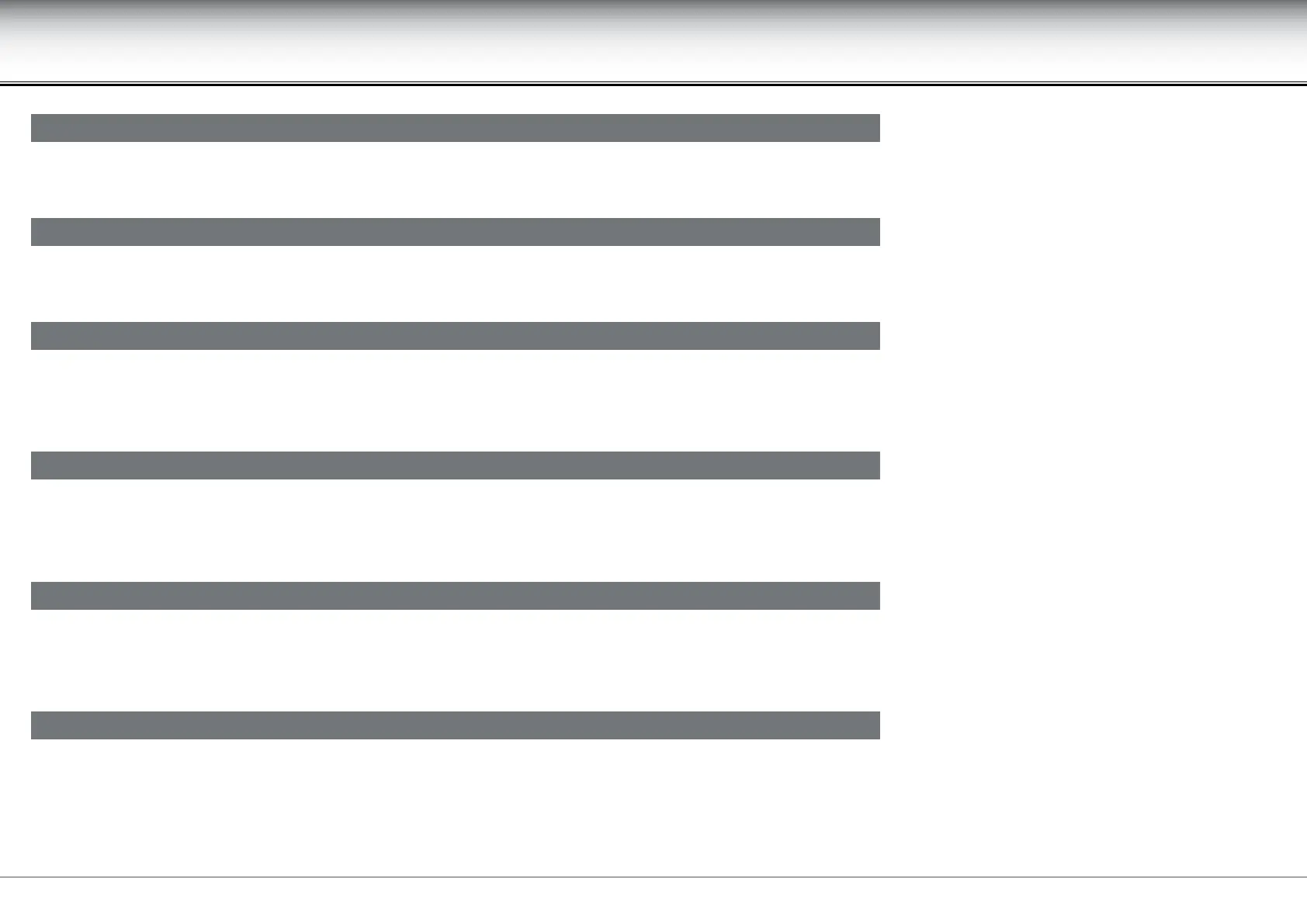
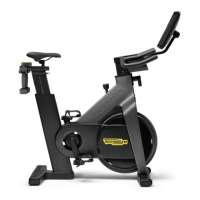
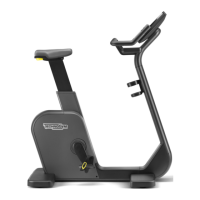
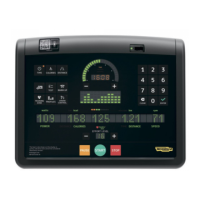
Crossover, Synchro, Vario, Bike, Recline, Climb, Step, Top - Advanced LED display
Conguration menu
To select the unit of measurement, either kilometres and kilograms (KM) or miles and pounds (MILES).
To set a maximum time for all the exercises, enter the number of minutes with the number keys. If you make a mistake press CLEAR to delete the entered number.
To set the pause time, after which the equipment goes back to standby, enter the number of minutes with the number keys. If you make a mistake press CLEAR
to delete the entered number.
To set the cool down time, from 5 to 180 seconds, enter the number of seconds with the number keys. If you make a mistake press CLEAR to delete the entered
number. Whatever duration has been set, the results of the workout scroll completely.
To enable (modiable) the eort level keys to change the heart rate that has to be kept constant in CPR mode exercises. If you select the non-modiable option,
it will not be possible to change the set heart rate in any way.
To enable the equipment to be used with the TGS key. If the TGS is disabled, the equipment can be used only with the control panel.


 To Next Page