9. SW UPDATE
9.1 SW UPDATE PROCEDURE
1. Starting situation:
• PC (laptop) switched on
• USB-MINI USB cable
2. Procedure:
• Disconnect the power supply cable (Connect version) or switch o the baery (Console version).
If the baery does not switch o (Console version), a Low Kit SW loading error is generated.
• Remove the guard from the console's MINI USB connector.
• Connect the console to the PC via the USB - MINI USB cable.
• Press and hold the heart buon
on the console within 5 seconds.
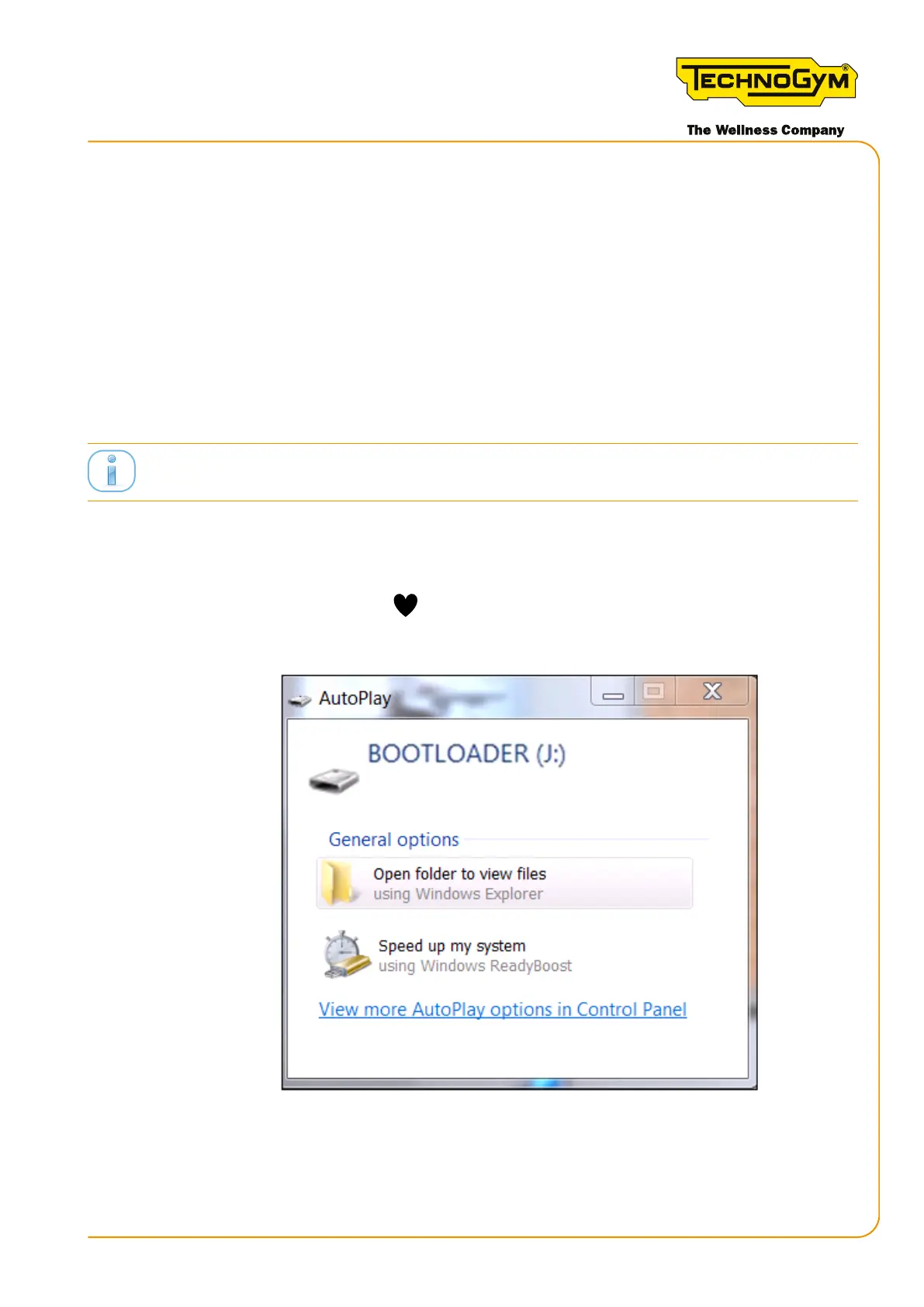
• An AUTOPLAY pop-up will appear on the PC for a USB thumb drive called “BOOTLOADER”.
Figure 71
3. If asked (depending on the operating system installed) “Do you want to repair the content?”
respond: “Continue without analysing”.
Skillmill:
Technical Service Guide - Rev. 3.5
Page 123email: support@technogym.com












 To Next Page