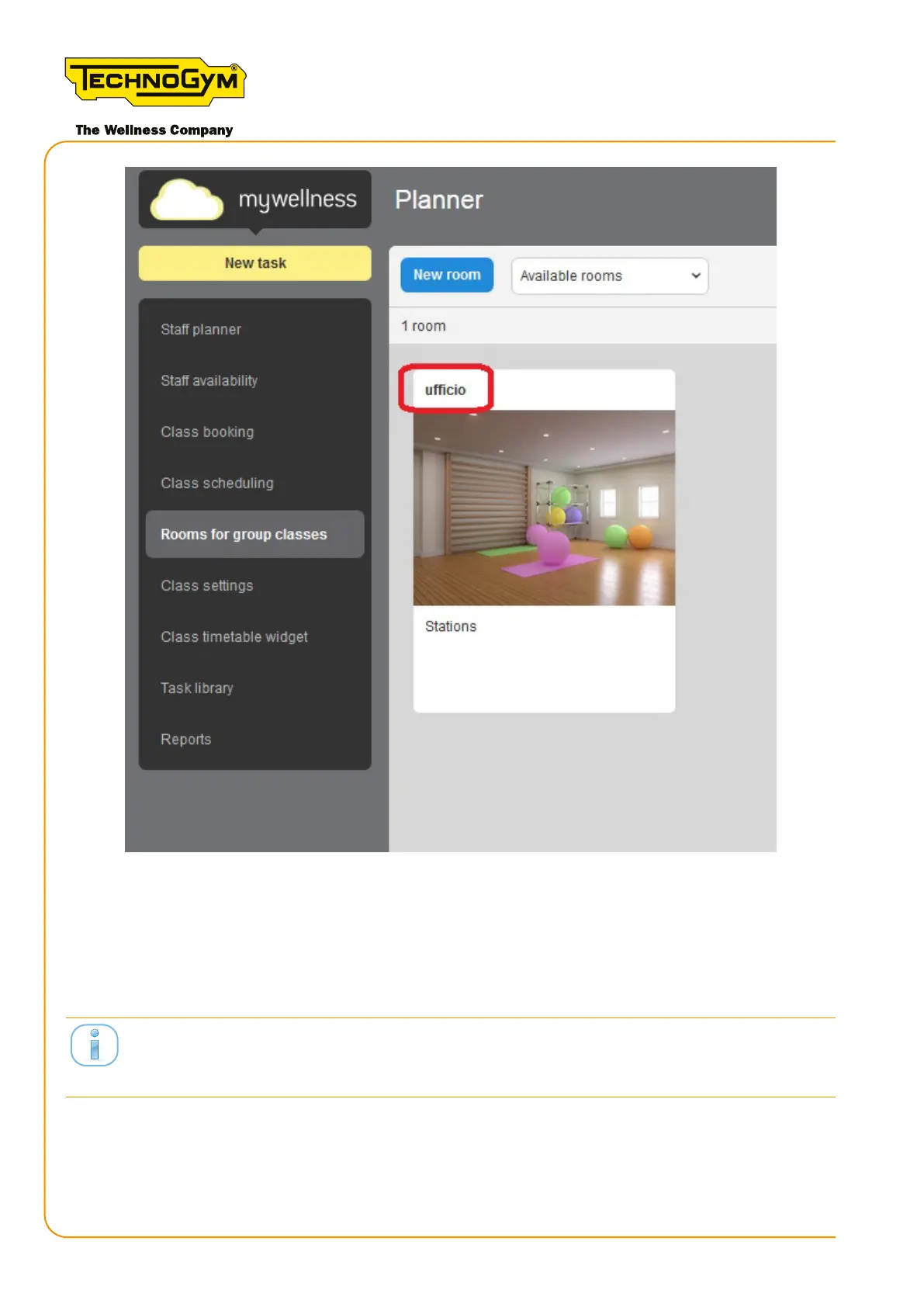
Figure 29 - section of the Professional site where you can see the Skillmill room selected by the
customer (or by the technician, if he/she can access the customer's professional site)
7. ScantheQRcodeofeachSkillmillconsolewithyoursmartphonecamera.Congureeach
Skillmill console with the equipment number and the room in the “Equipment Seing”
section of the Technogym Equipment Set-Up app.
mywellness.com site.
8. Access the MYWELLNESS CLOUD section of Unity Self. Scan the Unity Self QR code with
your smartphone camera. Congure Unity Self with the Unity Self number (associate a
numbernotusedbytheequipment)andtheroominthe“EquipmentSeing”sectionofthe
Technogym “Equipment Set-Up” app.
Skillmill
Technical Service Guide - Rev. 3.5
Page60
email: support@technogym.com












 To Next Page