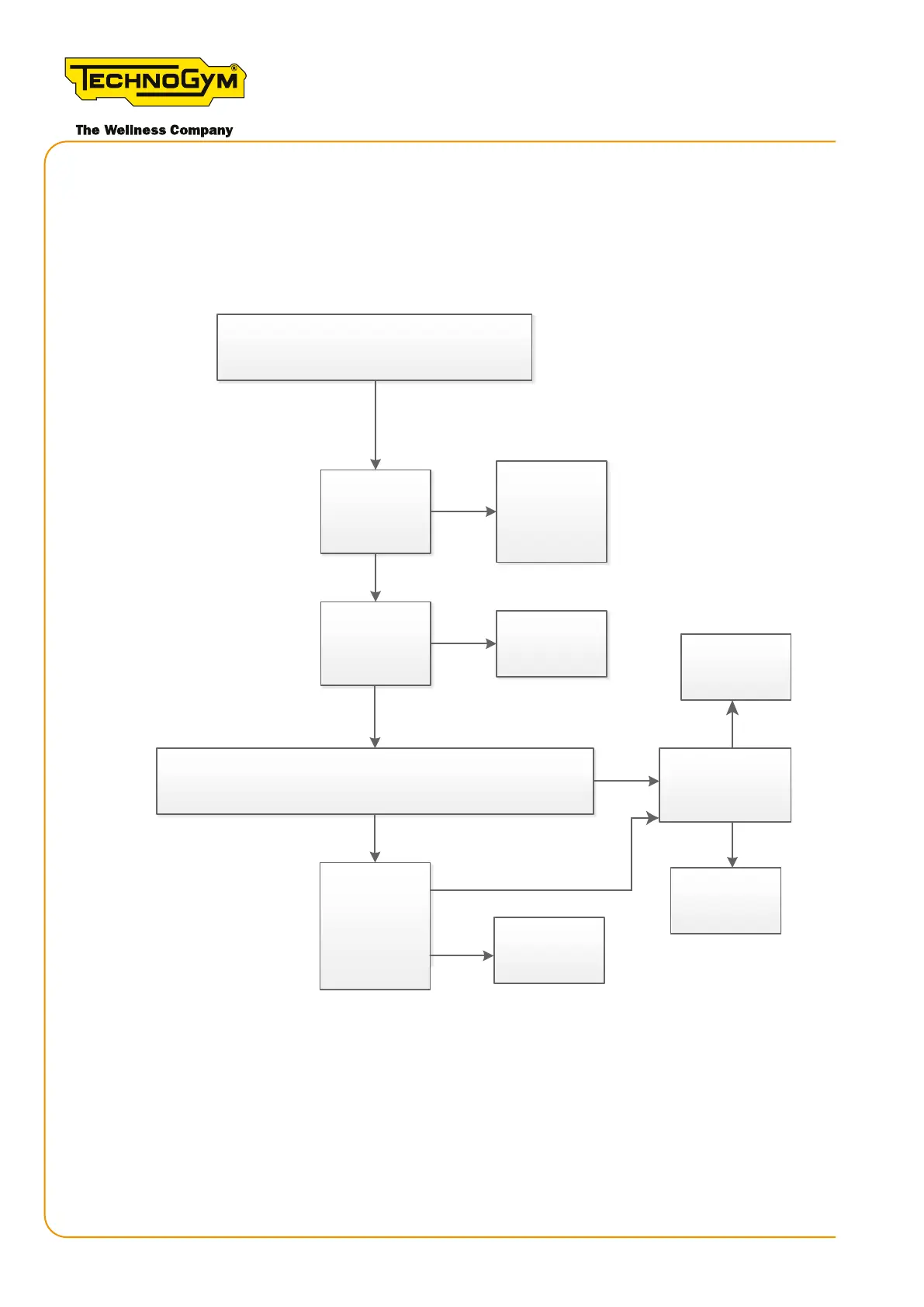
6.6.9.1 USER CANNOT LOG IN - LOGIN ICON FLASHING (LOGIN VIA QR CODE - TGS/NFC -
BLUETOOTH)
First, always upgrade the SW to the latest released version.
Yes
Yes
Yes
No
No
No
Yes
No
OK, done.
OK, done.
Yes
No
Yes
The customer cannot log in.
QR code
Does the
problem occur
on
other
equipment?
Make sure the
customer
network
respects the
minimum
network on the
display. Problem
solved?
OK, done
Check the serial number of the display, read by the
terminal, and the serial number read on the QR code with
a QR scanner. Are the two SNs the same?
Set the correct
serial number
with the terminal
Is the problem
solved?
Replace the
display (*)
Check the
Problem solved?
Figure 43 - login via the QR code
Skillmill
Technical Service Guide - Rev. 3.5
Page 76
email: support@technogym.com












 To Next Page