[2]: REPLACING THE PIN: for the details, see “7.8.2 FITTING THE PIN”.
(*): for the details, see “6.1 Procedure for replacing components”, Low Kit section.
6.6.9 LOGIN PROBLEMS
First, always upgrade the SW to the latest released version.
Before facing the login problem, it's a good idea to understand how the display works.
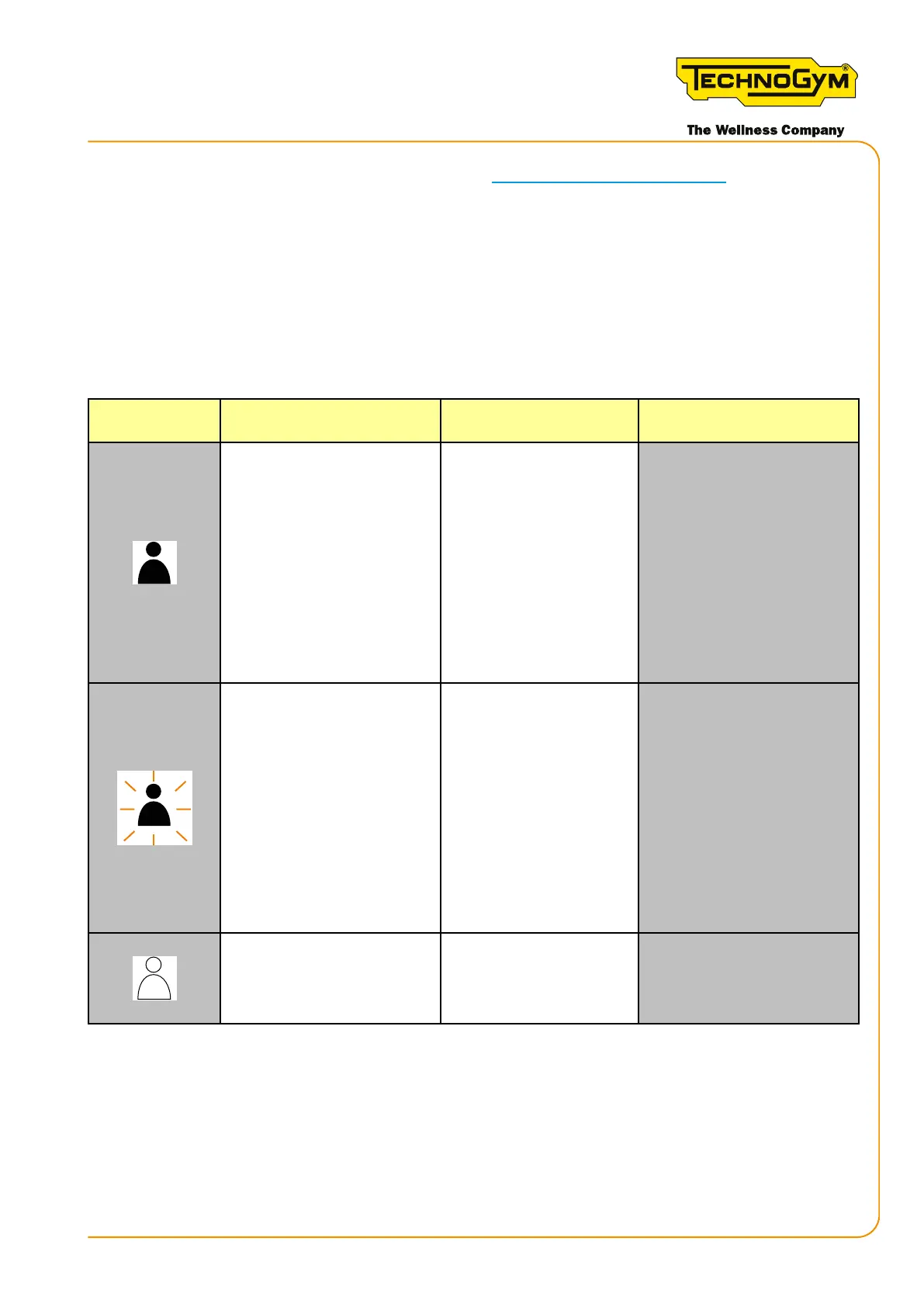
The icon of the connected user can help in troubleshooting, and can have 3 states:
Icon state
State in the
hardware
Event description
Theiconisowhennouseris
logged in (initial state)
TGS/NFC
Bluetooth
Qr code
Ifauseraemptstologin
andtheiconstartstoash,
this means that:
- in the case of TGS/NFC/
Bluetooth, the hardware
channel used does not
function;
- in the case of a QR code,
the problem is related
to the network.
The icon ashes when
aemptingtologinwiththe
console and while waiting for
the response from the cloud
TGS/NFC
Bluetooth
If a user aempts to log
in and the icon starts to
ash, this means that the
hardware channel used is
functioning.
If it does not move on
to the next channel,
the problem relates to
the network: Console
conguration, Unity Self
conguration…..
Theiconisowhennouseris
logged in (initial state)
TGS/NFC
Bluetooth
QR code
Login performed correctly.
Table 59
Skillmill:
Technical Service Guide - Rev. 3.5
Page 75email: support@technogym.com












 To Next Page