© Technosoft 2011 63
IDMx40 Technical Reference
4.5. Creating an Image File with the Setup Data
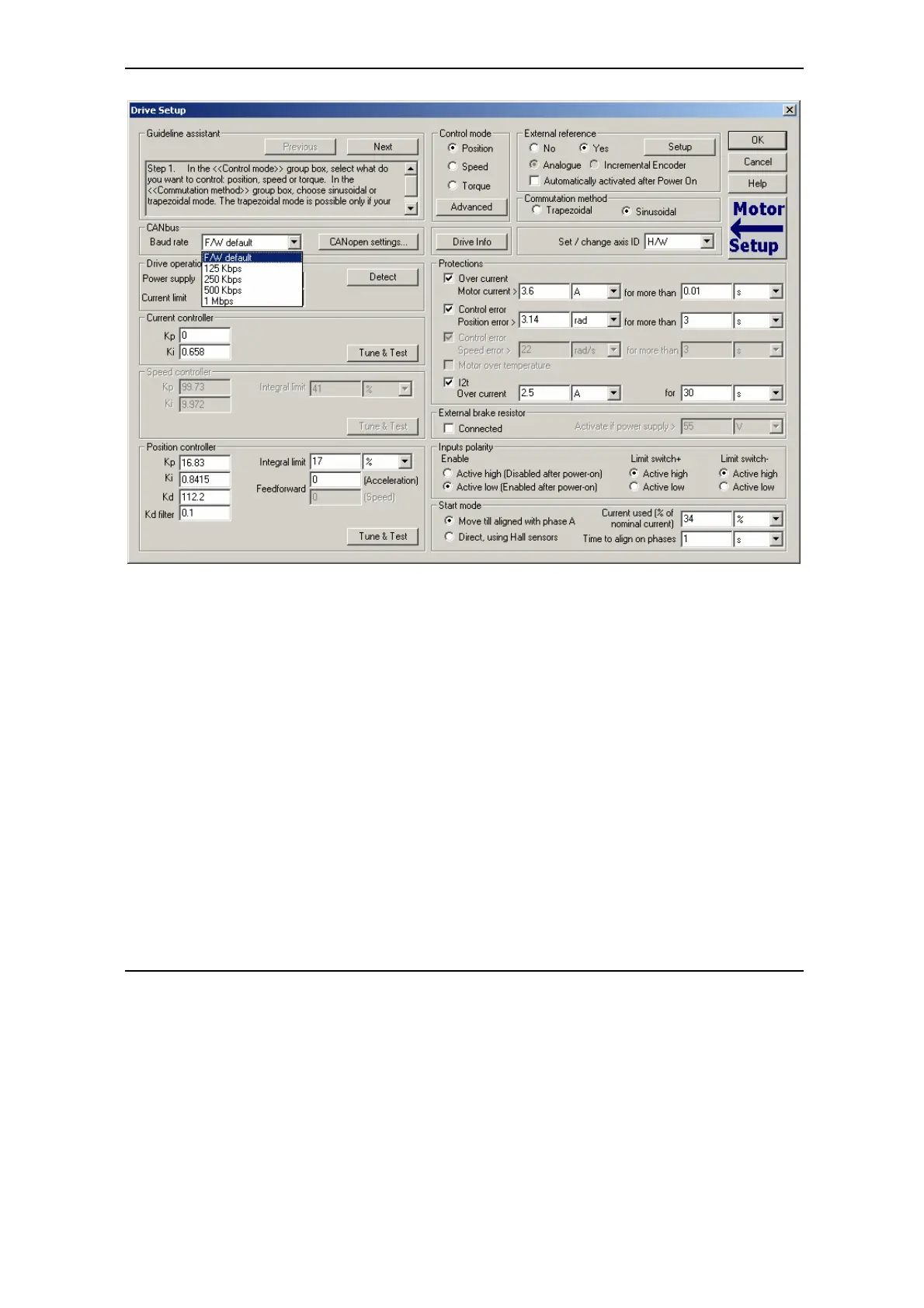
Once you have validated your setup, you can create with the menu command Setup | Create
EEPROM Programmer File a software file (with extension .sw) which contains all the setup data
to write in the EEPROM of your drive.
A software file is a text file that can be read with any text editor. It contains blocks of data
separated by an empty raw. Each block of data starts with the block start address, followed by
data values to place in ascending order at consecutive addresses: first data – to write at start
address, second data – to write at start address + 1, etc. All the data are hexadecimal 16- bit
values (maximum 4 hexadecimal digits). Each raw contains a single data value. When less then 4
hexadecimal digits are shown, the value must be right justified. For example 92 represent 0x0092.
The .sw file can be programmed into a drive:
from a CANopen master, using the communication objects for writing data into the drive
EEPROM
from a host PC or PLC, using the TML_LIB functions for writing data into the drive
EEPROM


 To Next Page