IPCAM User Manual
33
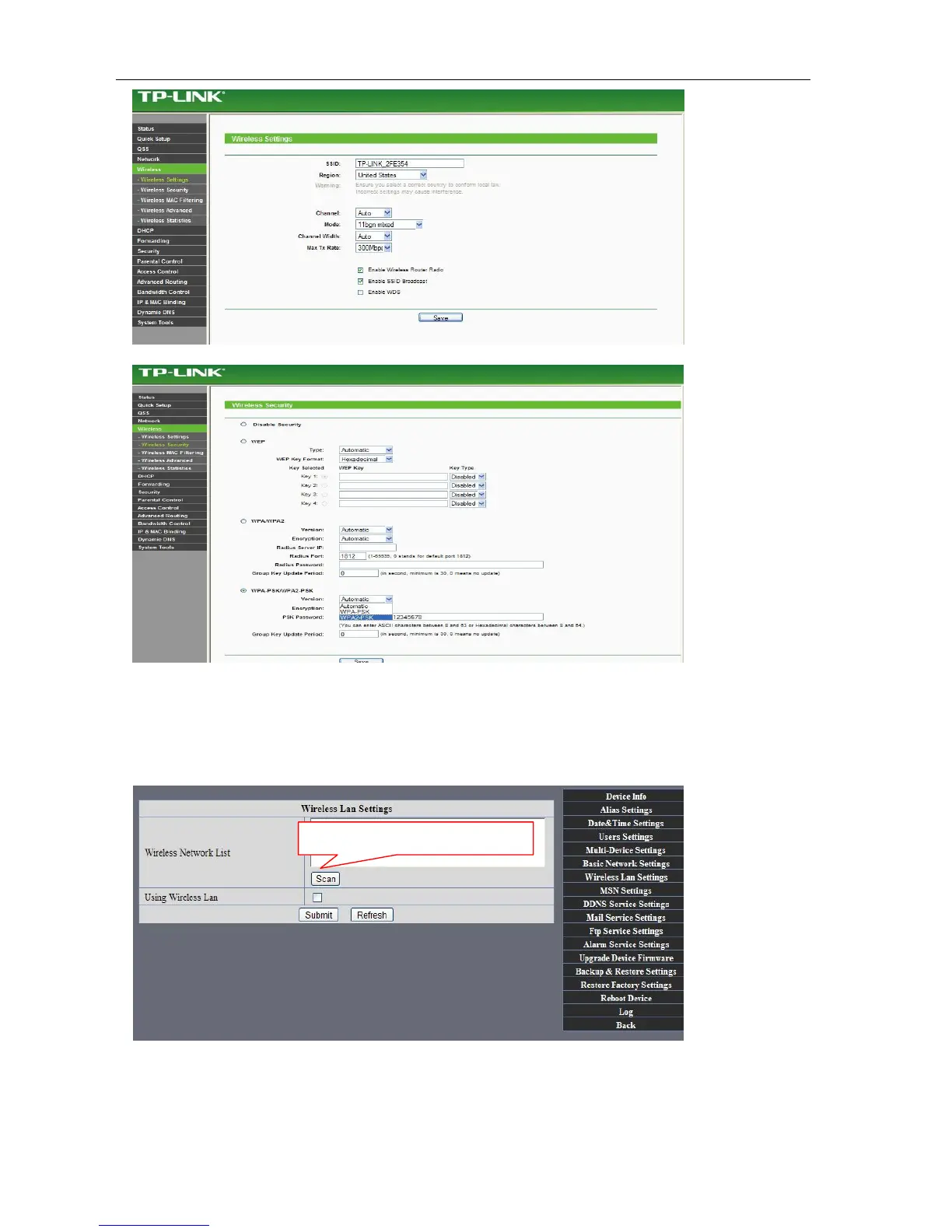
Figure 54
As Administrator to Login camera, open wireless LAN Settings page, fill in every
Setting (ensure keep the same as router’s ), and then pulled out of the cable, wireless network function can be
used. For example: as shown in belows
Pls click the scan buttom twice
.



 To Next Page