IPCAM User Manual
5
2 Device appearance and interface
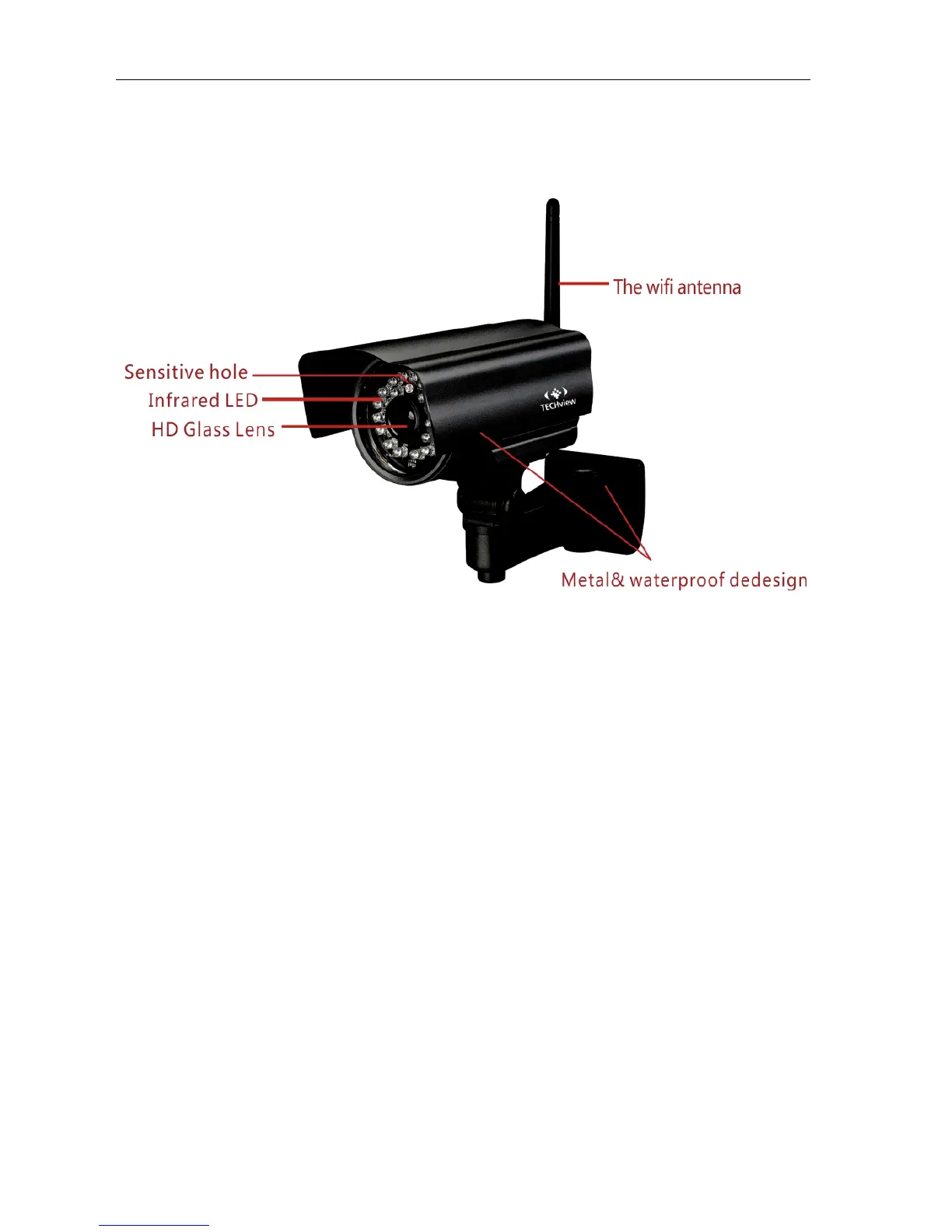
2.1 Device appearance
Picture 1: Device appearance
1. Sensitive Hole:
According to outside of light decide whether open infrared LED
2. Infrared LED
3. Lens :CMOS Sensor .You can turn around the lens manually to adjust the focus range
4. Build-in Microphone
Warning: please don't forcibly manual translation/lifting cameras, because it is likely that
damaged internal component!
Build-in Microphone



 To Next Page