IPCAM User Manual
7
3.1 Install hardware
You should install your IP Camera's hardware according to the following step in order to make sure
the IP camera can work properly. Especially, pay attention to IP camera's installation environment.
1) IPCAM. Plug DC adapter with IP camera
I.Note: Please use Dc adapter which is the standard configuration of IP camera. Using DC adapter
without any certificate, may destroy IP camera.
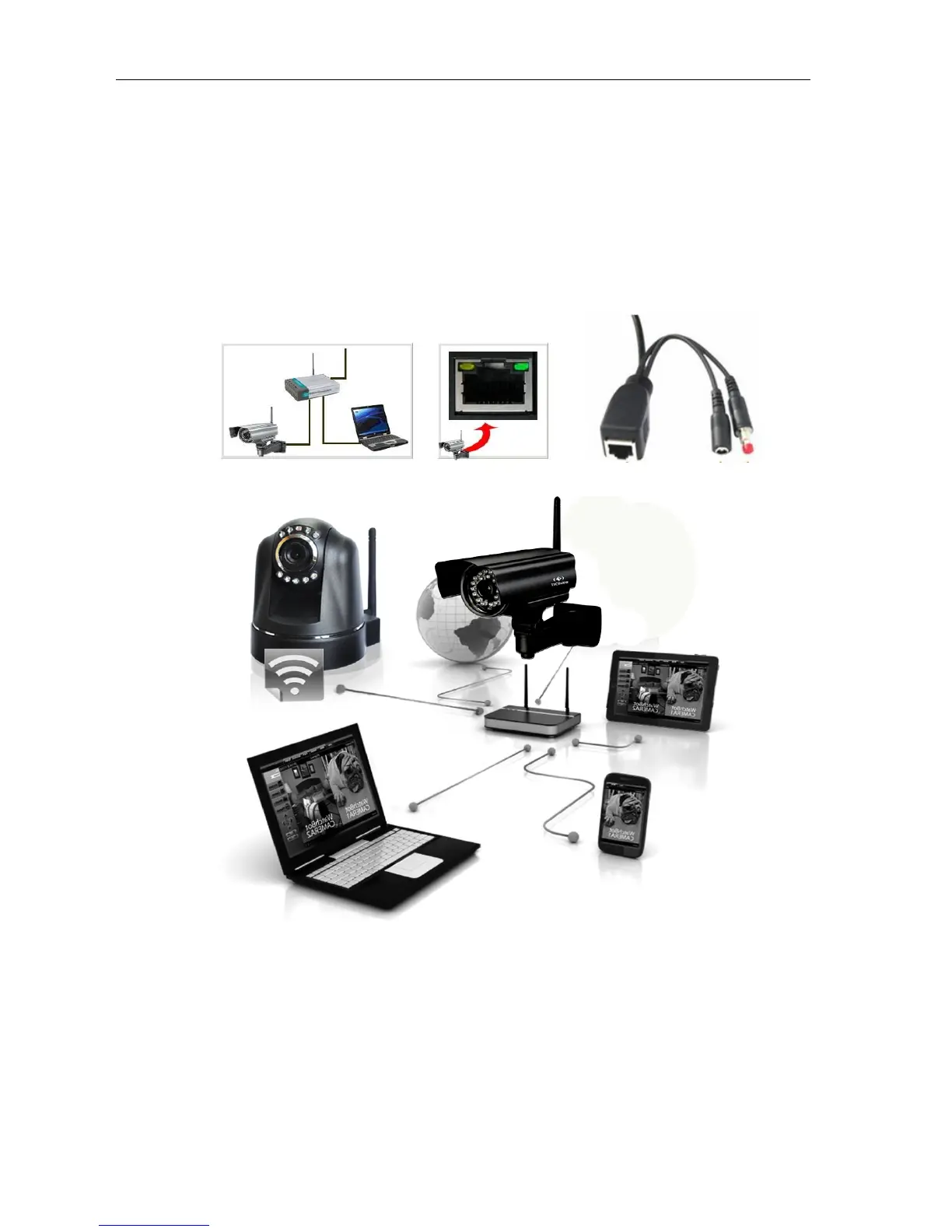
2) Plug cable with IP camera, and another side of cable should connect with DSL or router. In additional,
make sure power of IP camera work properly and IP camera and PC are in the same Subnet( it can be
LAN, and it also can use cable to connect PC and IP camera)
Picture 4 Network connection
sketch map
2)
When you use IP camera for the first time, IP Address of IP camera obtain
automatically.(Before using, please make sure " DHCP" Server function in LAN's router has
been opened, or Server system open " DHCP" Server function) It is very convenient for users
to use because It is suitable for different LAN NETWORK environment.



 To Next Page