IPCAM User Manual
50
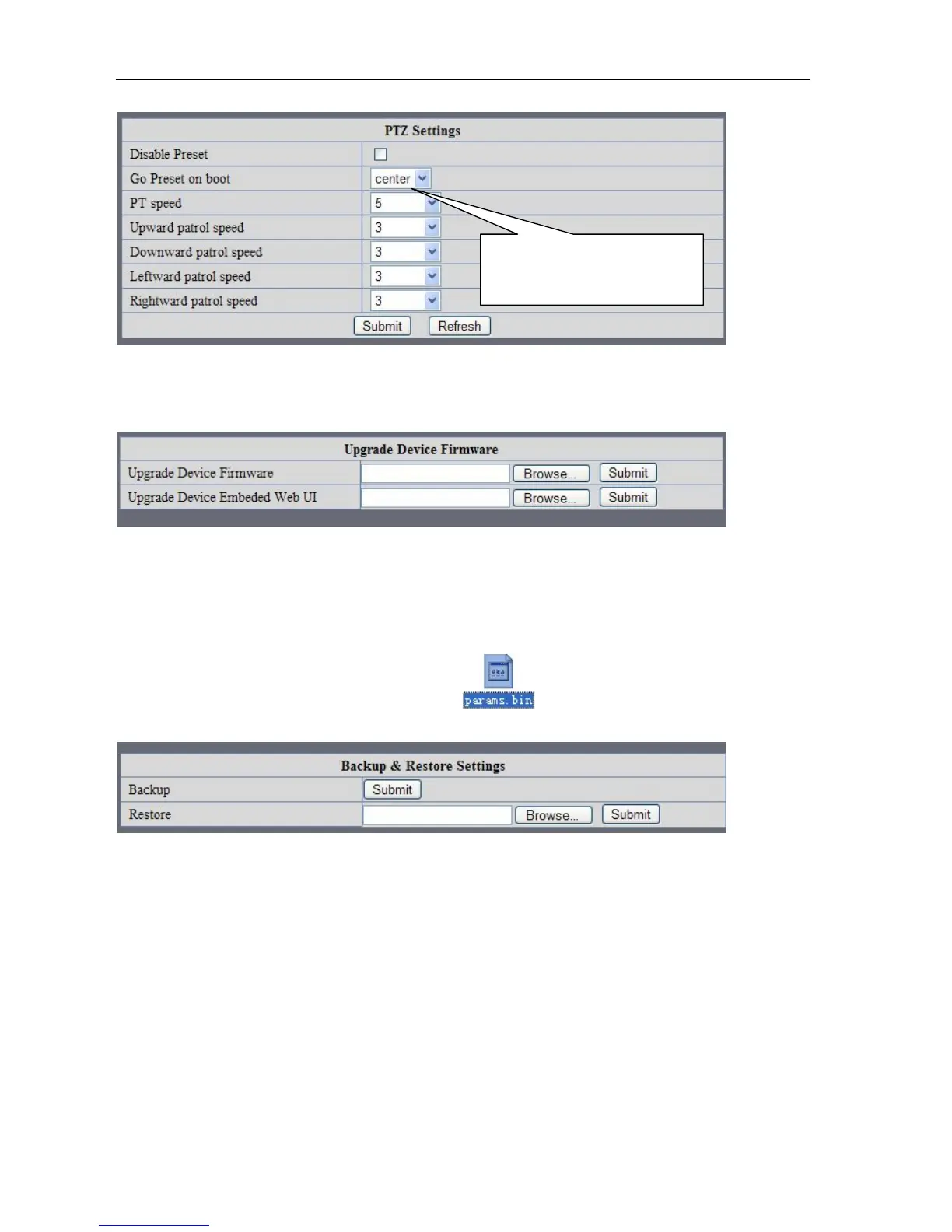
Pre-set and Speed of PT.
Picture 95
7.8
U
PGRADE
D
EVICE FIRMWARE
Picture 96 Firmware upgrade
IP CAMERA has two kinds of programme: One is system firmware, another is application firmware. It can be
upgraded separately.
7.9
B
ACKUP AND RESTORE SETTING
Click " Set" in the ' Backup" will lead to a BIN file ,and choose this file to restore setting!
Picture 97
8 APPENDIX
8.1
R
EGISTER AND APPLY FOR
DDNS
S
ERVICE
1、Users use DDNS management system first time.Users need to apply account to manage
and inquire the domain state.
Step1: enter http://www.dyndns.com/ and Create Account.( Fill in Domain Name .dyndns.org then Click
Add)
The huger the Number is, The
slower it will be.



 To Next Page