IPCAM User Manual
18
October 11, 2010.When use motion detection and checked Send Mail on Alarm.
The name of the picture received in mailbox is like this: device id(Alias)_ Current
time.jpg
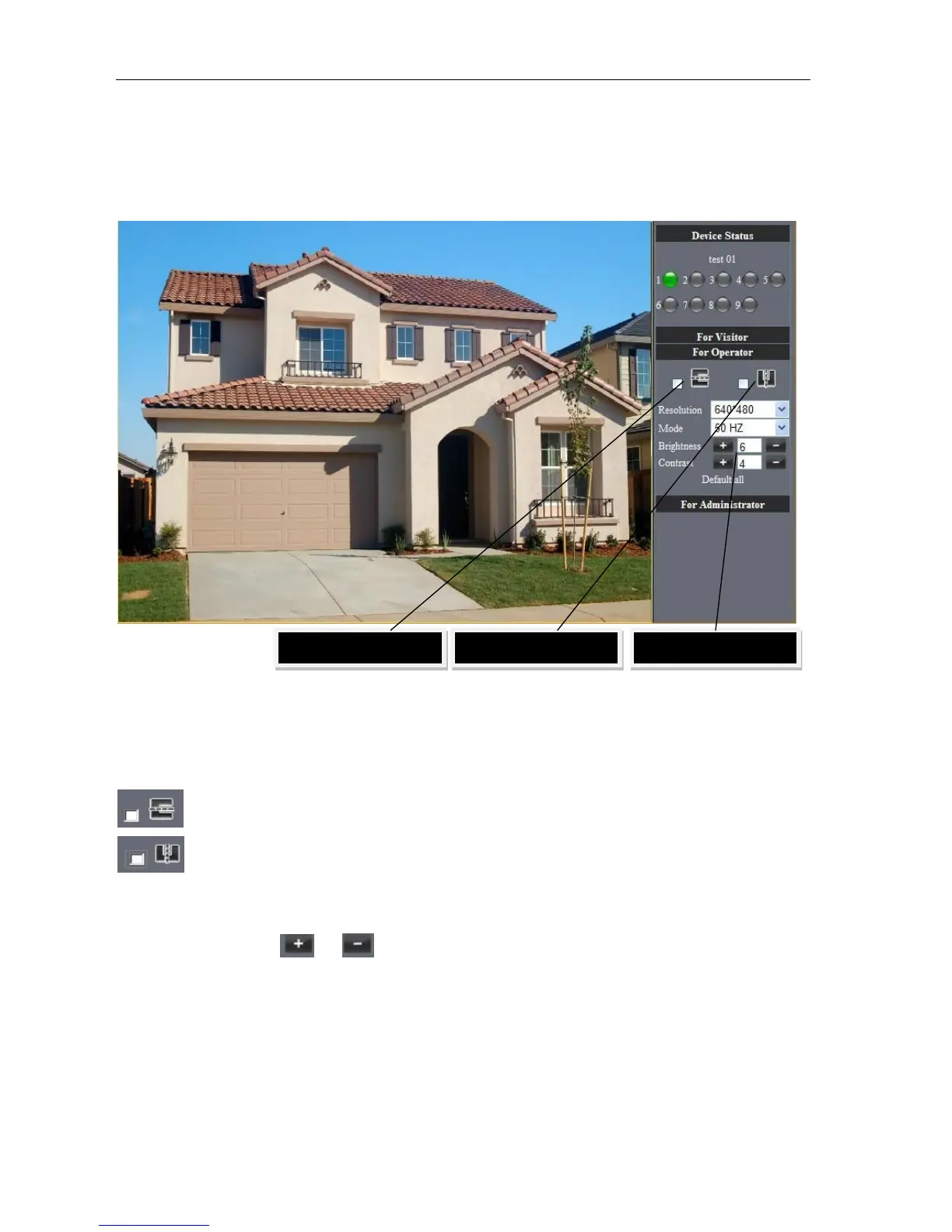
4.42 For operator
When login as operator, you can operate Pan/Tilt and adjust video parameter.
Picture 23
Direction control: click the different arrow will get different direction view
Image fluctuation flip(up and down)
Image around flip (right and left)
Resolution::VGA(640 X 480)/ QVGA(320 X 240)
Work Mode :50Hz/60Hz/Outdoor
color parameter:Click or can adjust brightness and contrast .



 To Next Page