www.tecsunradios.com.au
WORKING WITH STATION MEMORIES
PL-660....................................................................................11
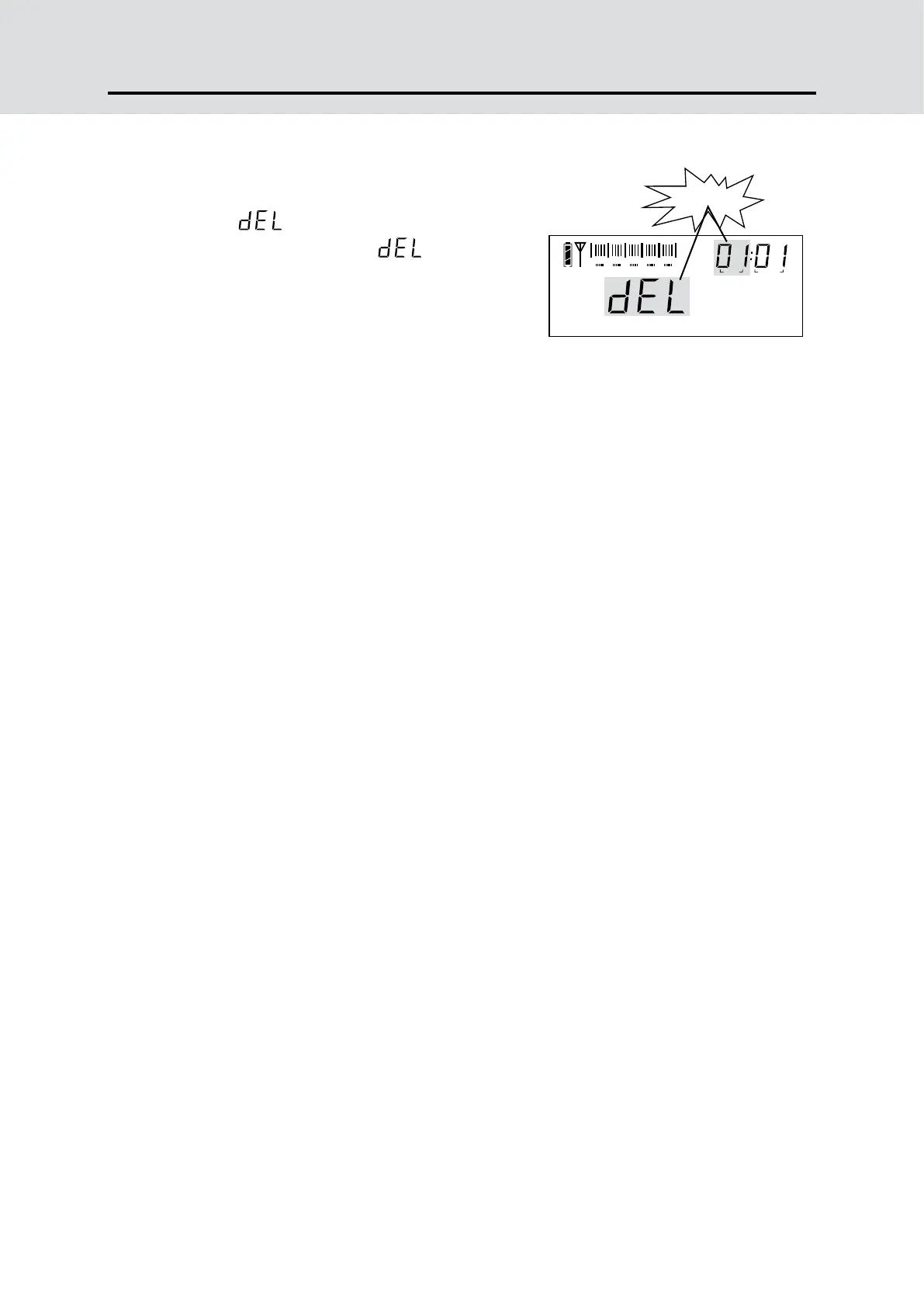
METHOD 3: DELETE ALL MEMORY WITHIN THE PAGE
Press & hold the [DELETE] button for
3 seconds and notice both “Memory
address” & “ ” flashing, then follow
with “Memory Page” and “ ” flashing
on the upper right corner of display.
Press the [DELETE] button again to
delete all memory within the selected
page.
Note:
If the [DELETE] button has not been pressed within 3 seconds to
confirm, it will exit the delete function automatically.
flashing
0 1 2 3 4 5
Ni-MH
Battery
PAGE PRESET
Delete ALL Memory



 To Next Page