7 of 28 © 2009 D 527 - 06/09
Button Operation
Button
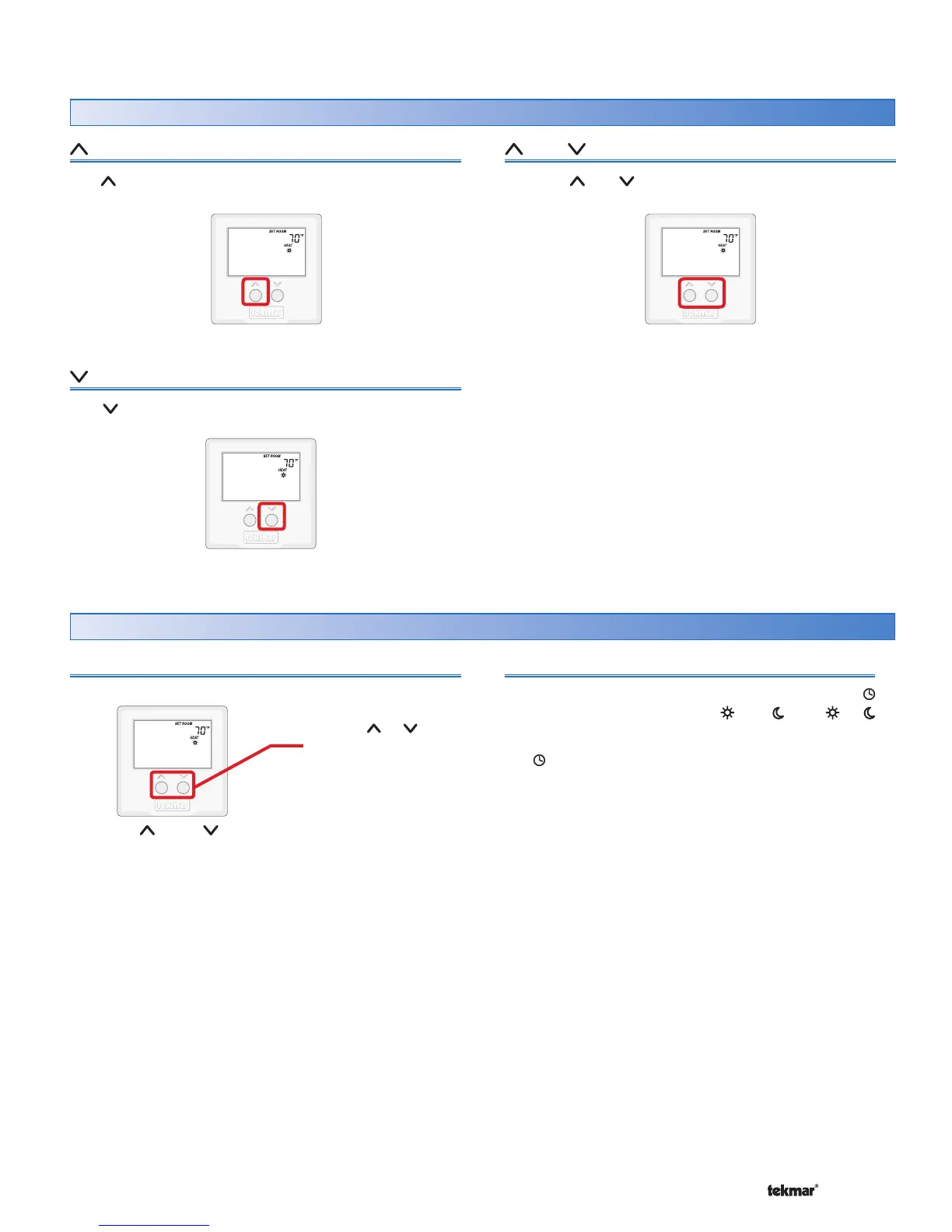
The button raises the Set Room temperature.
and Buttons
Press the
and
buttons at the same time to view
additional settings.
Room Temperature
Press the or the button to select the desired
temperature for the current operating temperature.
The temperature range is from 40°F (4.5°C) to 85°F (29.5°C).
Use the or
button to adjust
temperature.
Setting the Temperature
527 Thermostat
Programmable Schedule
When operating on a programmable schedule, a
symbol is shown, as well as a or a . The or
indicates the current operating temperature.
If a symbol does not appear, there is no schedule
available. Schedules are provided by tekmarNet
®
Timers
or Thermostats that are connected to the Zone Manager,
Expansion Module or Wiring Center.
The Away temperature cannot be changed
Button
The button lowers the Set Room temperature.



 To Next Page