19 of 28 © 2009 D 527 - 06/09
Heating Operation
Sequence of Operation for All tN2 Thermostats
The thermostat operates the heating system to maintain the
Set Room Heat temperature. The thermostat uses Indoor
Temperature Feedback and also synchronizes the start of
a heating cycle with other tekmarNet thermostats. These
features, unique to tekmarNet
®
systems, are described in
detail on Page 21.
When using a Thermostat 530, heat source can be either
‘hydronic’ or ‘other’. This is selected by DIP switch setting 4.
When switch setting 4 is set to hydronic (On position), the
thermostat behaves as previously described. When switch
setting 4 is set to ‘other’ (Off position), the thermostat does not
use Indoor Temperature Feedback. This allows the thermostat
to operate non-hydronic heating systems (i.e. furnace, electric
baseboard, or electric fan coil), while remaining connected
to the tekmarNet
®
communication system.
Cooling Operation (530 Only)
The thermostat operates the cooling system to maintain the
Set Room Cool temperature. The fan turns on whenever the
cooling system is on.
The cooling system has a fixed minimum on time of 2 minutes
and a minimum off time of 5 minutes in order to prevent
cooling equipment short cycling.
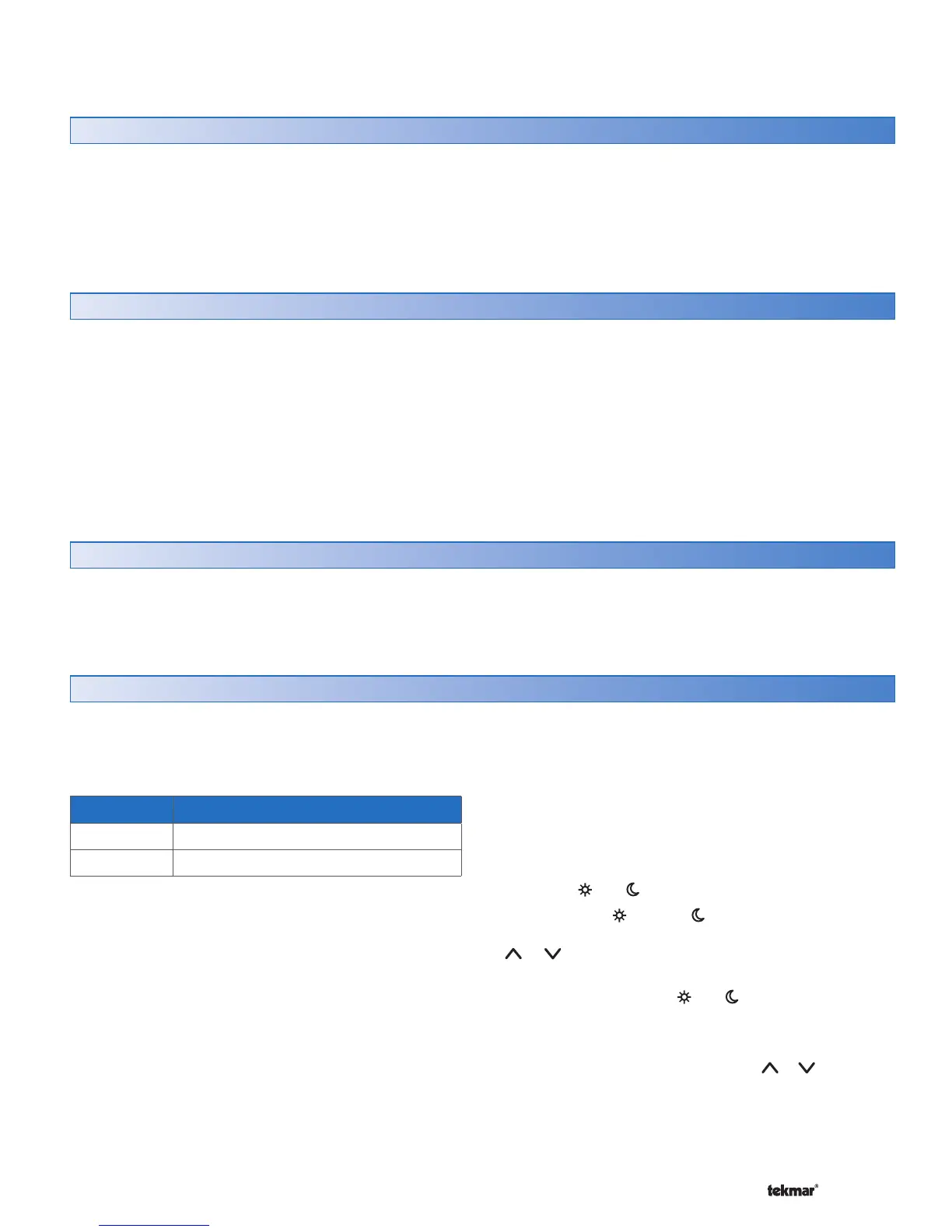
Fan Mode The fan operates with...
1 Cooling Only
2 Heating and Cooling
Fan Operation (530 Only)
The Fan Mode setting determines how the fan operates
with the heating and cooling systems.
Locate the Fan Mode setting in the Adjust menu.
The fan relay includes a post purge feature. After the heating
is shut off, the fan continues to operate for 30 seconds.
After the cooling is shut off, the fan continues to operate
for 10 seconds.
The fan can also operate for additional time beyond what
is required for the heating and cooling systems in order to
provide ventilation to the building. Ventilation is provided
when Mode is set to Heat, Cool, Auto, or Vent. There is no
ventilation when Mode is set to OFF.
Locate the Ventilation setting in the Adjust menu and set
to On.
Once this is done, the Fan minimum run time percentage
during the and events can be adjusted.
Locate the Fan and Fan settings in the Adjust menu
and set the desired percent run time per hour using the
or button.
If Ventilation is set to Off, the Fan can be set to operate
“On” or “Auto” during the and events.
Vent Mode
If the Mode button is used to select Vent, the thermostat
will not provide heating or cooling. The
or buttons can
now be used to select the desired fan operation. A percent
run time can be selected if Ventilation is set On in the Adjust
Menu. “Auto” is equivalent to Off when in Vent Mode.
tekmarNet
®
System Control
The thermostat can be connected to a tekmarNet
®
System
Control. A tekmarNet
®
System Control operates the boiler
or mixing devices in a hydronic heating system and usually
includes outdoor reset. A Zone Manager or Wiring Center
by itself is not a tekmarNet
®
System Control.
The thermostat may also operate without a tekmarNet
®
System
Control. However, important efficiency and performance
improving features such as Indoor Temperature Feedback,
Warm Weather Shut Down, Exercising, Flushing, Zone
Test, and Max Heat are unavailable.



 To Next Page