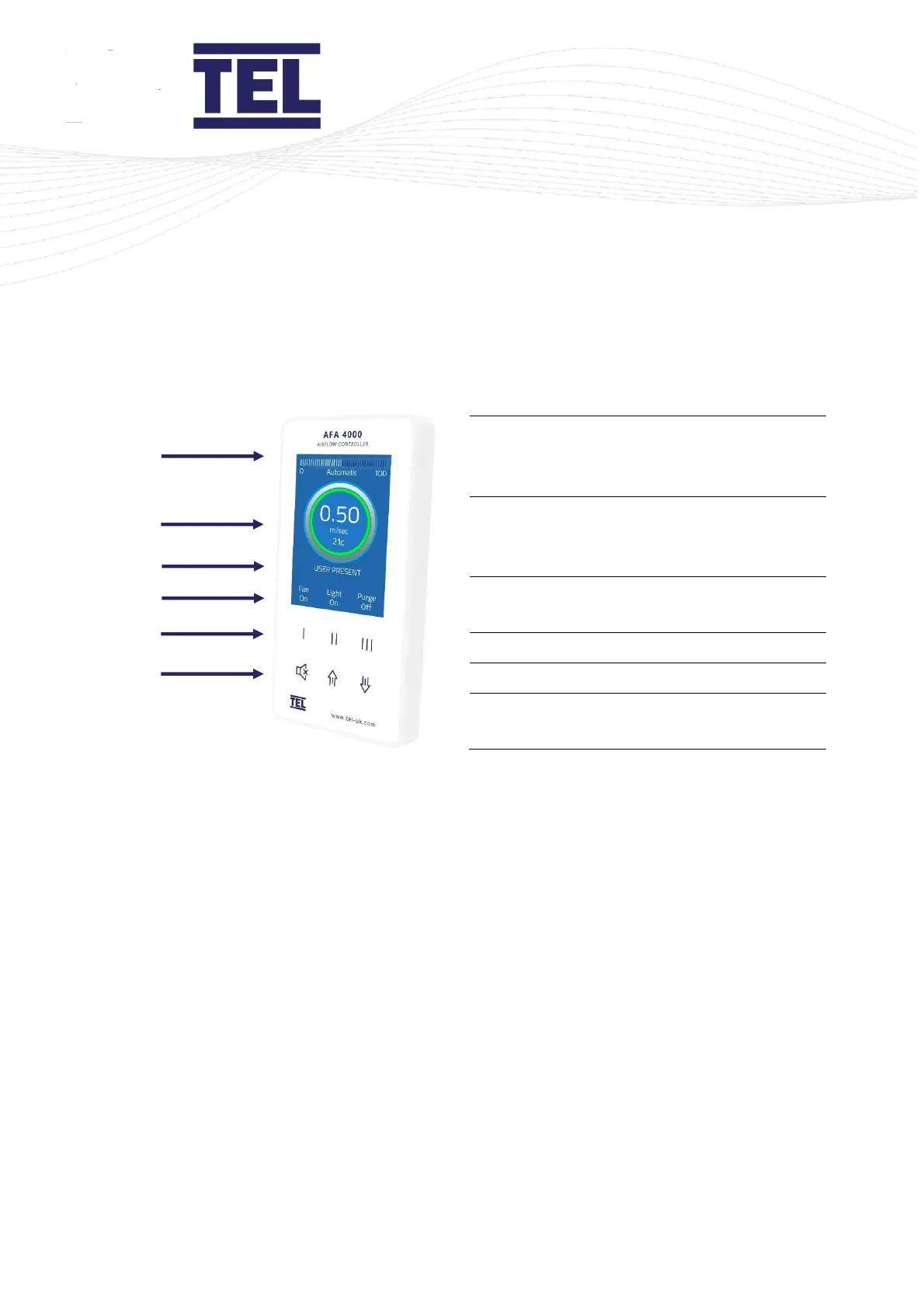
Airflow bargraph or timeline display and
control status, with ECON operation status
where applicable.
Figure 1: Operator display panel
Note: Access to the Calibration and Configuration menus is password protected and is factory
set.
To access and or change the password contact the supplier for the engineer’s password
and enter the passwords in the Main Menu, or alternatively use a laptop connected to
the Com port and use the Upload/Download software provided.
3.2.2 Display features
The airflow monitor displays the following features:
• The digital display is a backlit, full colour high resolution graphic unit with a visual display
area of approximately 70 x 52 mm. The display operates through the software allowing the
generation of figures, words and icons. You can choose either blue or black for the
background colour of the display.
• Using the alarm keypad, you can configure the display to show the fume cupboard velocity
in m/sec or fpm. Alternatively, you can configure the display to show AIR FAIL / AIR SAFE
continuously.



 To Next Page