AFA4000/E VAV Airflow Controller / p.155
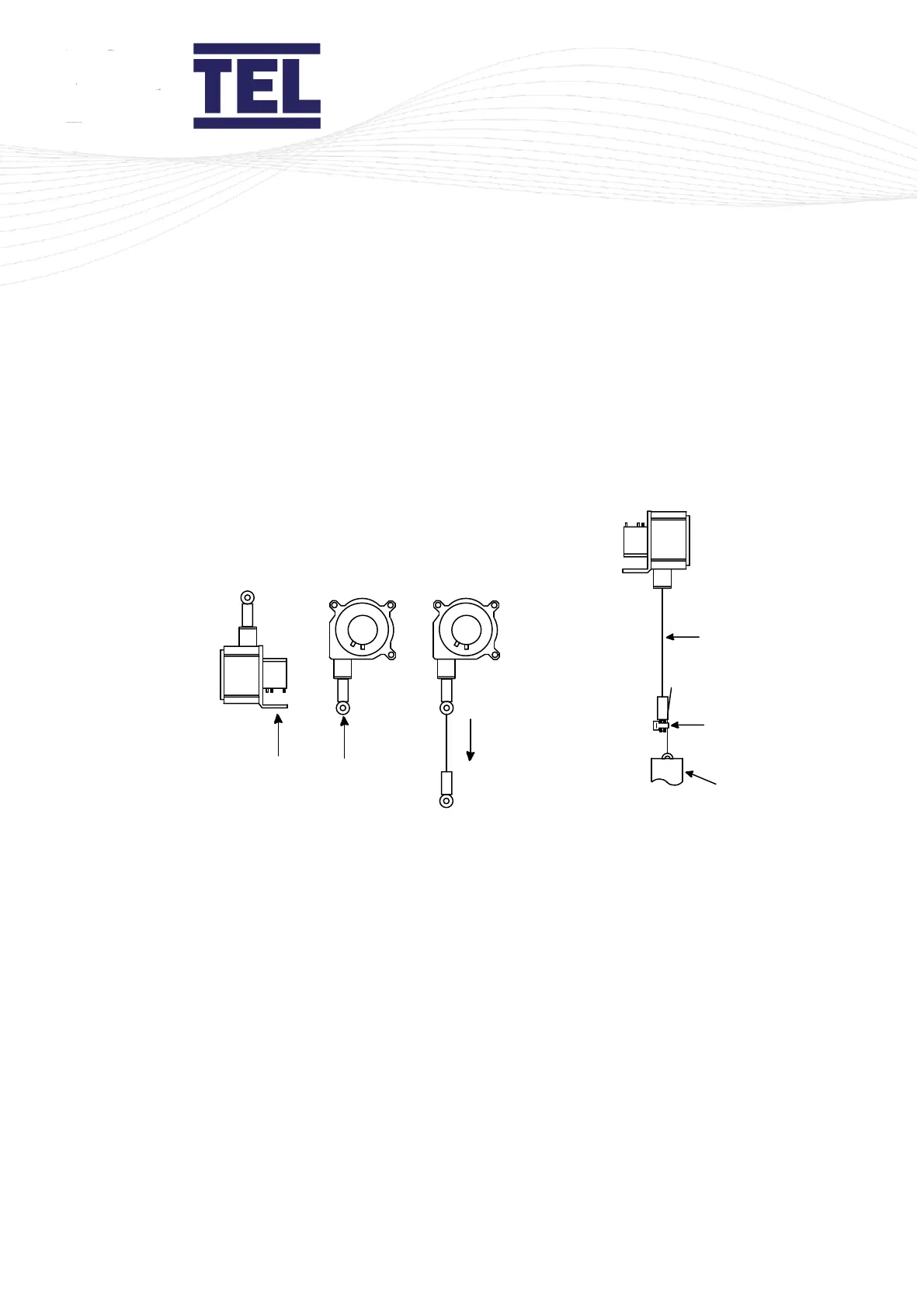
Note: Make sure the sensor is in a suitable position so that the draw wire does not over
extend. The sensor draw wire maximum stroke is 1270 mm (50").
3. Attach the draw wire to either:
• The sash, using a suitably sized screw. The draw wire has a 9.53 mm (0.38") diameter
fixing ring with a 4.85 mm (0.18") diameter fixing hole in its centre.
• The sash cable, using a cable tie, ensuring that the fixing ring does not run over pulleys
etc.
• The counterweight, using a cable tie.
4. Once the sensor is fitted, manually move the sash to ensure the sensor runs freely and does
not snag.
To set up the Volume output using the pushbutton menus:
1. Navigate to Main Menu > Set up Monitor > Configure.
Note: The Configure menu is password protected. The default password is 0 0 0 0.
Press the ↑ and ↓ arrows to scroll through the menu list and press Mute to select the required
option.
2. Select Input 2 > Analogue > Sash Position.
3. Select Dual Output > Volume.
4. Use the ↑ and ↓ arrows to select the Volume Output parameter and press Mute. The
Volume Output settings sub-menu displays:



 To Next Page