R309 AT Commands
©2015 Telegesis (UK) Ltd - 121 - AT Command Manual (Rev 3.09)
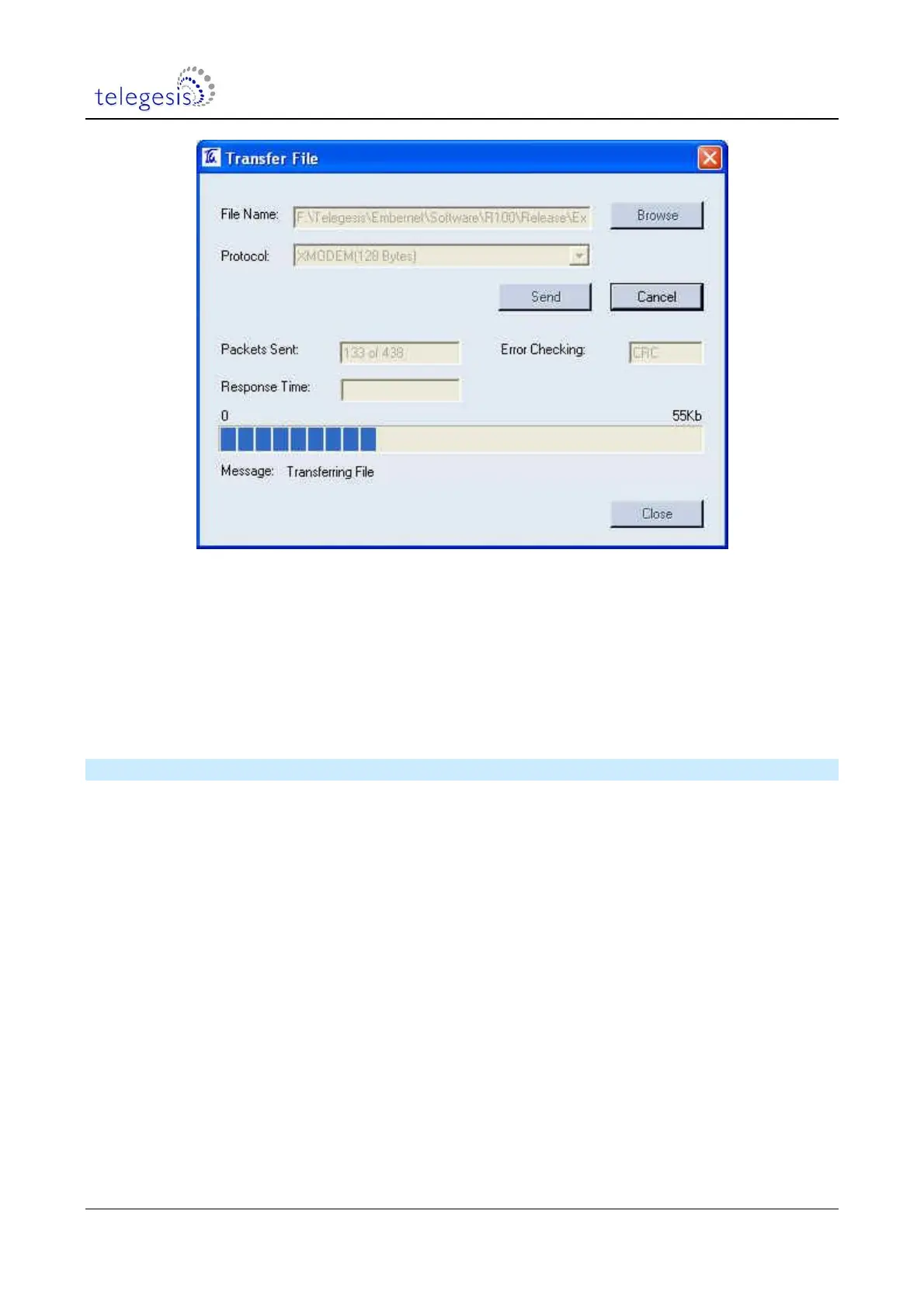
Figure 3. File Transfer Window
When the transfer has been completed successfully, press Enter again in order to return to the
bootloader menu and type ‘2‘ to run the downloaded application software. If the application
software has a baudrate other than 115200bps, this will need to be changed to the application
baudrate as described above – 19200 baud in the case of R3xx firmware.
Selecting option 2 instead of option 1 just runs the existing firmware without any changes. It is
therefore safe to start the bootloader at any time, to check its version for example.
13.2 Bootloading over the air
The AT+PASSTHROUGH command enables you to send a bootload file to a remote router,
provided it is only one hop away. If the bootload process fails, the remote device will have no valid
firmware so it will listen for a new file on channel 13. Move the local device to channel 13 with the
AT+CCHANGE command or by starting a new network with the S00 channel mask set to 0004,
then use the AT+RECOVER command.
It is possible to bootload to an end device that is a child of the local device by starting the
bootloader on the end device then using the recover process. The bootloader can be started by
power-cycling or resetting the module with pin PA5 held low. However, after resetting the module
it is necessary to send a <cr> character to the serial port which implies that the latter is available
for use, so it may be easier to just use the AT+BLOAD command.



 To Previous Page