Data Over Coax Gateway Ref.769301
42
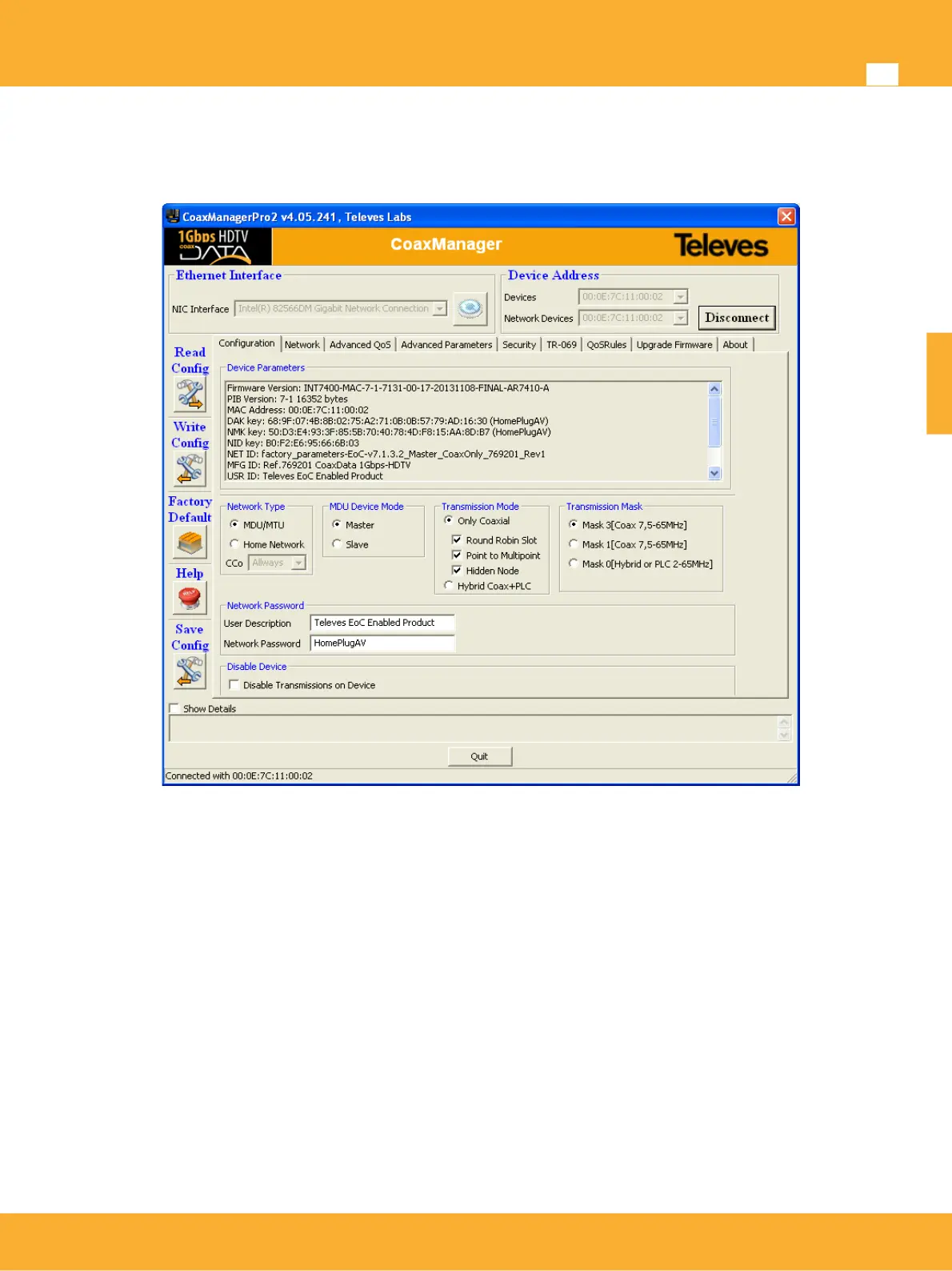
Setting up Coaxdata Master
To guarantee the performance of the system it is necessary to install a Master device on the headend. To
configure the Master the CoaxManager application has to be used.
Connecting CoaxData Master
The following products are recommended as Master devices
• Ref.769201 CoaxData™ 1Gbps-HDTV
• Ref.769202 CoaxData™ 1Gbps-HDTV with SFP
CoaxData Master device on the headend builds two connections:
Conection to the Router/Gateway connected to the Internet: To get acces to the Internet the
Master hast to be connected to the Router/gateway connected to the Internet by means of an
Ethernet cable.
Connection to the coaxial network: To connect the master to the coaxial network it is
recommended the use of a diplex filter to supress the ingress of noise in the return path (2-
67,5MHz). The loss of this filter in the TV distribution band is <1dB. This filter can be installed using
coaxial cable leads with F connectors.
www.televes.es
ENGLISH


 To Next Page