22 Setup C-2000 and C-2000HS Technical Manual
Bosch Security Systems, Inc. Technical Manual F.01U.174.927 Rev 03
Setup State 3 Guard Tone Level
The Guard Tone Level setup state is used to set the level of the guard tone. The guard tone has a 40dB range. The values in
between those shown in Table 5 are valid as well. For example 25 would result in an output level of -6dB for the guard tone.
To set the guard tone level, do the following:
1. Select the setup option using FUP/FDWN keys.
2. Press Enter (#).
Display shows OC (Option Changed).
Setup State 4 Guard Tone Duration
The Guard Tone Duration setup state can vary from 0 to 500ms and is configurable to the nearest 10ms. The setup option is
offset by one (1) and multiplied by 10. Any value between those in Table 6 is valid.
To set the tone duration, do the following:
1. Select the setup option using FUP/FDWN keys.
2. Press Enter (#).
Display shows OC (Option Changed).
Setup State 5 Hold Tone Level
The Hold Tone Level setup state is used to set the level of the hold tone. The Hold tone has a 40dB range. The values in
between those shown in Table 7 are valid as well, for example 25 would result in an output level of -6dB for the hold tone.
To set the hold tone level, do the following:
1. Select the setup option using FUP/FDWN keys.
2. Press Enter (#).
Display shows OC (Option Changed).
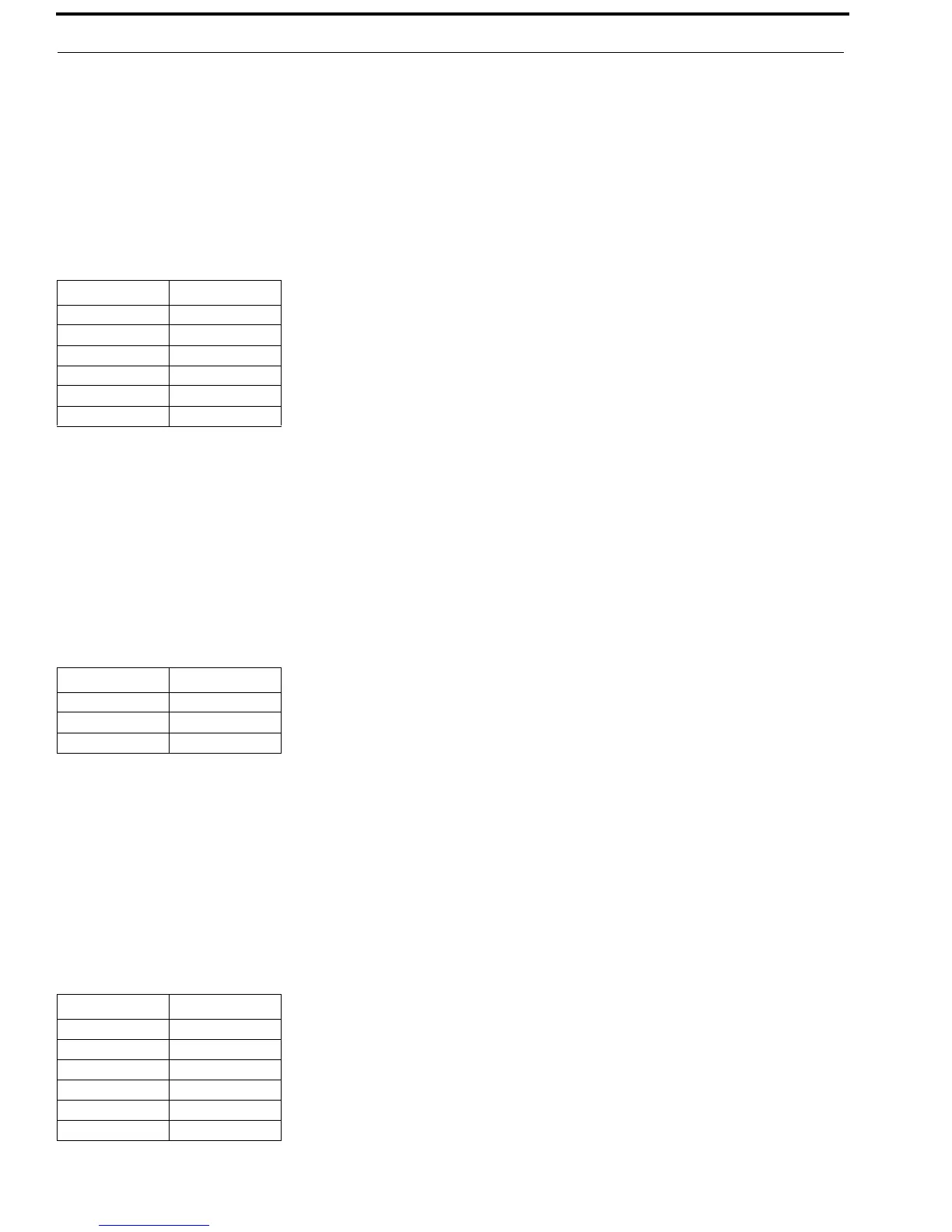
TABLE 5. Guard Tone Level
Option Level
1 -30dB
11 -20dB
21 -10dB
25 -6dB
31 0 dB
41 (default) +10dB
TABLE 6. Guard Tone Duration
Option Duration
10 ms
14 (default) 130ms
51 500ms
TABLE 7. Hold Tone Level
Option Level
1 -30dB
11 (default) -20dB
21 -10dB
25 -6dB
31 0 dB
41 +10dB


 To Next Page