36 Setup C-2000 and C-2000HS Technical Manual
Bosch Security Systems, Inc. Technical Manual F.01U.174.927 Rev 03
Setup State 38 Tone Detector Threshold
The Tone Detector is used to set the threshold for the tone detectors, there are two (2) thresholds that may be adjusted.
Threshold A is for a TX Hold Tone. If the Hold tone causes the threshold to be surpassed, the TRANSMIT LED starts
blinking. This indicates a parallel transmission. Possible values range from 100–9900 the default is 4500.
To set the threshold A tone detector, do the following:
1. Select the setup option using FUP/FDWN keys.
2. Press DMTF A.
Display shows OC (Option Changed).
Threshold B is for the parallel update function tone. If parallel update is enabled and a parallel console transmits the Guard/
Function tone sequence, which causes this tone detector threshold to be surpassed, the unit switches the current function tone
value to that decoded and update the display.
To set the threshold B tone detector, do the following:
1. Select the setup option using FUP/FDWN keys.
2. Press DMTF B.
Display shows OC (Option Changed).
NOTE: When this Setup State option number is first displayed it will show the default or the value last programmed,
whether threshold A or B.
Setup State 39 Headset Enable/Disable
The Headset Enable/Disable is used to enable/disable headset control of the hook switch. If enabled, a headset can cause the
system to be taken off hook.
Setup State option:
1=Enable
2=Disable*
To enable/disable headset control of the hook switch, do the following:
1. Select the setup option using FUP/FDWN keys.
2. Press Enter (#).
Display shows OC (Option Changed).
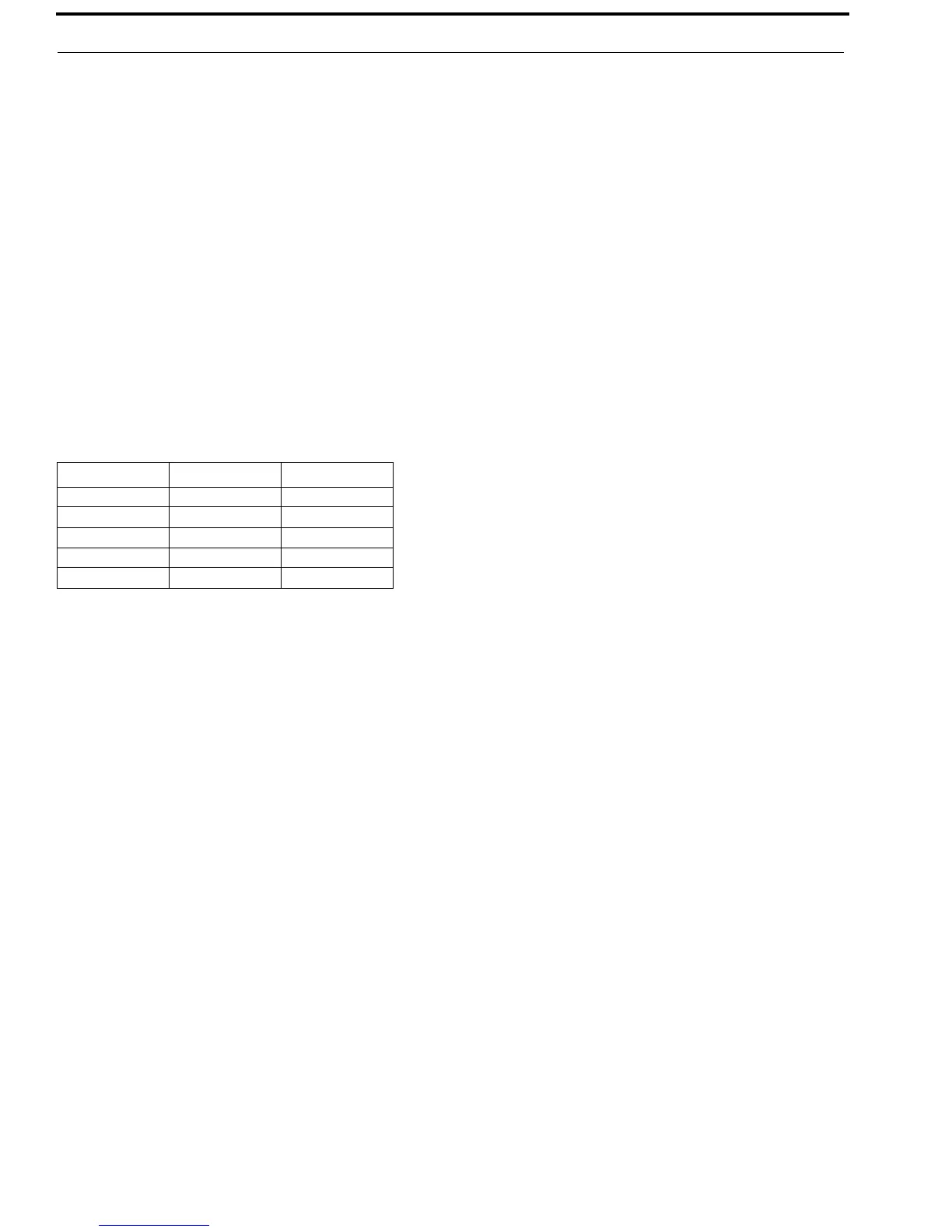
TABLE 22. Tone Detector Threshold
Option Threshold A Threshold B
1 100 10000
25 2500 250000
45 4500 (default) 450000 (default)
75 7500 750000
99 9900 990000


 To Next Page