20 Setup C-2000 and C-2000HS Technical Manual
Bosch Security Systems, Inc. Technical Manual F.01U.174.927 Rev 03
Setup Mode Navigation Overview
IC, MON and 2 - Used to access and exit Setup Mode.
Volume Up/Down - Set the current Setup State. Number displayed with both decimal points lit.
Function Up (
)/Down (
) Set the Setup State option. Number displayed with no decimal points lit.
ENTER (#) - Key used to enter a value or mode. OC (Option Changed) or mode indication
displayed after press.
IC and D - Used to save any change made in Setup Mode. SS (Saved Settings) is displayed
momentarily.
NOTE:
• Any other keystroke of importance is detailed in the Setup State section where it is used.
• If no PIN is required, then upon entering the Setup Mode key sequence (IC-MON-2) the user goes
directly to setup state 1.
• Descriptions of each setup variable appear in the following sections. In all option menus, the default
option is denoted with an * (asterisk).
31 Handset Enable/Disable
32 Monitor Mode Enable/Disable
33 Tone/Local Mode Enable/
Disable
34 Squelch Threshold Level Set the threshold the squelch breaks at.
35 Squelch Enable/Disable
36 Squelch Hang Timer Set the time the squelch stays on after the threshold is broken.
37 TX Monitor Enable/Disable
38 Tone Detector Threshold Set the threshold level of the tone detector.
39 Headset Hook Switch Enable/
Disable
40 TX Delay Period Set the amount of time TX output audio is delayed. 500ms max.
41 Desk Microphone Enable/
Disable
42
Ring Type Select
a
Select the type of annunciation on incoming call.
43
EMSTEL Enable/Disable
a
Enable EMS Telephone mode.
44
DTMF Sequence Entry
a
Program the DTMF strings or sequences.
45
Ring Duration Entry
a
Program the number of rings that will occur before no answer.
46 DTMF Sequence Enable/
Disable
DTMF Sequence Enable/Disable:
47 Function Tone Delay Program the amount of delay between F-up, F-down and F-tone launch.
48 Parallel Update Enable/
Disable
49 Alert Tone Enable/Disable
50 Alignment Tone On/Off Turns a test tone on and off.
a. Special Software Option
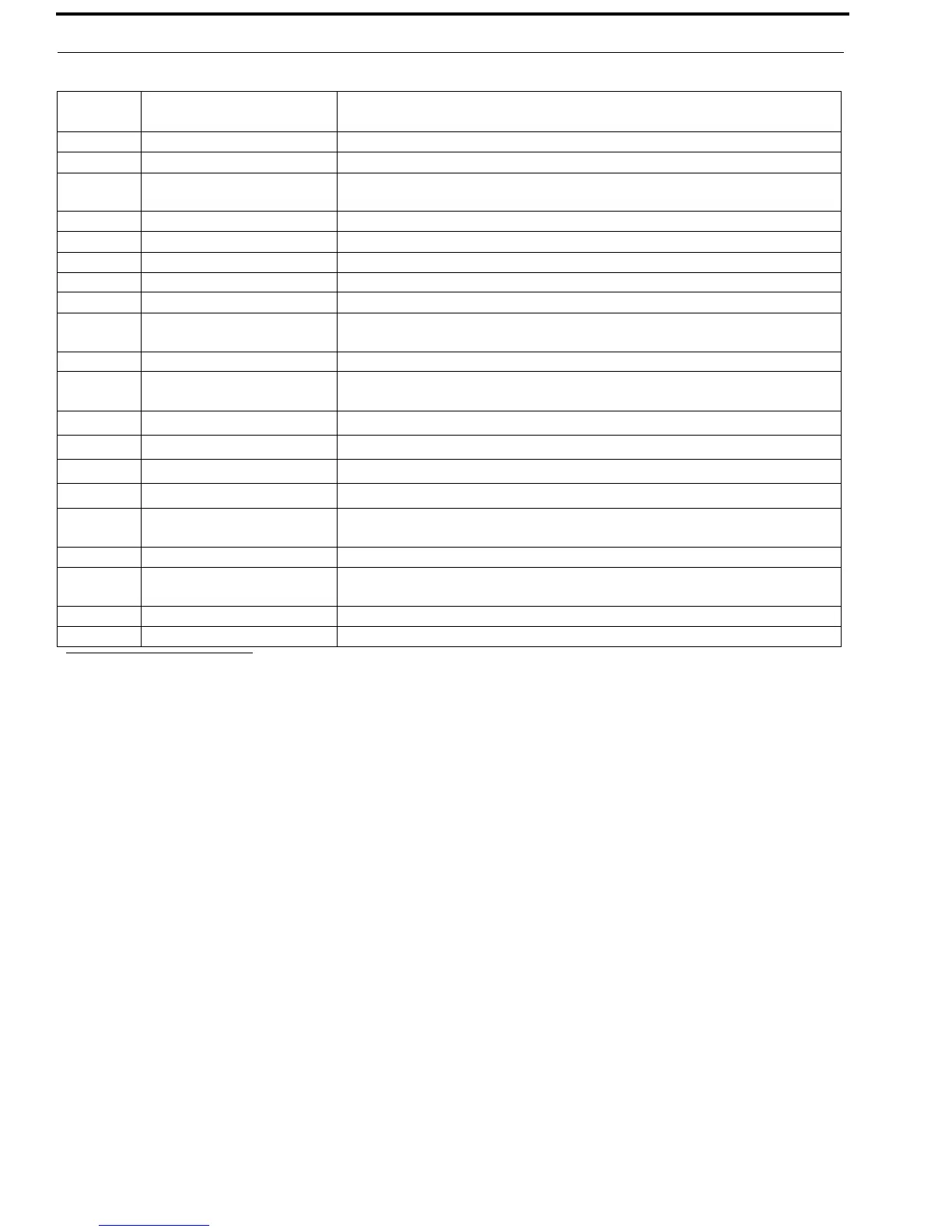
TABLE 3. Setup States and Setup State Options
Setup State
Number
Setup State Description


 To Next Page