C-2000 and C-2000HS Technical Manual Setup 37
Bosch Security Systems, Inc. Technical Manual F.01U.174.927 Rev 03
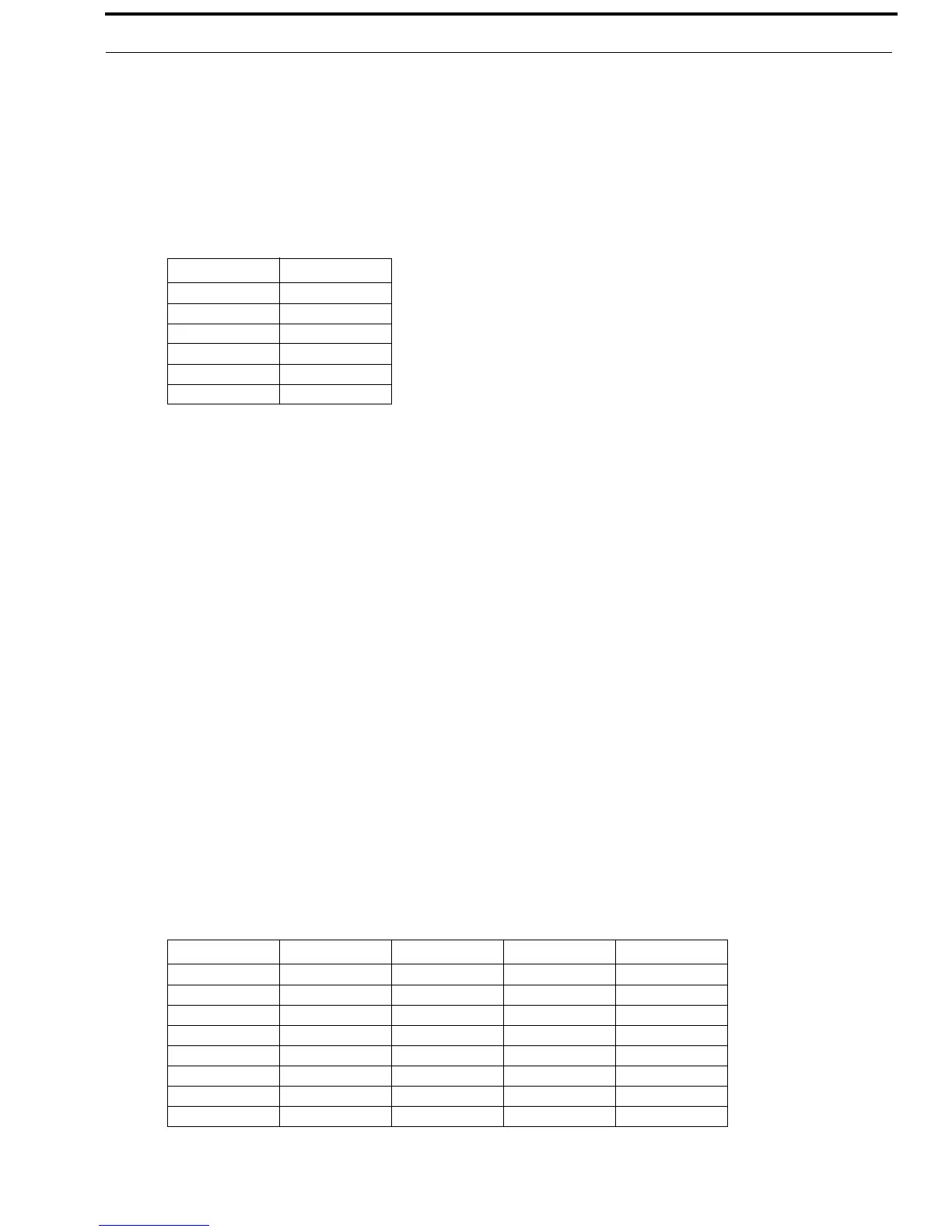
Setup State 40 TX Delay Period
The TX Delay Period is the amount of time the C-2000 spools audio before transmitting. The maximum delay period is
500ms.
To set the TX delay period, do the following:
1. Select the setup option using FUP/FDWN keys.
2. Press Enter (#).
Display shows OC (Option Changed).
Setup State 41 Desk Microphone Enable/Disable
The Desk Microphone Enable/Disable is used to enable/disable the desk microphone.
Setup State option:
1=Enable
2=Disable*
To enable/disable the desk microphone, do the following:
1. Select the setup option using FUP/FDWN keys.
2. Press Enter (#).
Display shows OC (Option Changed).
Setup State 42 Ring Type Select (Special Software Option)
The Ring Type Select is used to select the type of annunciation the C-2000 uses in SF or EMSTEL modes of operation. There
are eight (8) different rings to select from, all cadences are one (1) second annunciation, four (4) second ring period. Possible
notes are, from lowest to highest: A=440Hz, B=494Hz, C=523Hz, D=587Hz, E=659Hz, F=698Hz, G=784Hz, 2A=880Hz.
To set the ring type select, do the following:
1. Select the setup option using FUP/FDWN keys.
2. Press Enter (#).
Display shows OC (Option Changed).
Option Period
10
2 100ms
3 200ms
4 300ms
5 400ms
6 500ms
Setup Option Note One Note Two Note Three Note Four
1EAEA
2AECG
3FGAC
4GDAD
5ACEG
6GECA
7GGCC
8 G 2A G 2A


 To Next Page