C-2000 and C-2000HS Technical Manual Setup 39
Bosch Security Systems, Inc. Technical Manual F.01U.174.927 Rev 03
To program the sequence to decode on receive for EMSTEL mode, do the following:
1. Scroll to setup option 16.
2. Program the desired sequence in the slot used for that function.
For example: to program 1234567890 to be transmitted when the D10 sequence number is entered, do the following:
1. Scroll to setup option 11.
2. Press ENTER (#).
3. Enter 1,2,3,4,5,6,7,8,9,0.
4. Enter A.
NOTE: The setup option is used to select which Dxx address the sequence is intended for. The A is only a secondary
enter key, allowing the # key to be a part of any sequence.
To disable a previously programmed sequence, do the following:
1. Select the setup option using FUP/FDWN keys.
2. Press ENTER (#).
3. Press the B key.
Display shows OC (Option Changed).
NOTE: Allowed keys are (1234567890*#). The maximum sequence length is 16 digits.
Delays are added to the sequence by pressing the D key during the sequence entry period. For example, the number 111 - - 555
- - 1234 can be entered as follows: 1 1 1 D D 5 5 5 D D 1 2 3 4, which takes up 14 of the 16 total digits. When entering a
sequence, the display will show the sequence count of the current DTMF string.
Setup State 45 Ring Duration (Special Software Option)
The Ring Duration is used to program the number of rings that occur if the unit is instructed to ring and is not taken offhook.
Ringing stops after the programmed number of rings. The setup options are 1–10 corresponding to the number of desired rings.
The default value is four (4) rings. This feature is used in SF and EMSTEL modes.
To program the ring duration, do the following:
1. Select the setup option using FUP/FDWN keys.
2. Press ENTER (#).
Display shows OC (Option Changed).
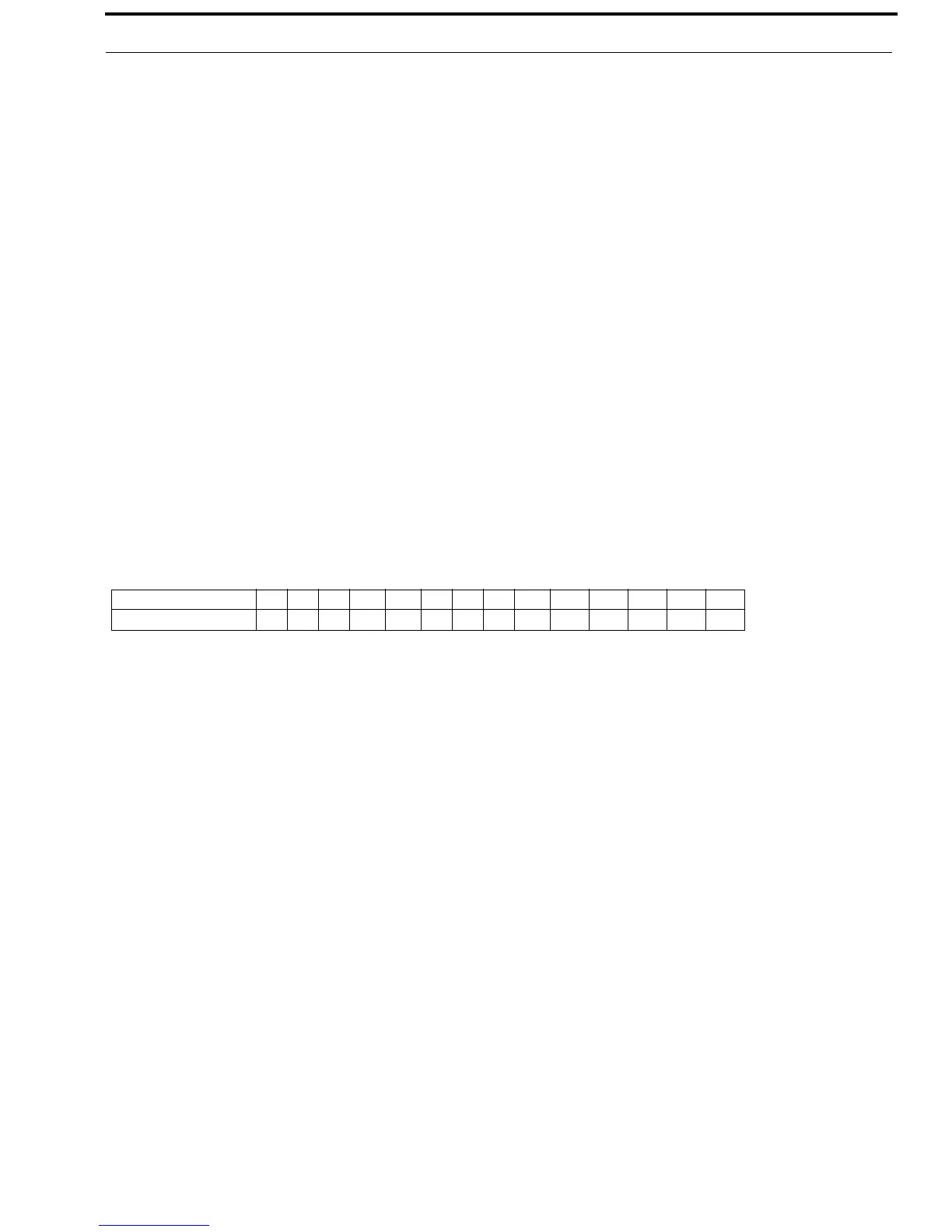
Dial String Entered 1 1 1 D D 5 5 5 D D 1 2 3 4
Display Count 1234 5 6789 1011121314


 To Next Page