TP-8/16/24/32/64S User Manual Version No.: V1.2
- 27 -
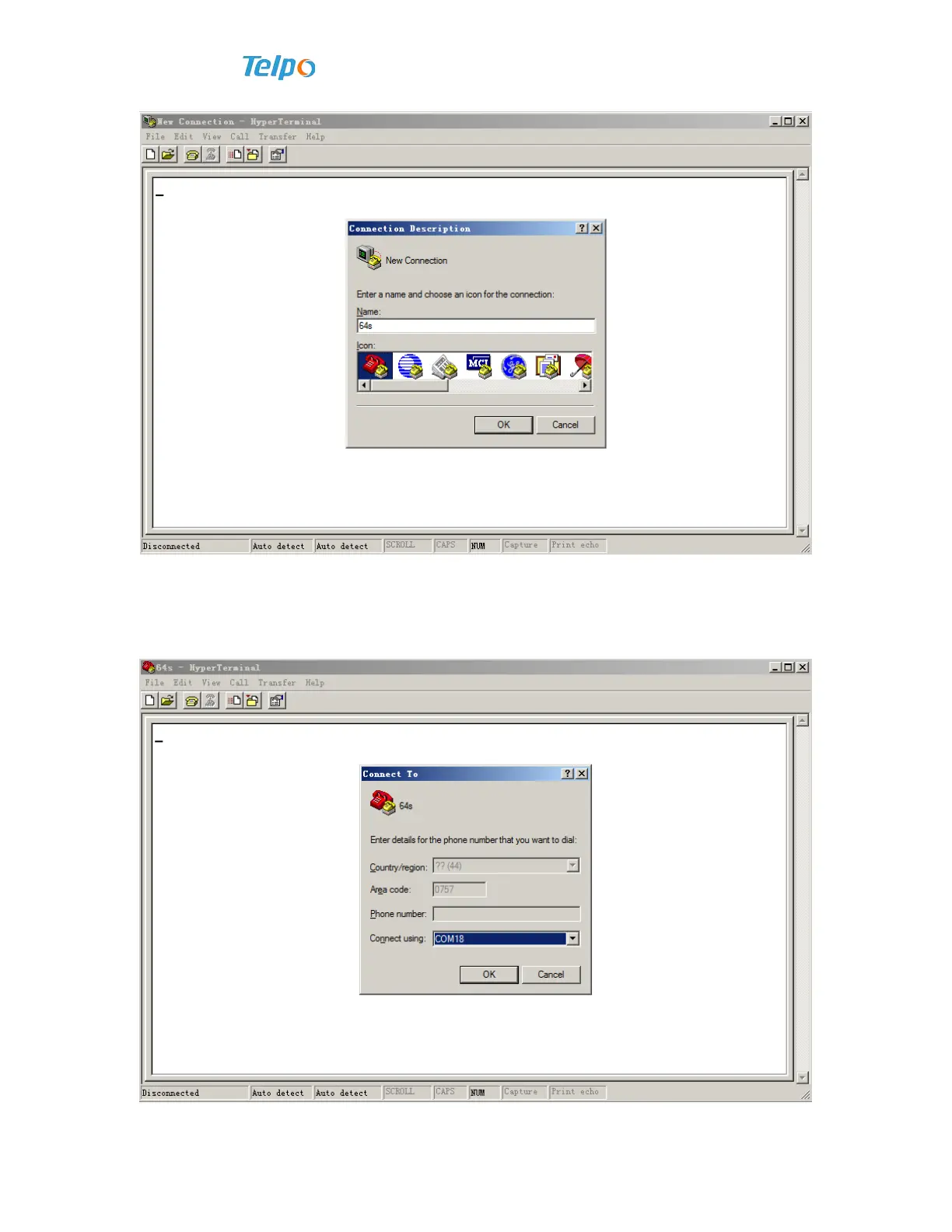
2. Import a link name, button enter key or use mouse to click “OK” to go to the
next. Then, a “connection to” dialog box will appear. In “use at the time of connection”
drop-down menu, make sure the chosen port must be consistent with serial port of PC
machine linked with Voice gateway, as shown in the following image.


 To Next Page
 Loading...