TP-8/16/24/32/64S User Manual Version No.: V1.2
- 28 -
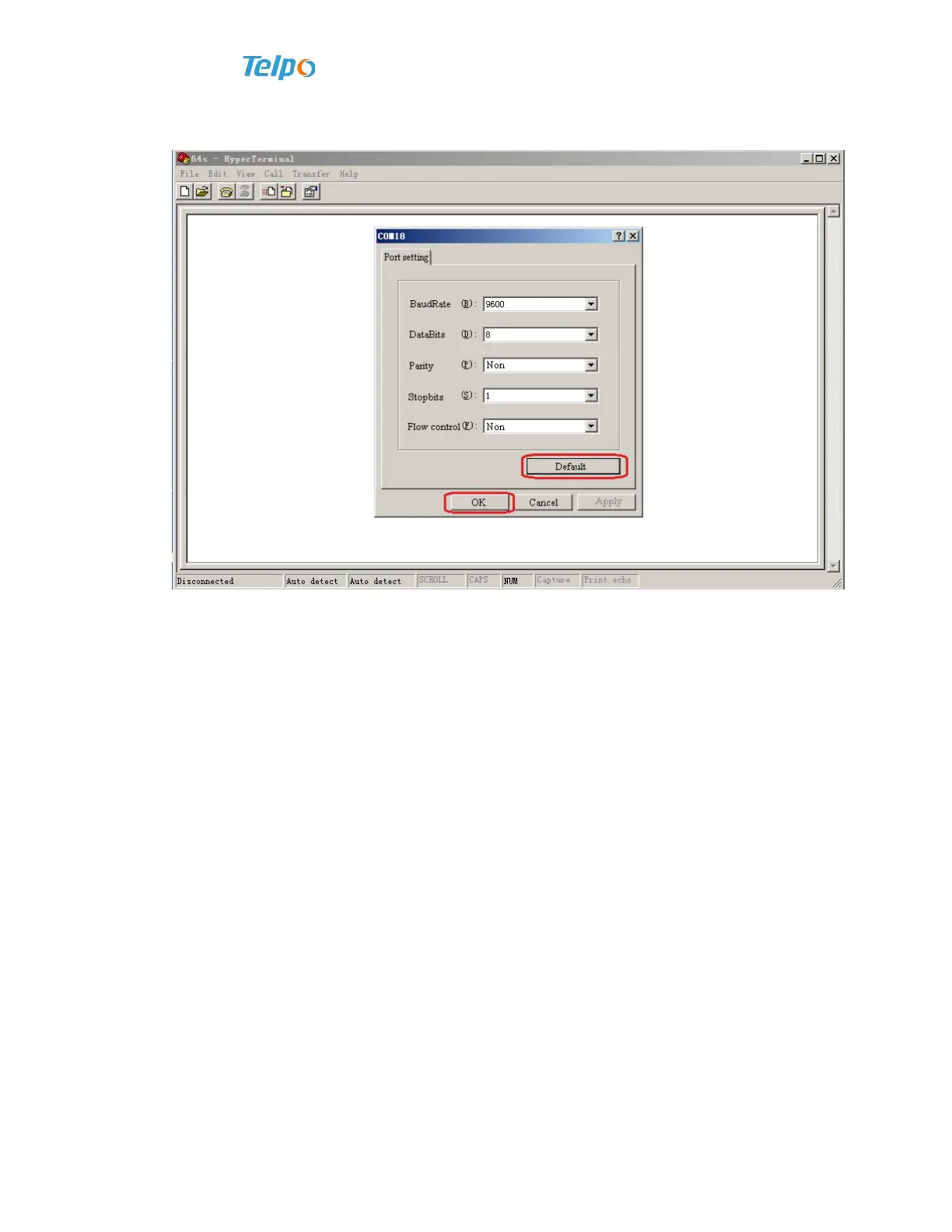
3. Press enter key or click “OK” button to go to the next, and then set the port
property.
Perform settings as follows for port parameters:
baudRate: 9600
DataBits: 8
Parity: Non
Stopbits: 1
Flow control: Non
Press enter key or use mouse to click “OK”.
4. Once the device is started up (it will automatically start up once energized), user
login interface will appear promptly.


 To Next Page
 Loading...