5-9 Phase Sequence Measurement
1. Press
key to turn on the meter.
2. Press WIRING key to select 3P4W mode.
3. Connect the voltage test leads to the meter.
Connect the red voltage test lead to the “U1” terminal.
Connect the yellow voltage test lead to the “U2” terminal.
Connect the blue voltage test lead to the “U3” terminal.
4. Connect the voltage test leads to the electrical equipment to be tested.
Connect the red voltage test alligator to the power line “A” phase.
Connect the yellow voltage test alligator to the power line “B” phase.
Connect the blue voltage test alligator to the power line “C” phase.
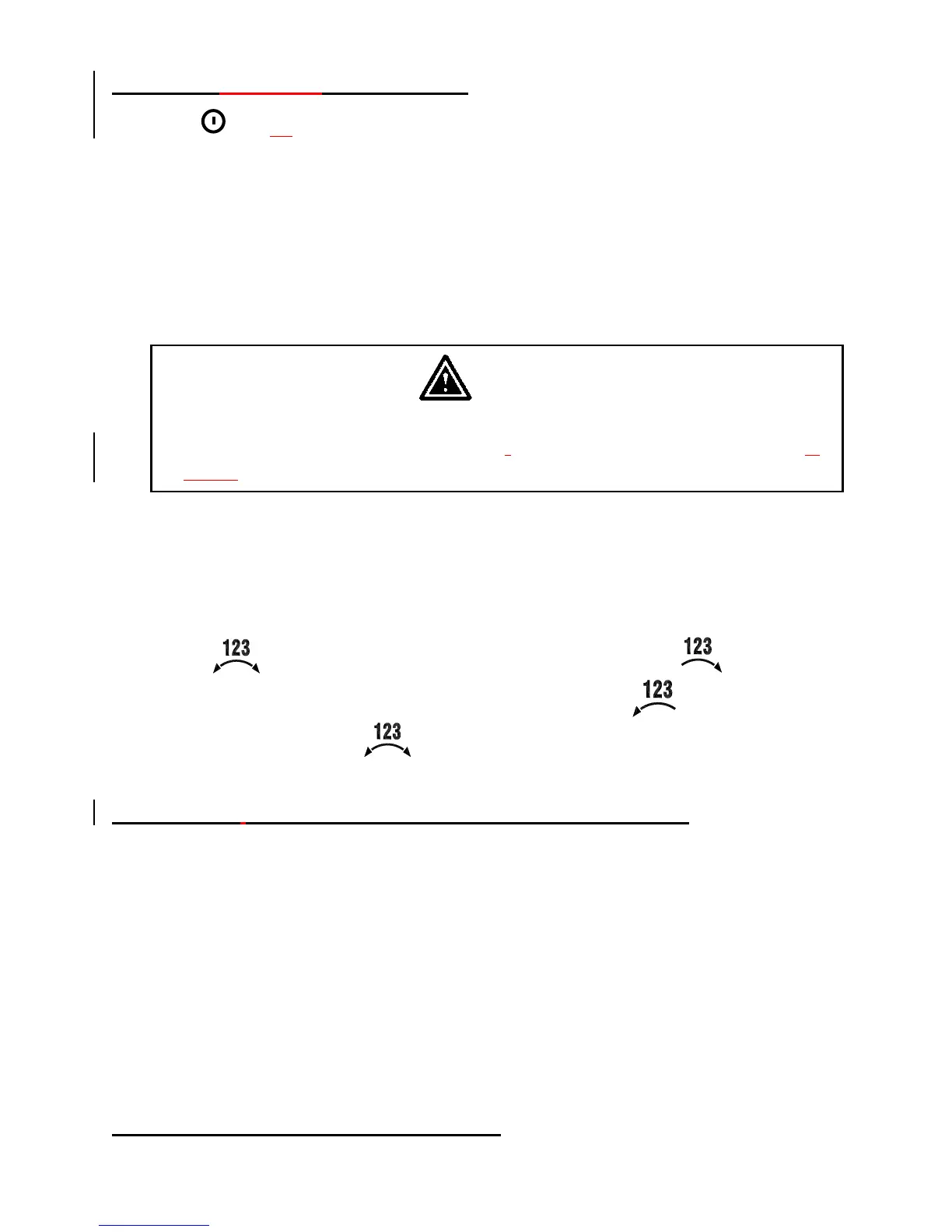
5. U1, U2 and U3 measured voltage must be greater than 30V, then press and hold
down “ ” key. If connection wires is normal phase, the “ ” annunciator
is displayed. If connection wires is reverse phase, the “ ” annunciator is
displayed. Release the “ ” key to exit this measurement.
5-10 Voltage, Current Waveform and Harmonic Analyzer
Application :
May device power sources now use semiconductor control devices and
harmonics occur because of distorted voltage or current wave forms.
When harmonic components become too large, they can cause serious accidents,
such as transformer supplying seeming average loads are overheating, neutral
conductors in balanced circuit are overheating from exceesing loads, circuit
breakers are tripping for no apparent reason, overheating the motor or burning
out the reactor connected to the phase advance capacitor.
Please refer to software manual (CD-ROM) for waveform and harmonic
measurement.
5-11 Disable Auto Power Off Function
Shop for Data Logging products online at: www.DataLoggerStore.ca 1.877.766.5412



 To Next Page