- 33 -
Once you are logged in you will need to create a new WOW site. “Sites” are
the means by which WOW organizes weather data you contribute. Basically,
WOW builds a personal web site for your weather station. Associated with the
web site is two items you will need to allow uploading of data:
Site ID: This is an arbitrary number that is used to distinguish your site from
another. This number appears (in brackets) next to or underneath the name of
your site on the site information page, for example:
6a571450-df53-e611-9401-0003ff5987fd
Authentication Key: This is a 6-digit number that is used to ensure data is
coming from you and not another user.
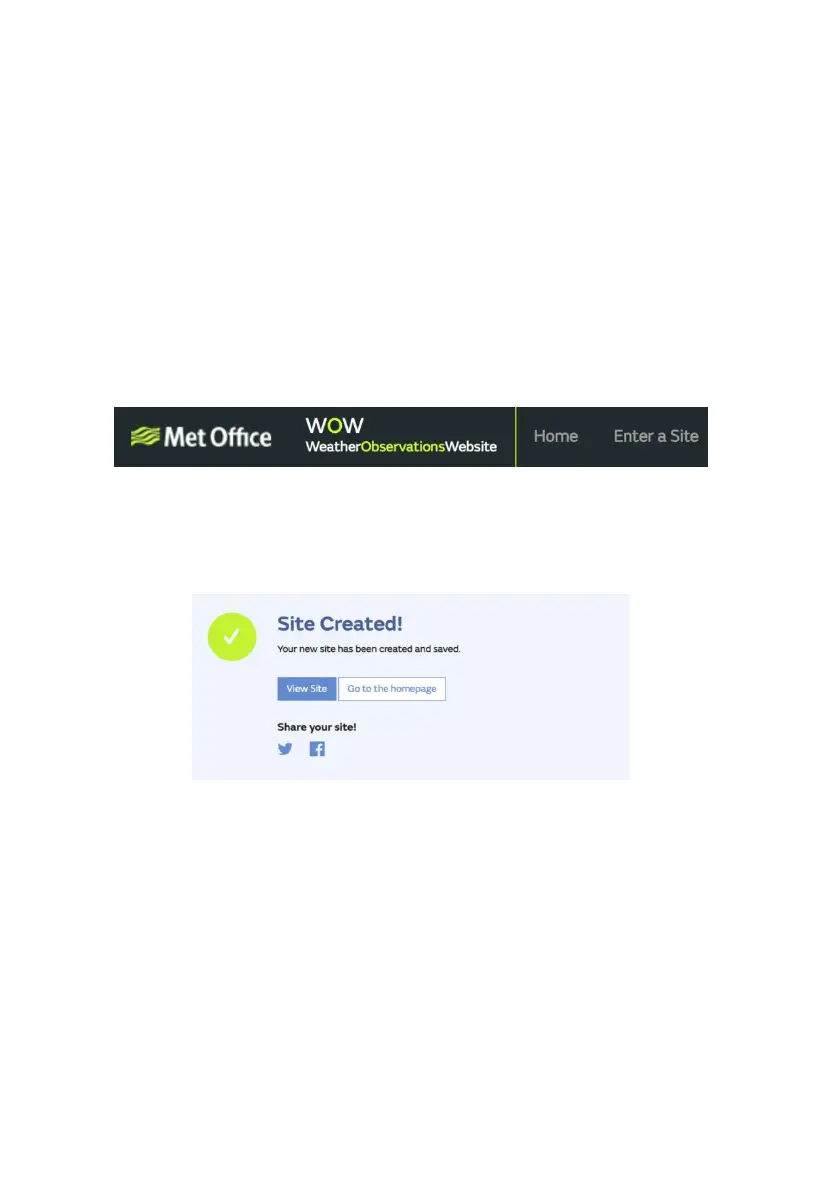
Begin setting up a new site by clicking “Enter a Site”:
You will be presented with a form where you detail your station’s location and a
bunch of other settings related to how you wish the site to operate. After you
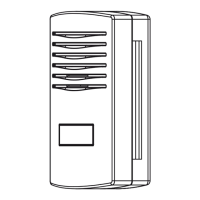
complete the setup, you should see:
Make sure you are (still) logged in to the WOW site. Login as necessary. Now
click on “My Sites” in the navigation bar at the top. If you have only 1 site, you
will now be shown its page. If you have multiple, you will have to choose the
correct one first. On this page, you will find the site id just below the map:


 To Next Page