- 34 -
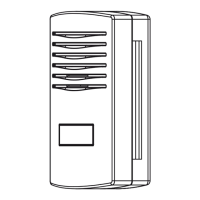
You will also need to establish a unique 6 digits PIN code that you should keep
secret. It is the “Authentication Key.” Setup this number by clicking on “Edit
Site”) and filling out the with a 6-digit number of your choice:
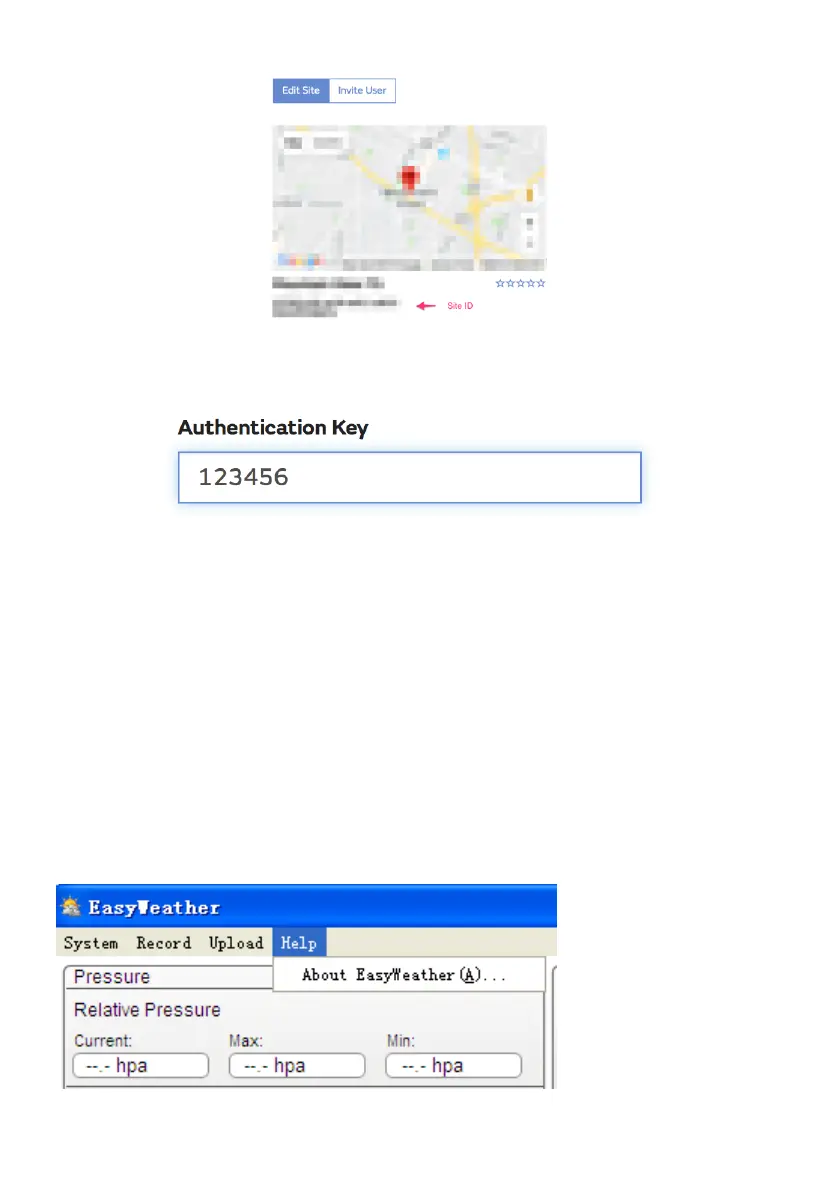
You will need both “Site ID” and “Authentication Key” to setup the
upload configuration for WOW in the Weather Server.
In your mobile application, navigate to the “Device List” page and tap on the
device you want to configure WOW for. You will then be shown the “
wunderground.com” configuration. Please ignore and tap “Next” to see the
“Weathercloud” configuration. Please press “Next” one more time and
you will now be on the screen where you will configure WOW.
On this screen you will fill out “Station ID” with the WOW “Site ID” value,
and “Station Key” with the WOW “Authentication Key” you created.
Press “Save” to finalize the configuration.
4.4 Help option
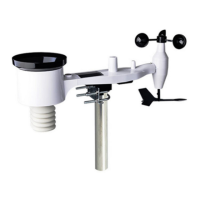
Click About EasyWeather button, enters the About menu


 To Next Page