EasyManua.ls Logo

Tevo Tarantula Pro - Troubleshooting

Tevo Tarantula Pro
24 pages
Print Icon
To Next Page IconTo Next Page
To Previous Page IconTo Previous Page
Loading...
43 44
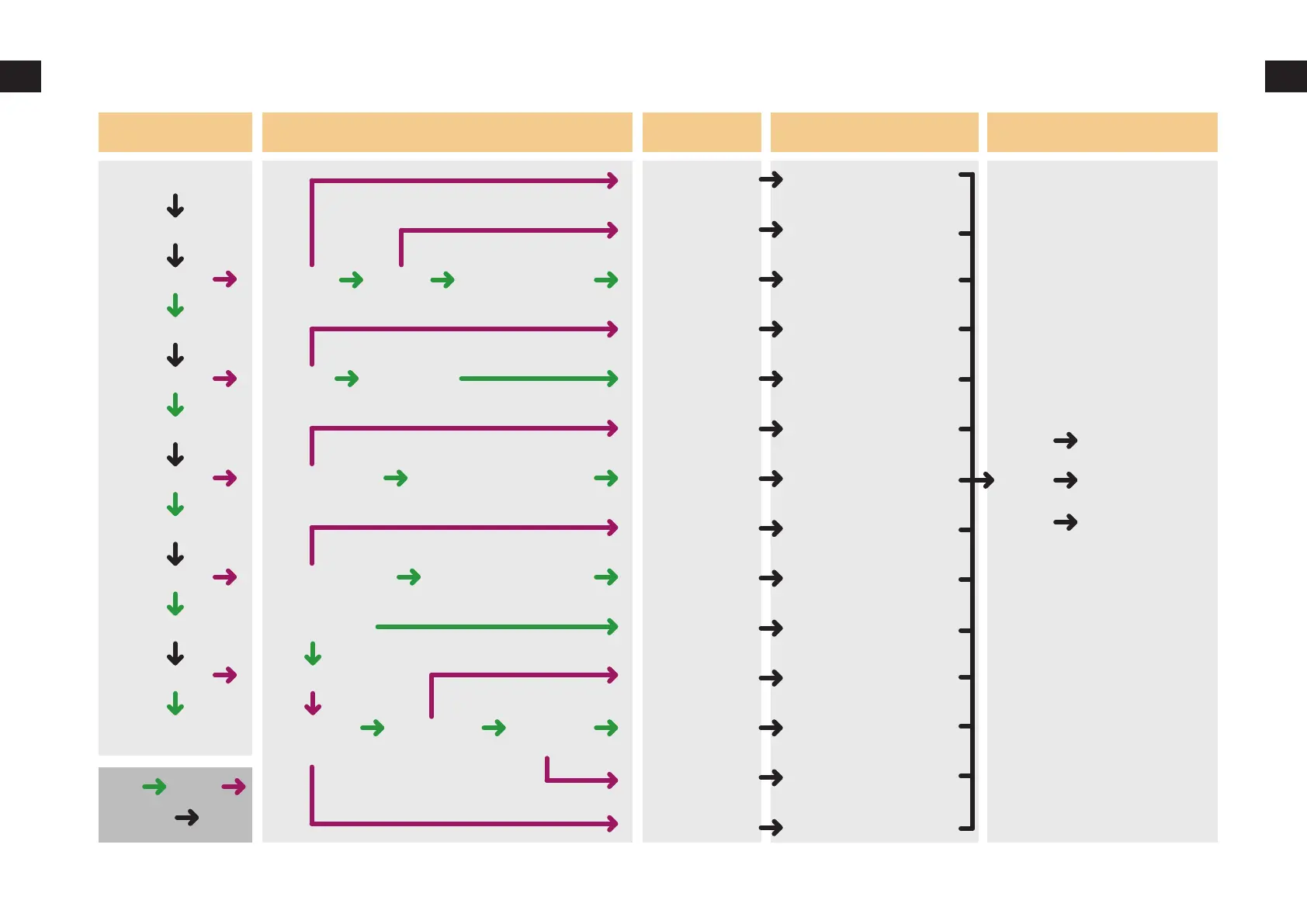
Troubleshooting
Troubleshooting
Start SD Card
1. Clean the SD Card
2. Format SD Card
3. Change SD Card
Change file name
into English/numbers
Move the model
and slicing again
Relink the wires
Relink the wires
Relink the wires
Relink the wires
Relink the wires
Relink the wires
Slicing the file again
Print from SD
1.Clean the filament
2.Change a filament
Relink the wires
Work Process Troubleshooting Cause Treatment Feedback
Print from SD
Y/N
File read
Moving
Bed is heated
Nozzle is heated
Wrong result
Filament out
E stepper
is working
Extruder
is working
Filament
is ok
Temperature is read
Temperature is read
Out of limit
Garbled Other file print ok
Y/N
Y/N
Y/N
Y/N
Done
YES
Process
Heating bed
Nozzle heating
Filament Feeding
Auto home
File name
Slicing
End stops
Thermistor
Thermistor
Couper
Other
Heat bed
Heating tube
Slicing/Belt
Filament
E stepper
axis motor
NO
Result
Troubleshooting
Component
damaged
Unknow reason

Related product manuals