•:Enablesordisablesthebuilt-inwirelessnetworkingfeatures.Formoreinformationonthewireless
features,referto“Wirelessconnections”onpage36.
•
:
ForWindows7:OpensControlPanel.
ForWindows8.1:OpenstheSettingscharm.
•:
ForWindows7:OpensWindowsSearch.
ForWindows8.1:OpenstheSearchcharm.
•
:Viewstheprogramsthatyouhaveopened.
•:
ForWindows7:OpensComputer.
ForWindows8.1:Viewsalltheprograms.
•Fn+B:HasthesamefunctionastheBreakkey.
•Fn+P:HasthesamefunctionasthePausekey.
•Fn+S:HasthesamefunctionastheSysRqkey.
•Fn+K:HasthesamefunctionastheScrLKkey.
ThinkPadpointingdevice
TheThinkPadpointingdeviceenablesyoutoperformallthefunctionsofatraditionalmouse,suchas
movingthepointer,left-clicking,right-clicking,andscrolling.WiththeThinkPadpointingdevice,youalso
canperformavarietyoftouchgestures,suchasrotatingandzoominginorout.
UsingthethinkPadpointingdevice
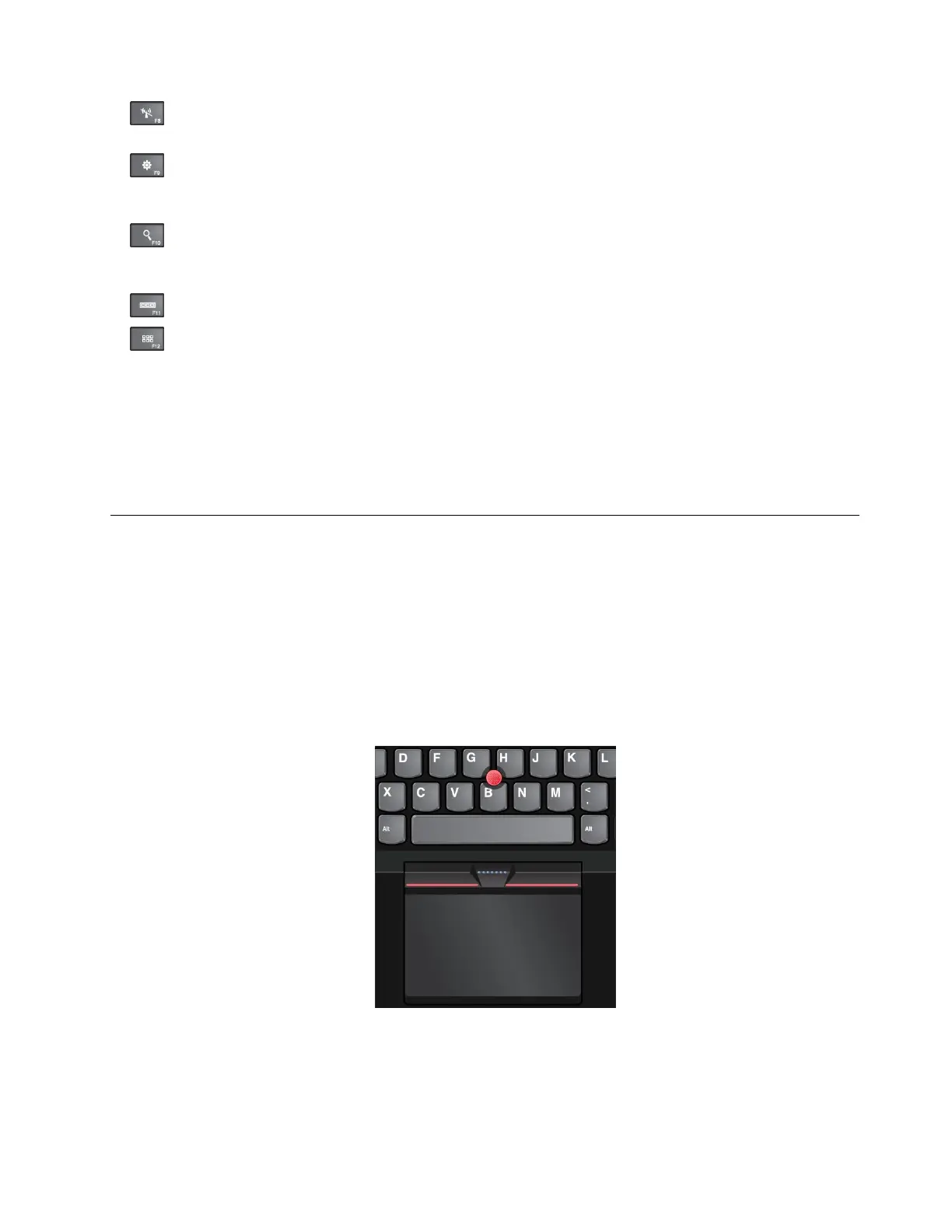
Dependingonthemodel,thepointingdeviceonyourcomputermightlooklikeeitherofthefollowing
illustrations.Clickthecorrespondinglinktolearnmoreabouthowtousethepointingdevice.
•“ThinkPadpointingdevicewithTrackPointbuttons”onpage24
Chapter2.Usingyourcomputer23



 To Next Page