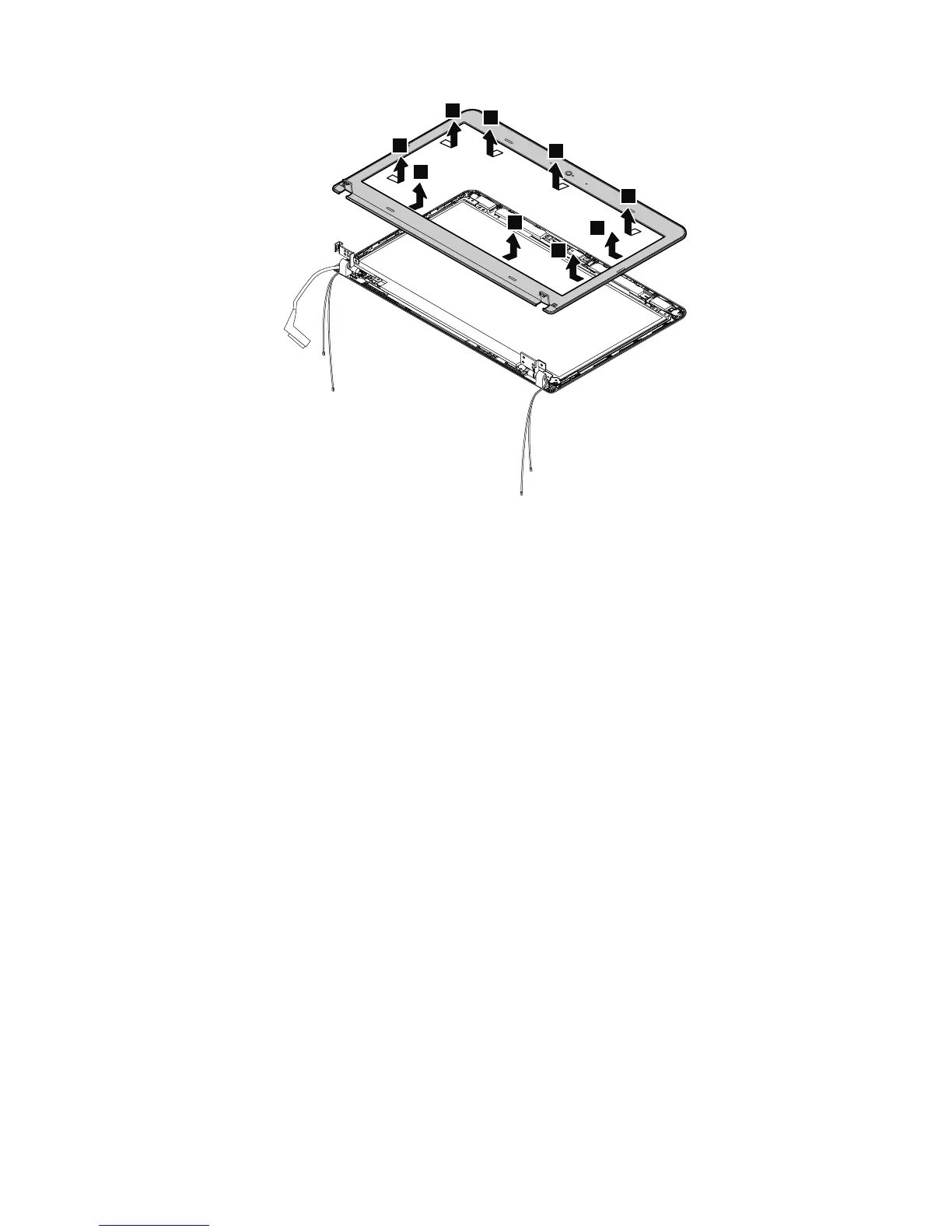
Wheninstalling:Ensurethatallthelatchesareattachedrmly.Thensecurethebezelwiththescrews.
2020LCDpanel
Foraccess,removetheseFRUsinorder:
•“1010Lenovo-OneLink-connectorcover”onpage65
•“1020Batterypack”onpage65
•“1030Largebottomcover”onpage66
•“1040Smallbottomcover”onpage67
•“1050Opticaldriveoroptical-drivebaybezel”onpage68
•“1070Harddiskdriveorsolid-statedrive”onpage70
•“1080WirelessWANcardorM.2solid-statedrive”onpage72
•“1090WirelessLANcard”onpage75
•“1100Coin-cellbattery”onpage76
•“1120Keyboard”onpage79
•“1130Keyboardbezelassembly”onpage85
•“1150Systemboard”onpage88
•“1180DC-inbracket”onpage95
•“1190DC-in/Ethernetcard”onpage96
•“1220LCDunit”onpage100
•“2010LCDbezel”onpage106
Chapter9.RemovingorreplacingaFRU107



 To Next Page