9
2. Quick start
2.1 Button function
Descriptions for button function:
Power key
l Press this key for a long time to start up the Tablet
l During normal operation, press this key for a long time to pop
up the shutdown option
l During normal operation, press this key to turn off the screen
l During normal operation or when breakdown appears, press
the power key for 7 seconds to make your device enter into
shutdown state
Volume + l Press this key to increase the volume
Volume - l Press this key to decrease the volume
Reset l Press this key when the Tablet is freezed or need to be restart
2.2 Starting up and turning off
Starting up
Press the power key for at least 3 seconds, and you can see the Android start up
picture. After the system has booted up, the machine enters into screen lock state,
please unlock by swiping the lock key to the left or right.
Turning off
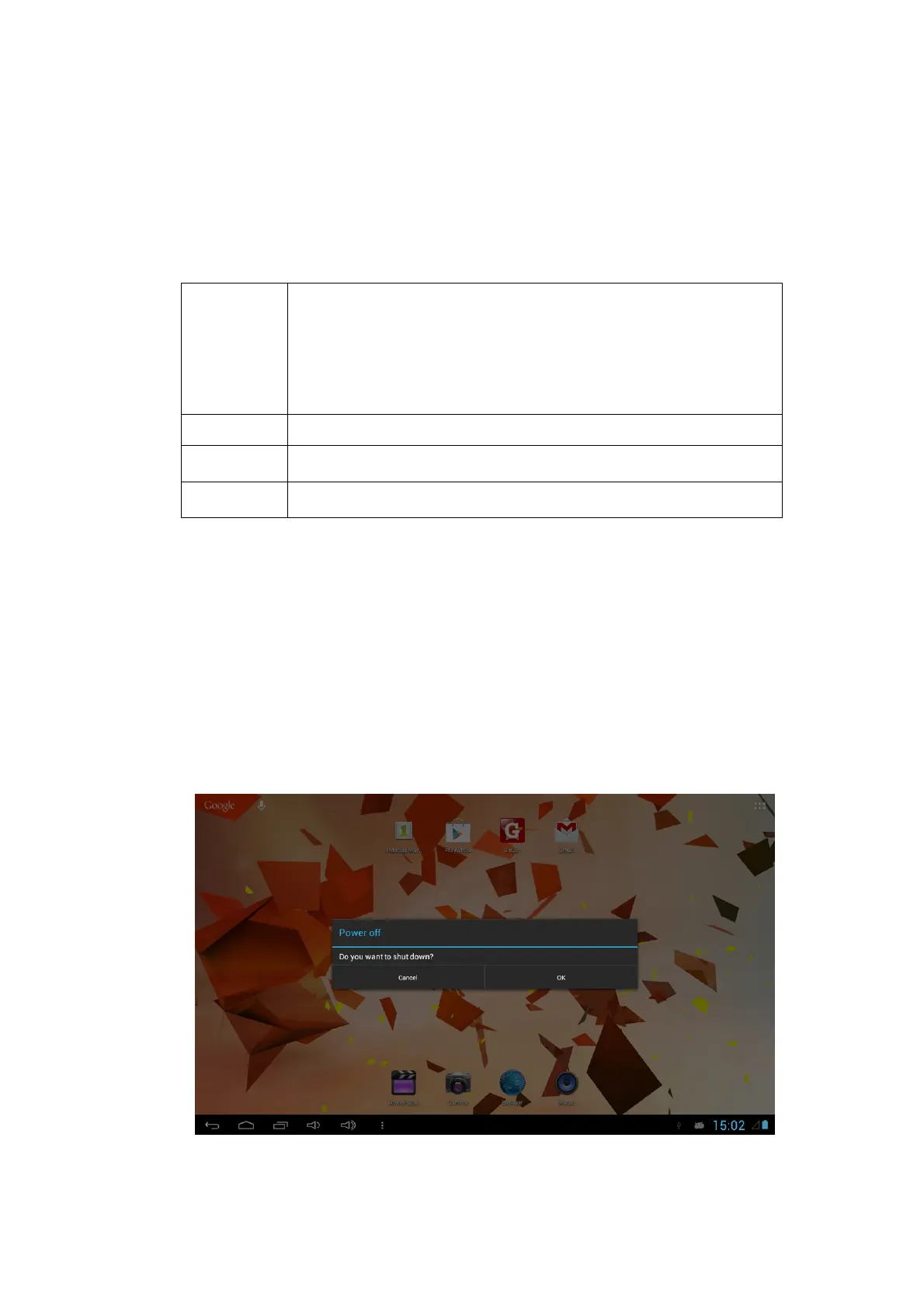
1. Press the power key for 2 seconds, the shutdown option will pop up.
2. Click OK.



 To Next Page