29
3. Click and select the video recording button, end the video recording, and observe
the previewed video which located at the right top corner.
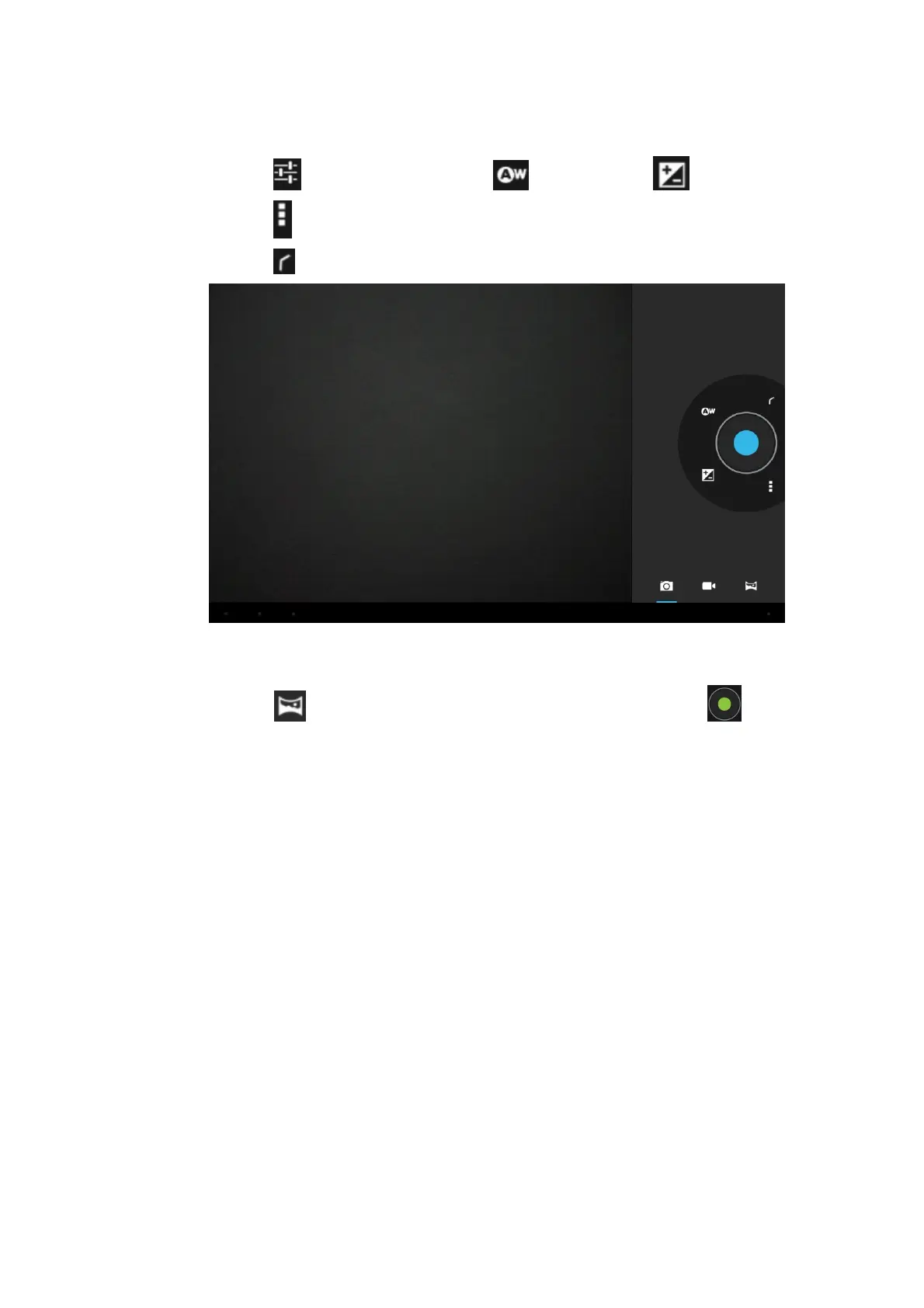
4. Click the to set the White Balance and Exposure .
5. Click the to set the wether to Store Location information onto the file.
6. Click the to go back to Photo / Video taking mode.
Panorama function:
1. Click the to go the Panorama function. Press the Green button once
and keep moving slowly ( either from left hand side to right hand side or start from
right hand side to left hand side ) to take panorama.
5.4 HDMI Connection ( HDMI cable is not supplied )
HDMI High-definition video interface
The Tablet and the high-definition television can be connected by a Mini HDMI to
HDMI cable.
1. Tablet is in the boot status.
2. The Tablet and television are connected by HDMI cable.
3. The system interface on Tablet is automatically synchronized with the TV screen.
4. After connected HDMI cable, a HDMI icon will be appeared on the bottom right
side, enter into HDMI setting → Display →resolution adjustment.
5. In the system setting, set the HDMI in desired Auto switch on or off



 To Next Page