20
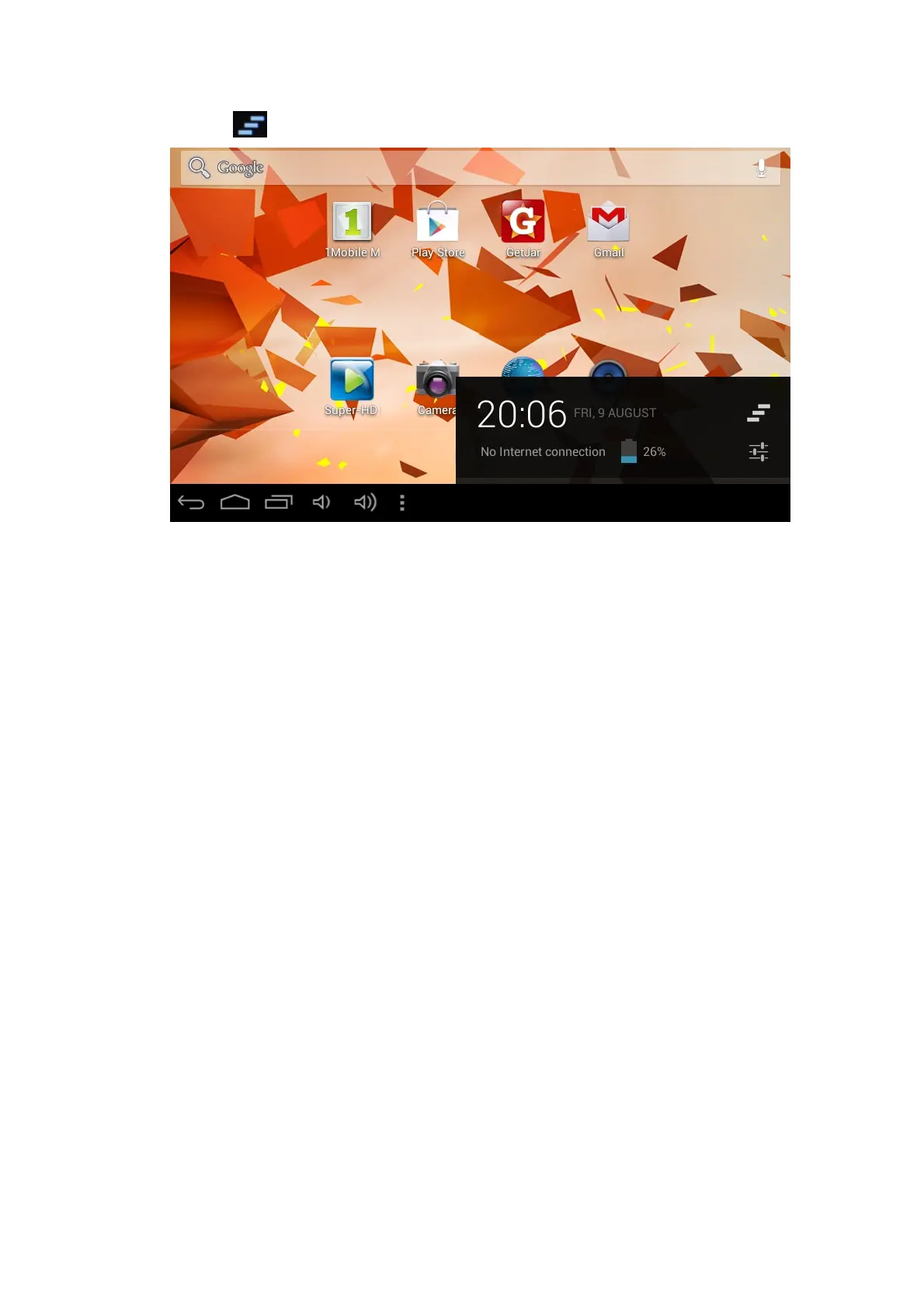
Tap the icon to switch off the pop up window or tap the screen to exit.
3. Connection Establishment
3.1 Wi-Fi Connection
Your Tablet can be connected onto a Wi-Fi network to connect to the internet:
1. On the homepage interface, click and select the meun key and pop up the menu
setting;
2. Click and select the System Settings;
3. Click Wi-Fi and turn on Wi-Fi switch;
4. After openingWi-Fi, the available Wi-Fi networks can be scanned automatically
from the window on the right.
5. Select the Wi-Fi network required to be connected, if the password is added, pop
up the password input window and input the corresponding password.
6. Click the Connection



 To Next Page