19
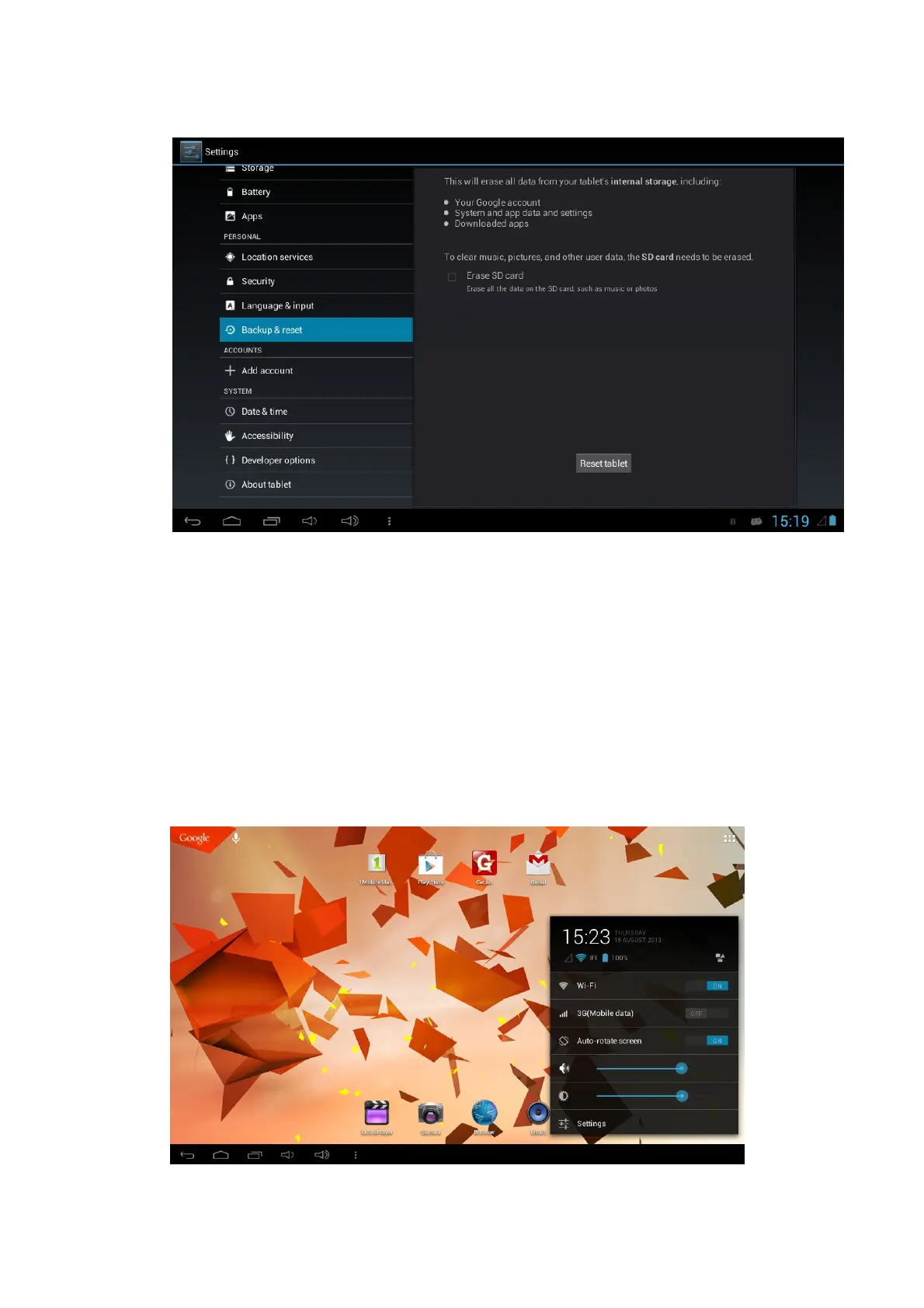
Please backup your files before operating this function.
Alternatively you can press the reset button on the side of your tablet, please refer to
Side View Diagram on page 6.
Rapid Screenshot
When you are located on such any interface such as Games or Movies and want to
save the picture in memory, the desired pictures can be saved only by pressing the
Volume Down key and Power key simultaneously. The saved image can be found in
the local Disk / Picutres.
Quick Menu
Click the status bar on the lower right corner of the screen.
A quick menu will appear with basic settings such as WIFI / VOLUME / BRIGHTNESS



 To Next Page