35
3. Pop up the search panel and enter the keywords you need to find.
4. Click OK and the search progress bar will appear in the notification bar.
5. When the search is completed, pop up the dialog box to confirm whether to show
the results.
6. Click OK to show the search results.
8. Basic Settings
8.1 Sound and Display
Volume setting
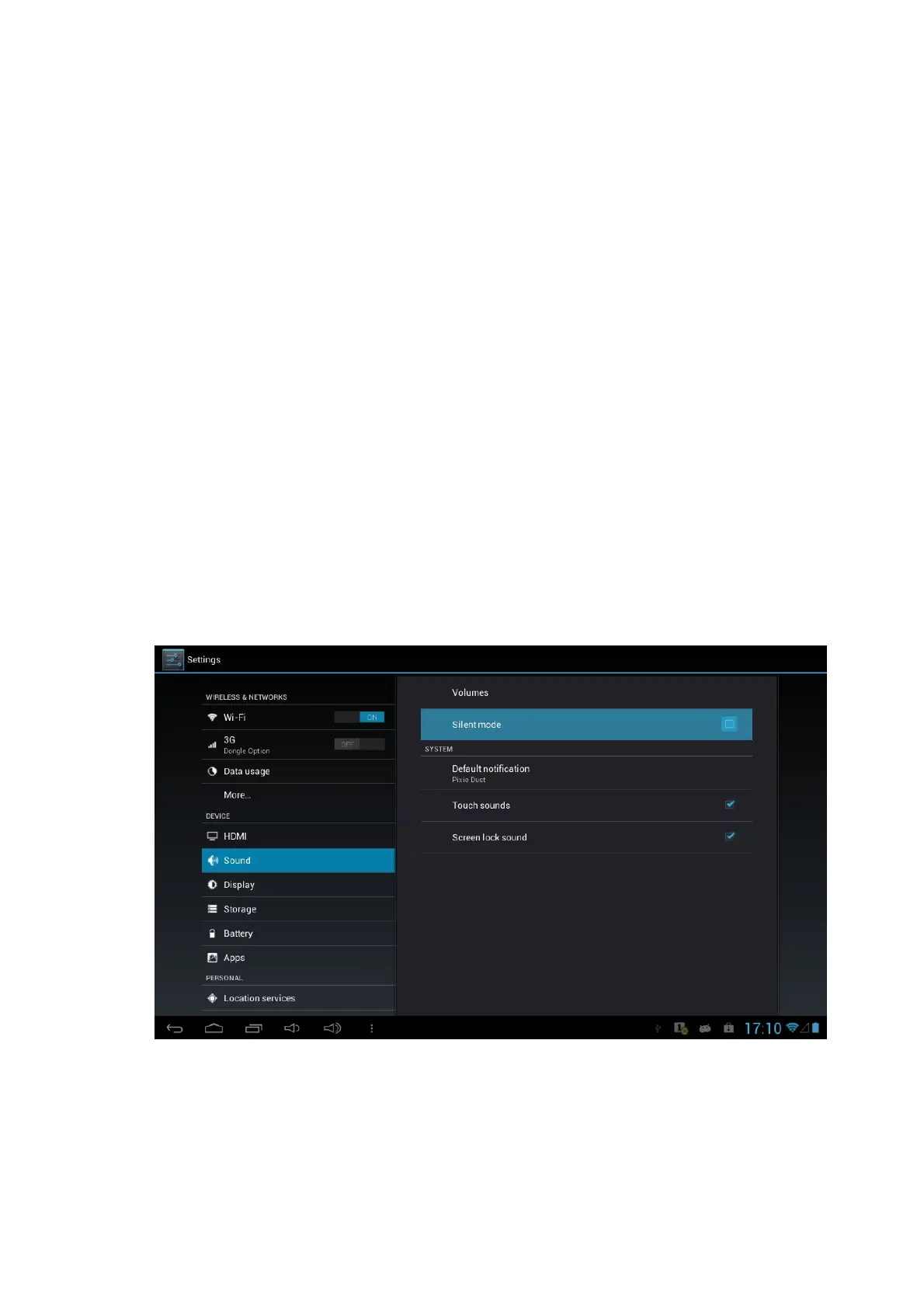
1. Click the application icon to enter the settings application on the Homepage.
2. Click Sound.
3. Click Volume to control the volume of the music, video, games & media, alarm
clock and notification.
4. Pop up volume setup panel, and control it by dragging the progress bar to left or
to right.
5. Click and select Silient Mode, in order to mute the sound for Music, video,
games & other media, notifications.
Screen key tone and screen lock alert tone
You can set the Tablet to emit sound when you use the soft keyboard or touch screen
as well as lock the screen.
1. Click the application icon to enter the settings application on the Homepage.



 To Next Page