36
2. Click Sound.
3. Click the Screen key tone and screen lock alert tone.
Display settings
l Adjust screen brightness
1. Click the application icon to enter the settings application on the Homepage.
2. Click Display.
3. Click Brightness.
4. Pop up the brightness setup panel, and drag the brightness bar to left or to right
to adjust the brightness.
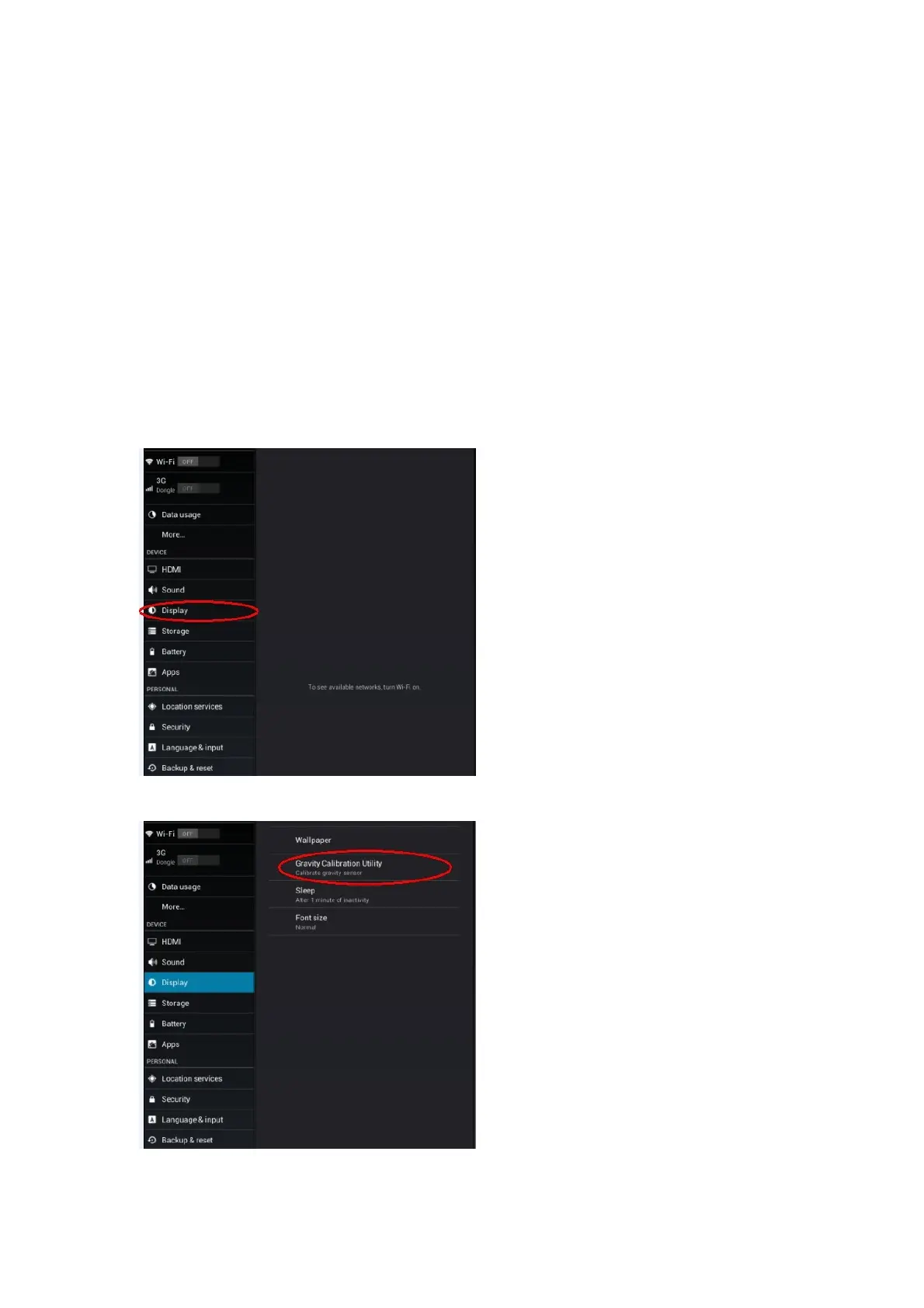
l About how to calibrate the touch screen:
1. Touch the “Settings” on the menu.
2. Touch the “Display” in the setting
3. Touch “Gravity Calibration Utility” to test.



 To Next Page