17
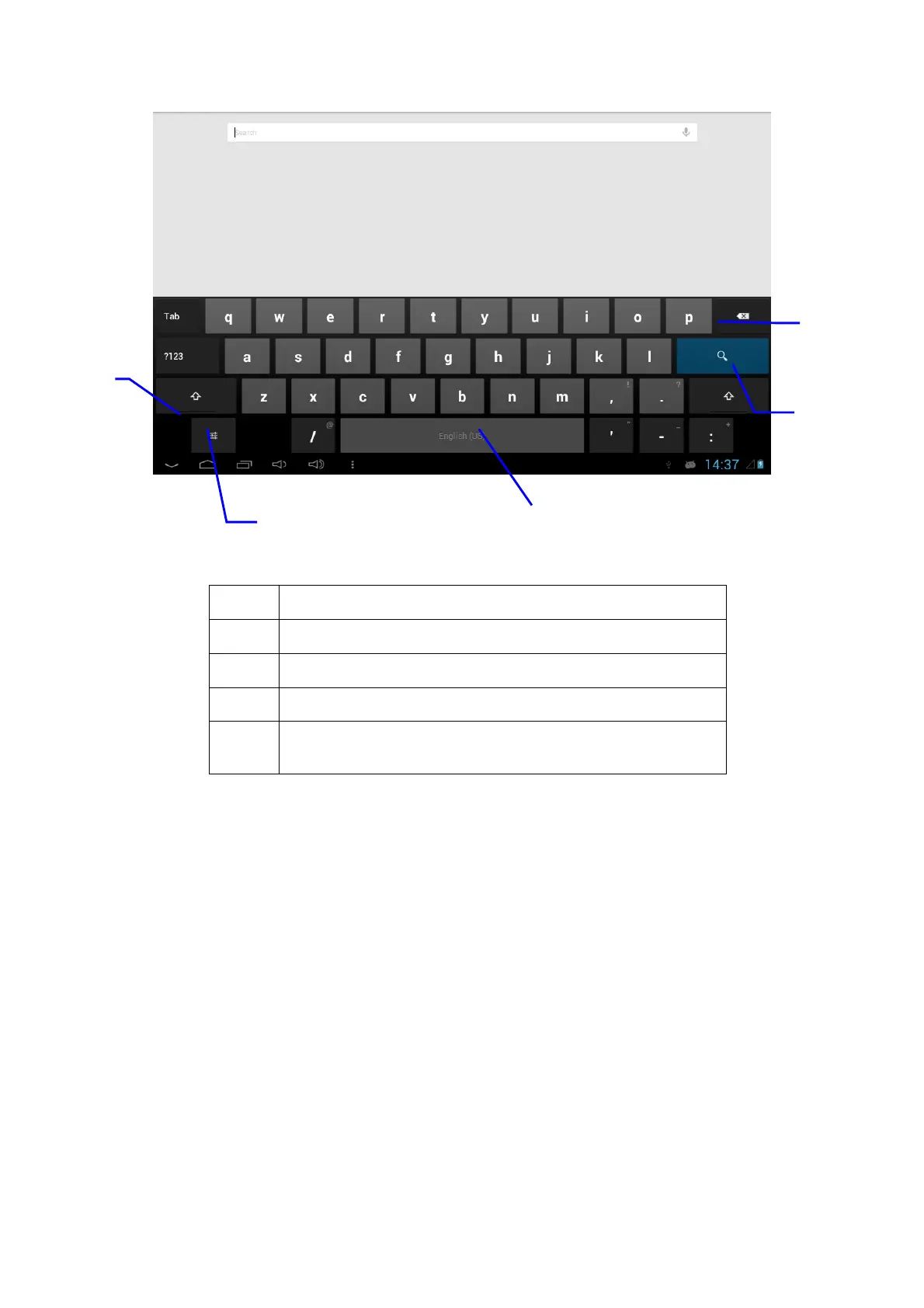
1
Switch input capital and small letters
2
Switch to input option
3
Click to insert space
4
Click to execute carriage return
5 Click and press on to delete characters on the left of the
cursor
2.9 Application Technique
Open the application procedure recently in use.
Click the third button under the lower left side of the screen at any time to pop up the
procedure windows on the screen, the application procedures that were used recently
will appear on the screen.
3
5
4
2



 To Next Page