47
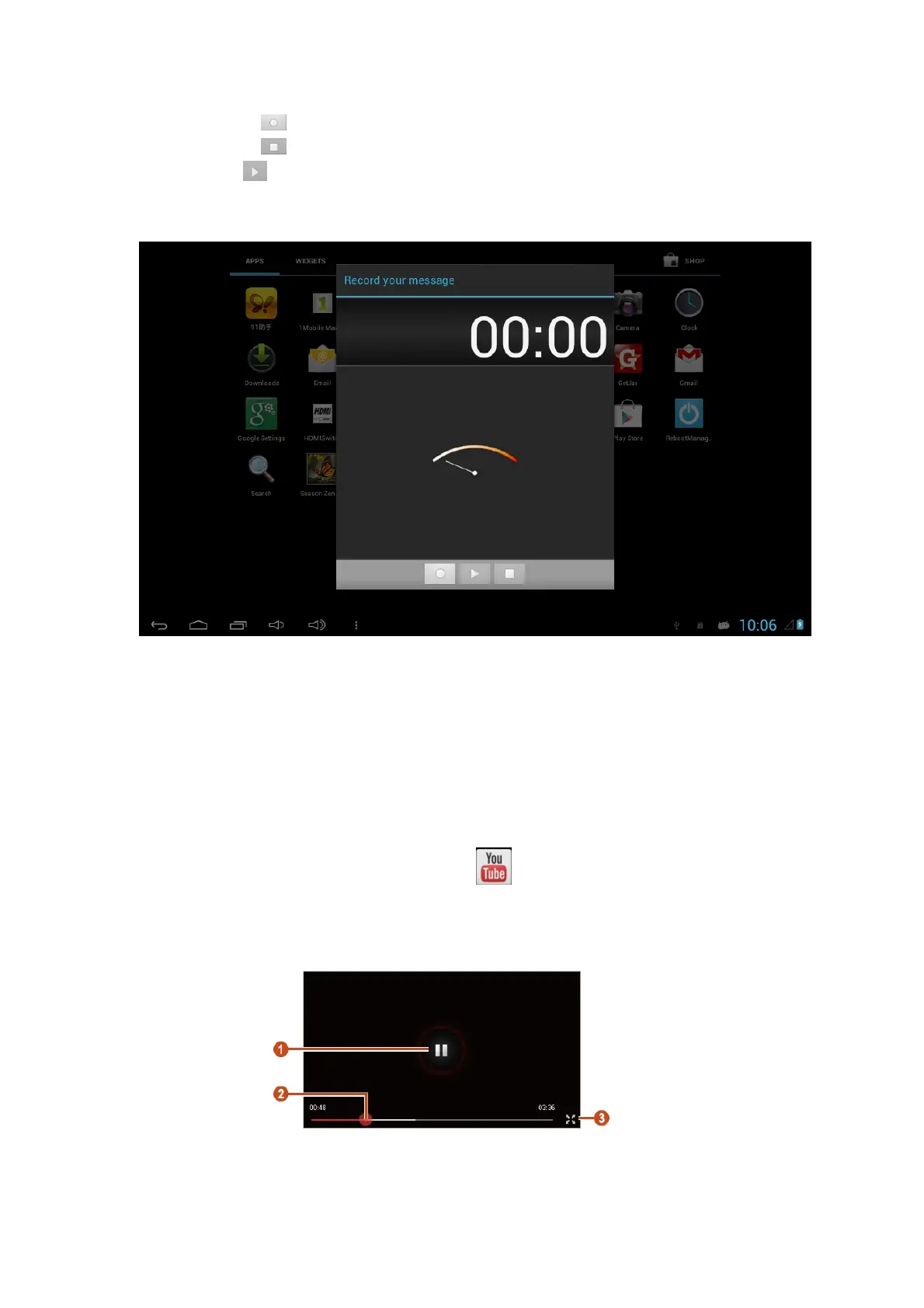
2. Click the to start recording.
3. Click the to stop recording.
4. Select to listen to the recording message.
5. Click Done to save the recording message in the File Manager, click Discard.to
discard the recording message and exit the recording mode automatically.
10.9 YouTube
Learn to view and upload videos via the YouTube™ video sharing service.
This feature may be unavailable depending on your region or service provider.
Play a video
1. In the application list, select YouTube.
2. Select a video.
3. Control playback with the following keys:



 To Next Page