30
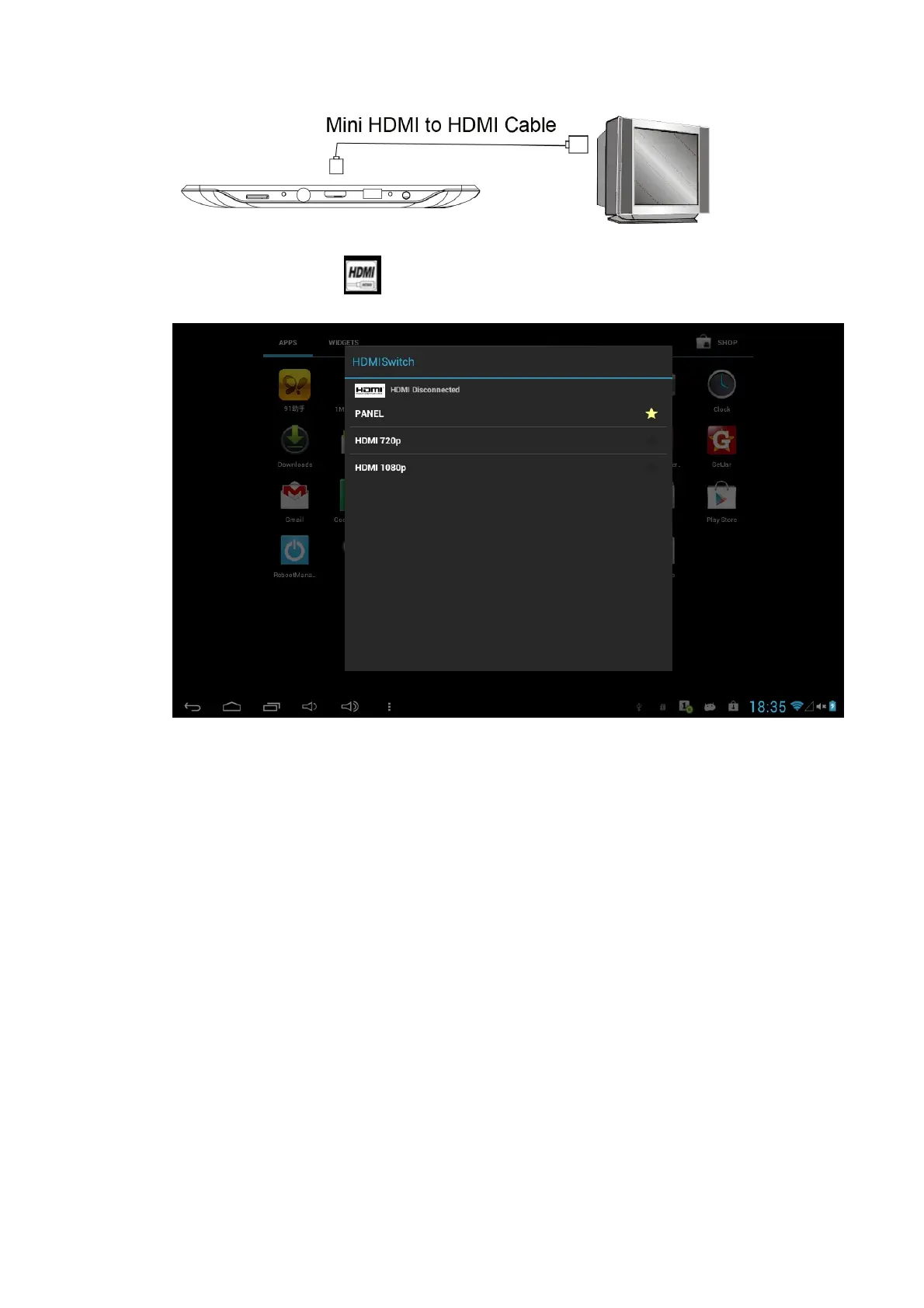
You can also click the from Apps to set the HDMI switch when connected to
TV.
6. Internet
Note: Before using the internet, you must first establish a stable WIFI connection.
Please refer to section 3.1
6.1 Browser
Enter Homepage
The browser always opens the last web page that the user has visited, and the home
page will appear after clicking the browser.
Change your Home Page
1. Click Browser.
2. Press the Main menu button to pop up browser setting menu.



 To Next Page