2
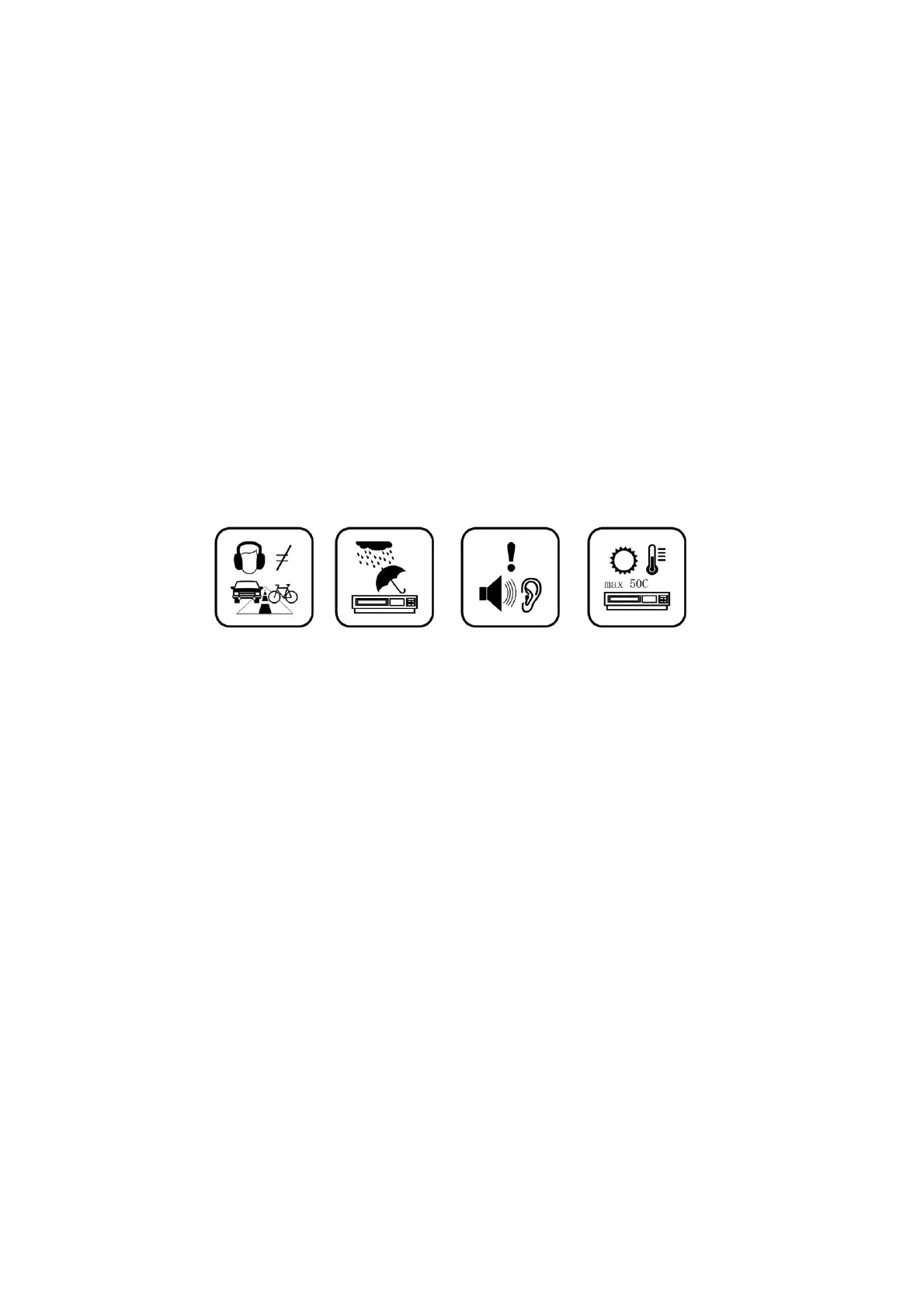
- Do not allow your device to be submerged in water. Do not expose headphone socket
or the device to water, as water entering the set may cause major damage.
- Active mobile phones in the vicinity may cause interference.
- We will not be responsible for any memory loss caused by product damage, repairs or
other reasons. Please operate the unit correctly as stated in this manual.
- Disconnect the appliance from the power source when cleaning.
- In order to prevent program failure, never disconnect the device suddenly from a PC
during file transfers.
- Use a slightly dampened lint-free cloth to clean this appliance. Do not dismantle the
device or use alcohol, thinners or benzene to clean the surface of the device.
- The supplier or retailer accepts no liability for lost, corrupted or damaged data. It
remains the responsibility of the user to ensure that they perform consistent data
backups during the use of this product.
- This product is not intended for commercial use. It is for household use only.
Attention:
- We have done our best to produce a complete and accurate manual. However, we
cannot ensure that there are no errors or omissions during the printing process.
- We cannot take responsibility for any damages caused by unauthorised attempts to
upgrade software or for any data corruption while the product is being repaired.
- The stated memory capacity includes operating system software.
Important Notice
- If the device is non-responsive or an application is frozen hold the power button for
7 seconds to perform a reset.
- When the performance of the device is slow after using some applications, it is
recommended to close running applications via the Settings menu.



 To Next Page