14
2.6 USB connection
Storage setting of the Tablet
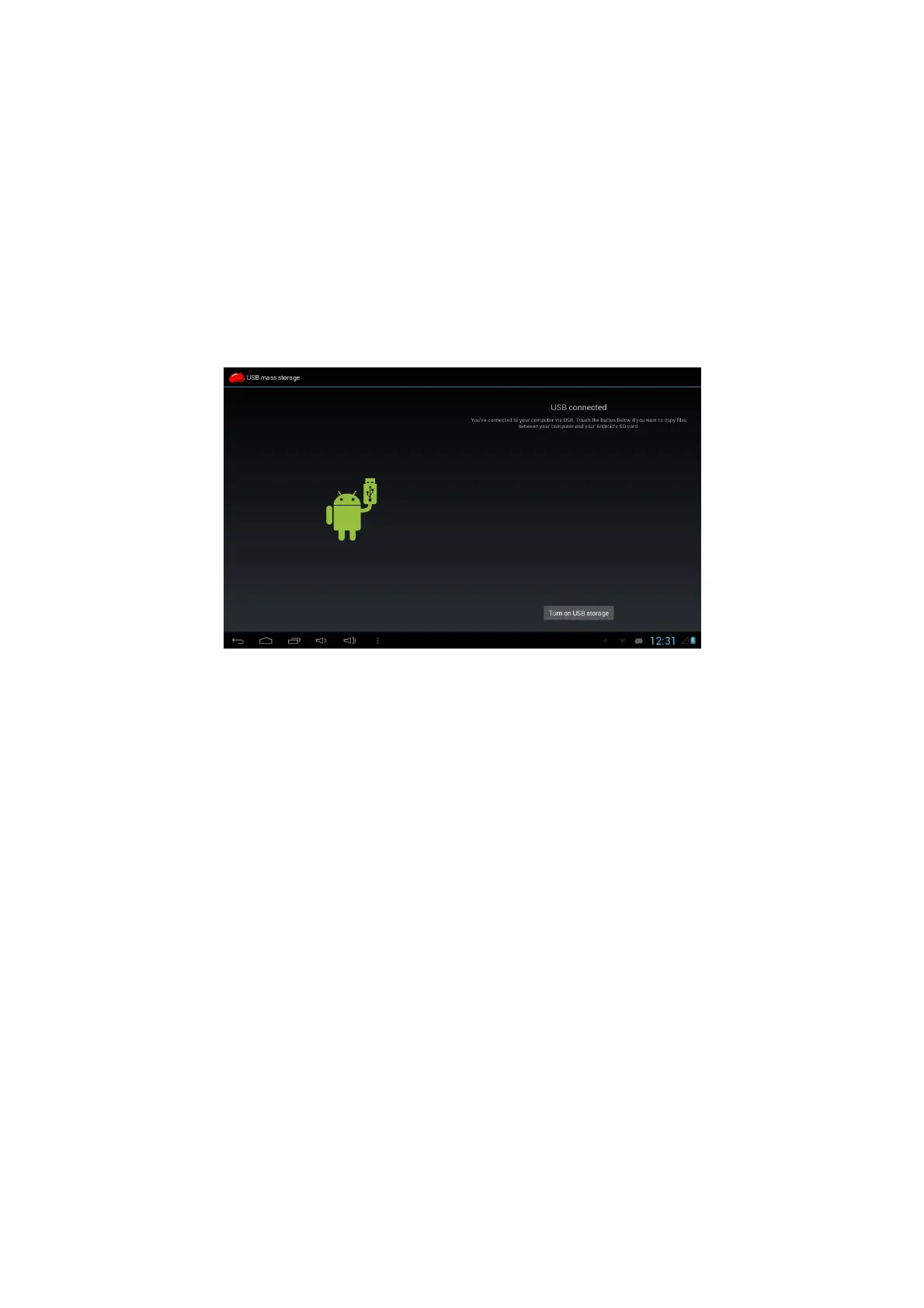
Before transferring documents, you must set the storage mode on your Tablet firstly:
1. Connect the Tablet with a computer by using a USB lead. The Notice bar will
show the USB prompt.
2. A screen will pop up automatically. If it doesn’t click on the USB icon in the status
bar.
3. Click to choose “Turn on USB storage”
4. At this time, USB has been connected.
Copy the document to storage card
1. Connect Tablet and computer together with USB cable.
2. Open your computer, in my computer, examine content in “Tablet”.
3. Find the document you want to copy, copy it to “Tablet”.
4. After completion of copying, click “safely remove hardware” in the taskbar of your
computer to unload.
Content of Tablet storage device
1. NAND FLASH storage device, is the area for the Tablet to store documents itself.
2. External SD card is a removable memory card or SD card.
3. The two above-mentioned storage devices both can be viewed through
connection with your computer with USB.
Attention: When your Tablet is connected to a computer with a USB cable, you
cannot visit the memory card through the Tablet. If you want to visit
memory card in the Tablet, disconnect the USB cable.



 To Next Page