21
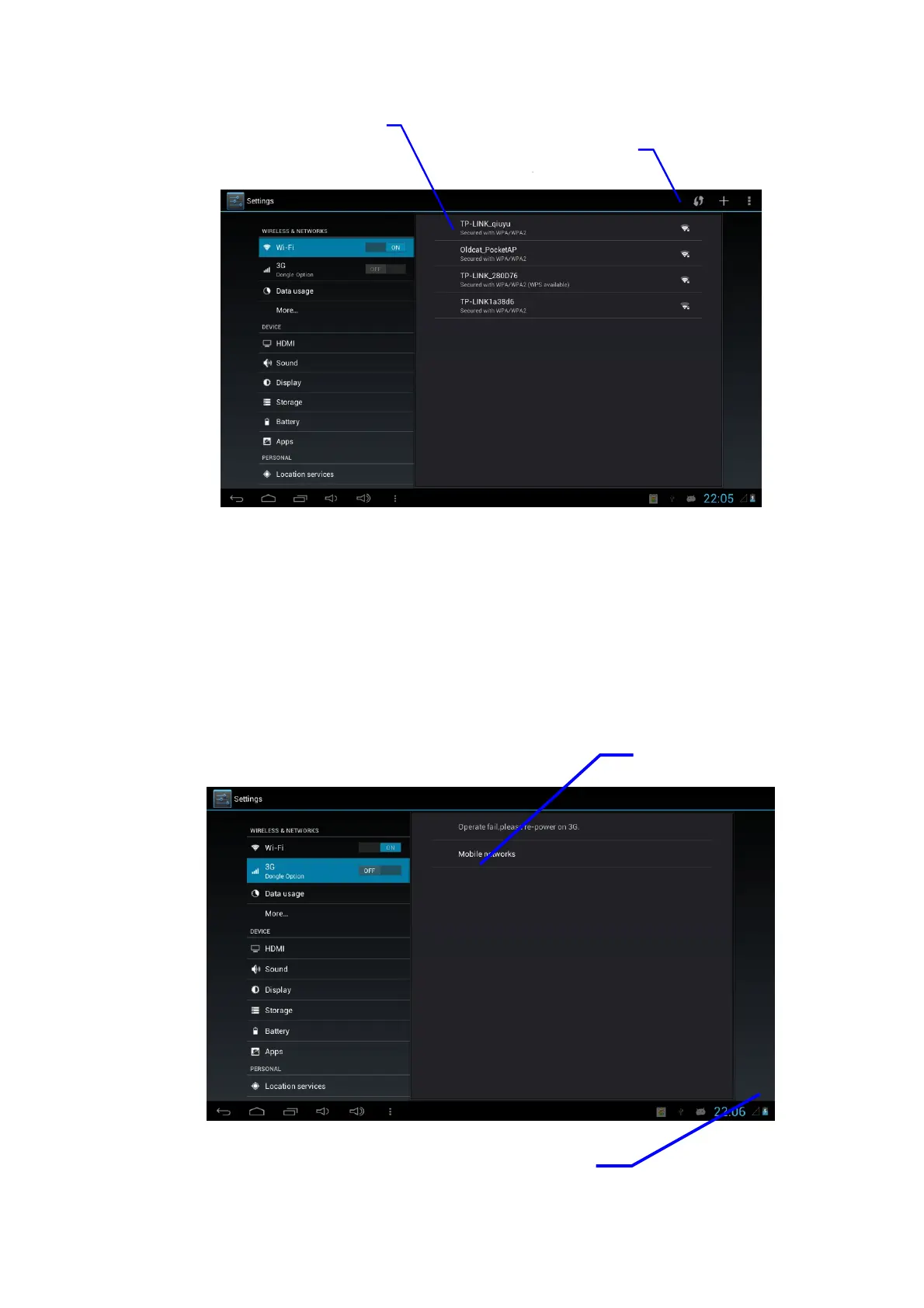
3.2 3G Dongle Connection
1. Under the shutdown status, insert corresponding 3G Dongle
2. Start the machine and enter into the main interface to click and select Menu Key;
3. Click and select Setting;
4. Click and select 3G dongle option, open 3G switch, within 45 seconds, observe
that the SIM signal icon on the notice board is on.
5. After waiting for 5 seconds, connect 3G network;
Icon of 3G network signal
Advanced Wi-Fi setting
Click here and select Wi-Fi
network



 To Next Page